Introduction
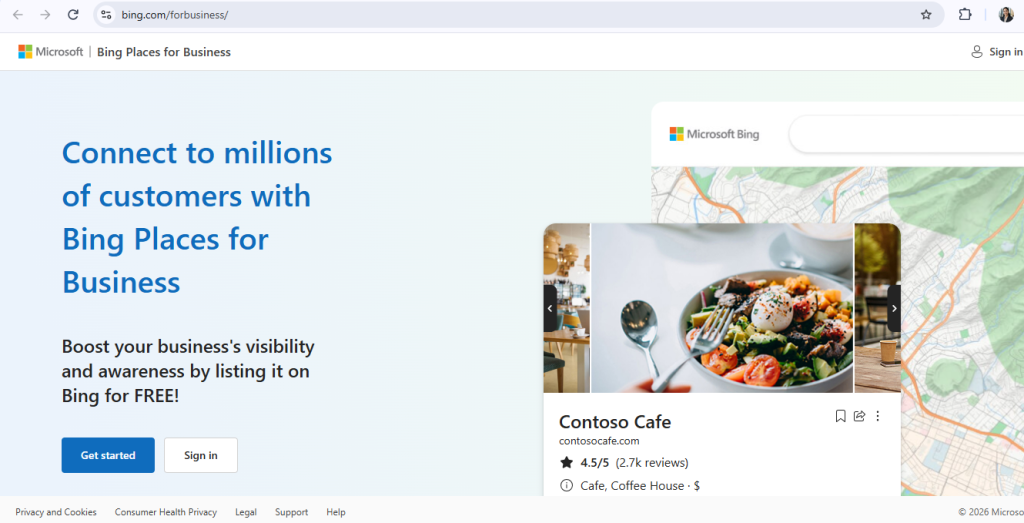
Bing Places for Business is a free business listing platform by Microsoft. It allows business owners to create an online profile for their business so that it appears on Bing Search, Bing Maps, and across Microsoft’s search ecosystem.
step b step guide to create a business listing
To list your buisness you have to follow this methods :
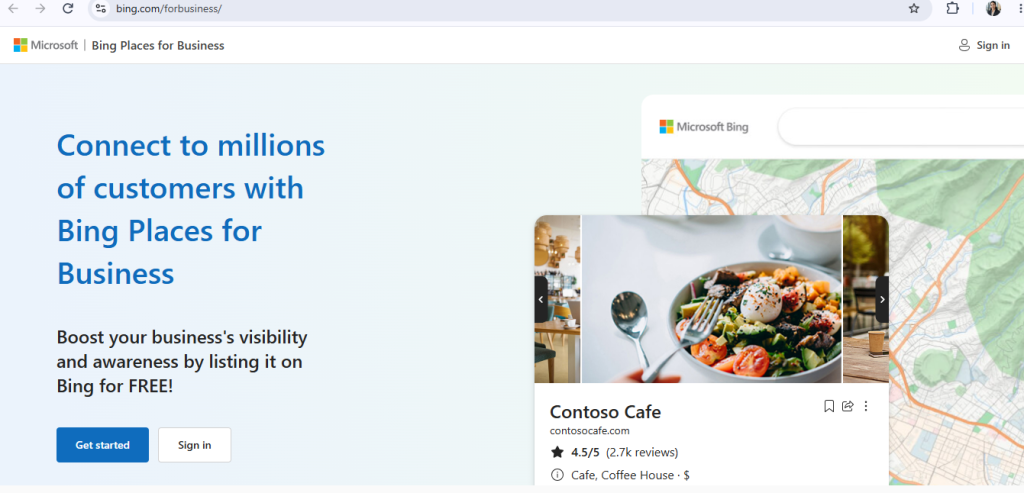
Step – 1 : Open the Bing Places website
- Login in to the page
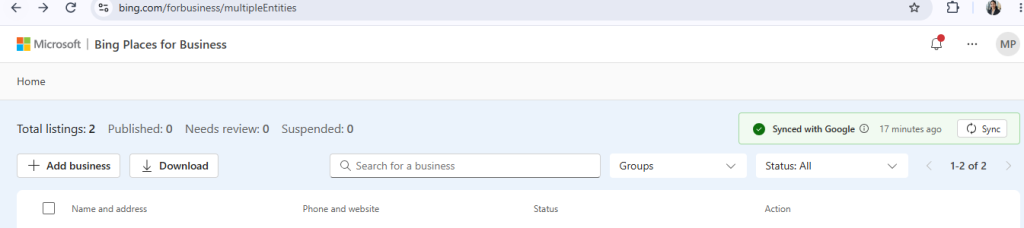
Step – 2 : click on add business button to list your buisness
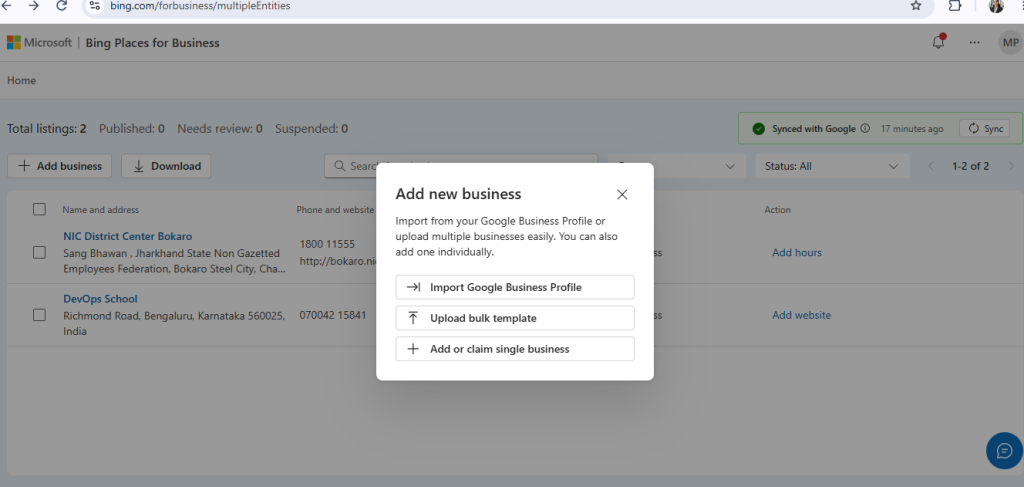
Step – 3 : choose the steps
- Import from Google Business Profile
- upload bulk
- add single business
to add single business choose the single business option
Step – 4 : Find your business in Bing Places for Business.
- Click the search box.
- Enter your:Business Name , City or Location
- Click Search.
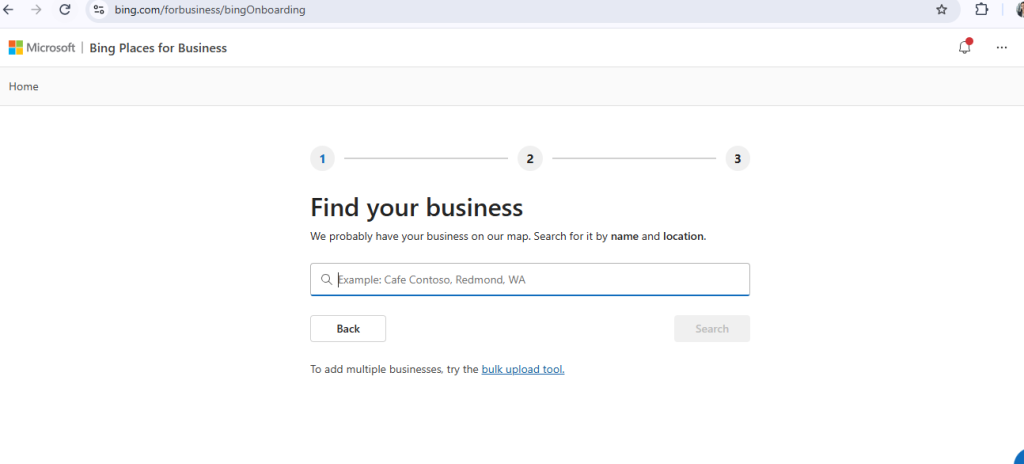
If Bing finds your business:
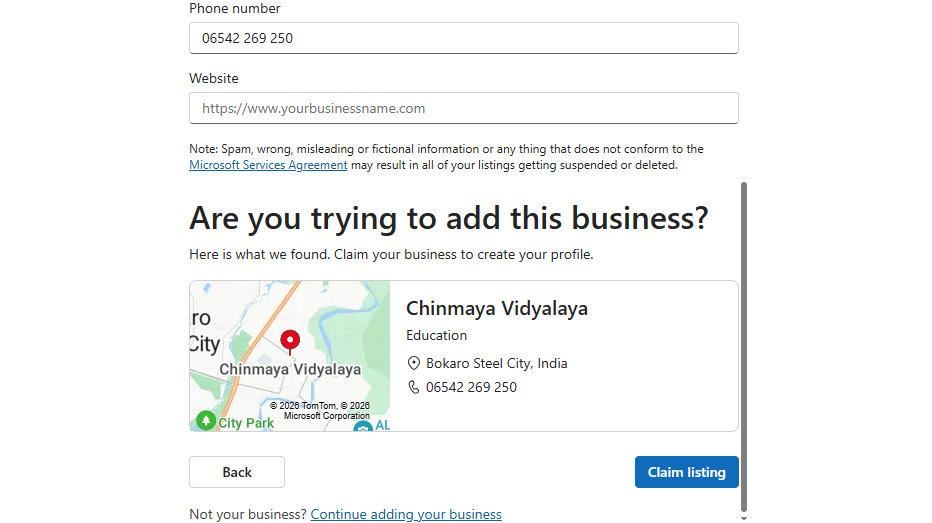
If your business is found, select it, claim ownership, verify your business, and update its details before publishing the listing.
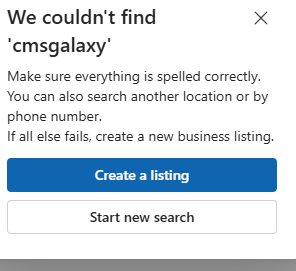
If Bing does NOT find your business:
Click to Create a listing
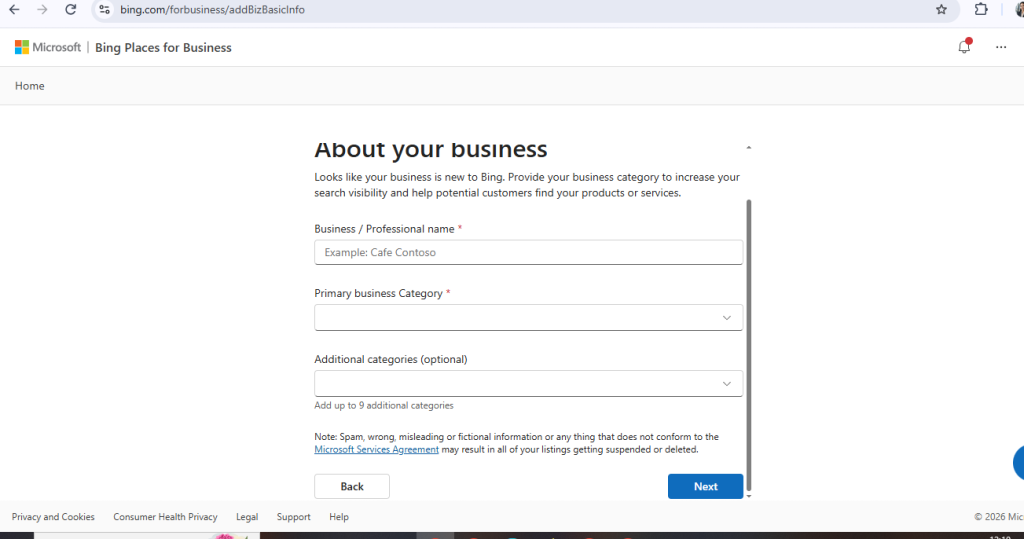
Step – 5 : fill all details about your business
Step – 6 : after fill details claim listing
Step – 7 : click on the verification button
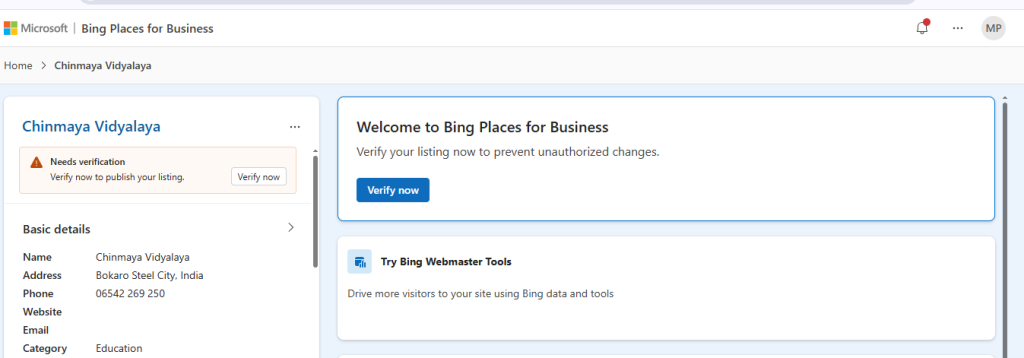
After successful verification, your business listing becomes active, and you can edit your business information, add photos, update your website, business hours, services, and other details. Once approved, your business can appear in Bing Search and Bing Maps.
