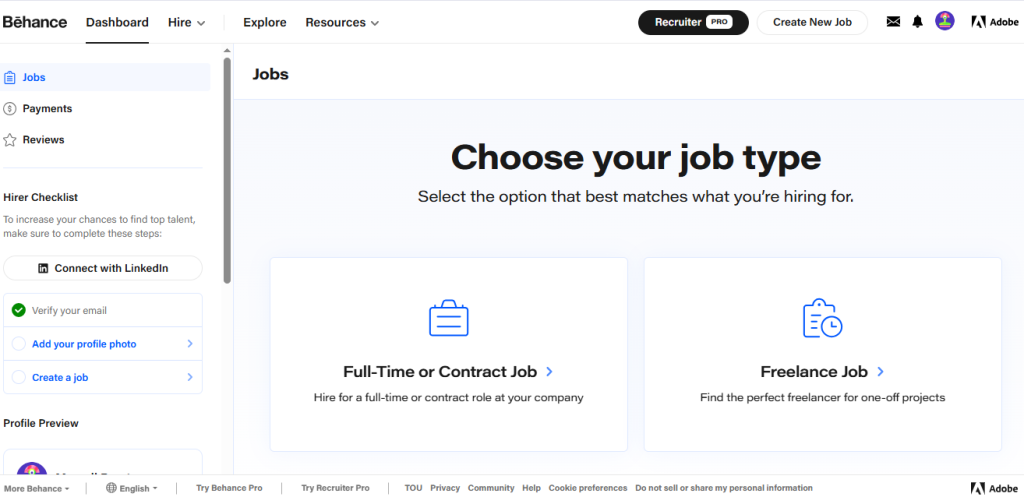
Introduction
Behance is an online platform where designers, artists, and creative professionals can show their work by uploading portfolios. It allows people to view their projects and helps them get hired for jobs or for freelance opportunities.
How to proivde job step by step guide
Step – 1 : open the dashboard
- click on right corner option to create a new job
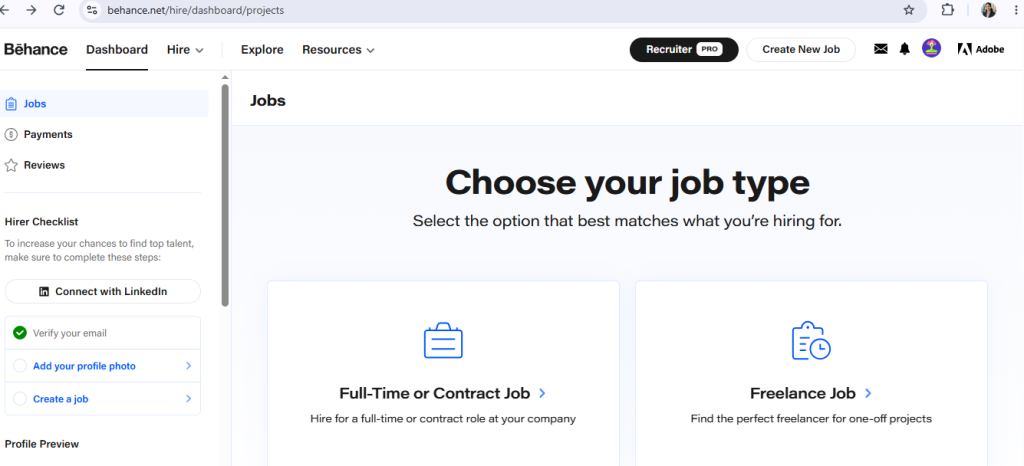
Step – 2 : choose your job type
- full time
- freelancer job
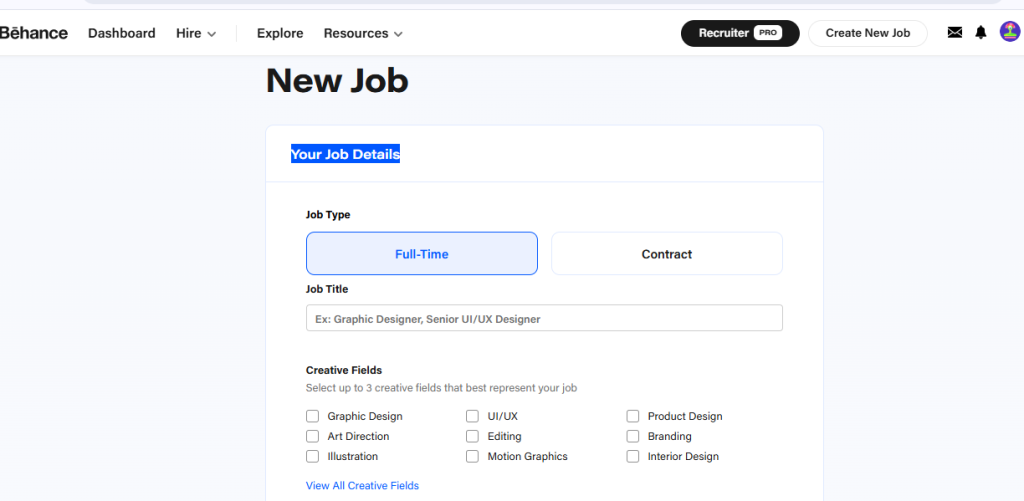
Step – 3 : Add your job details
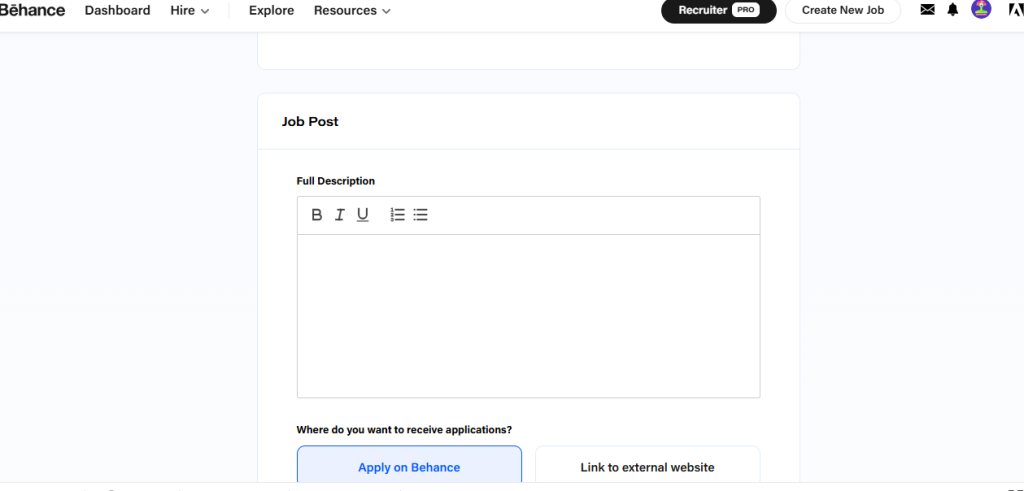
Step – 4 : write description about your job
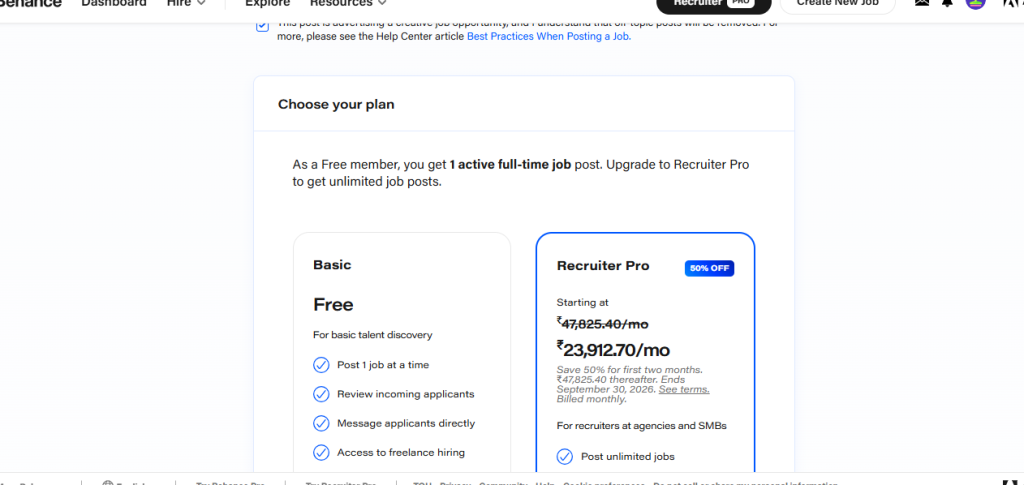
Step – 6 : Choose your plan
After filling in the job details, review the information and click Publish Job to submit your job listing. Once approved, it will be visible to candidates on Behance.
