Introduction
Behance is Adobe’s official creative portfolio platform where designers, illustrators, photographers, UI/UX designers, graphic artists, animators, architects, and creative professionals showcase their work. By publishing projects, you can build your portfolio, connect with clients, and receive feedback from the creative community.
This guide explains how to create your first project on Behance.
Step-by-step guide to create post on behance
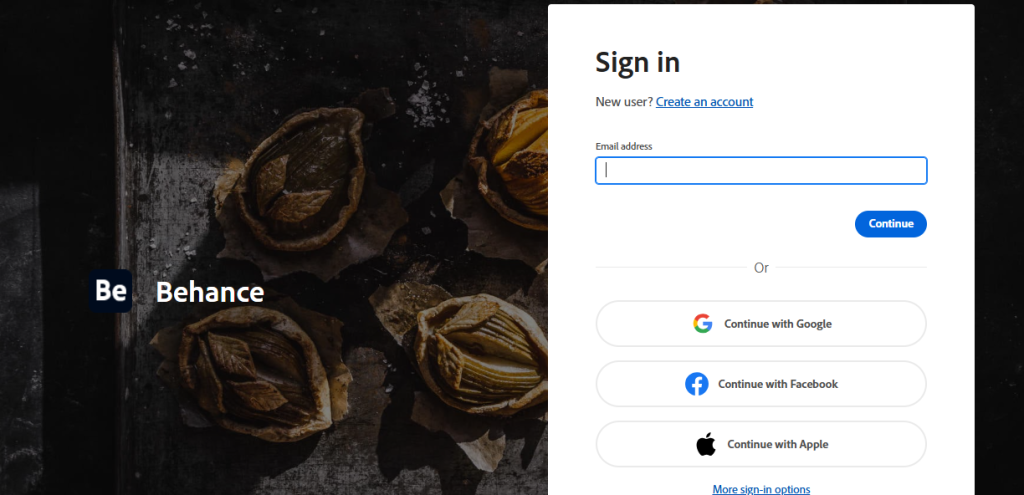
Step 1: Sign In to Behance
- Open your web browser.
- Visit Behance
- Click Sign In.
- Log in using your Adobe account.
After signing in, you’ll be redirected to your Behance dashboard.
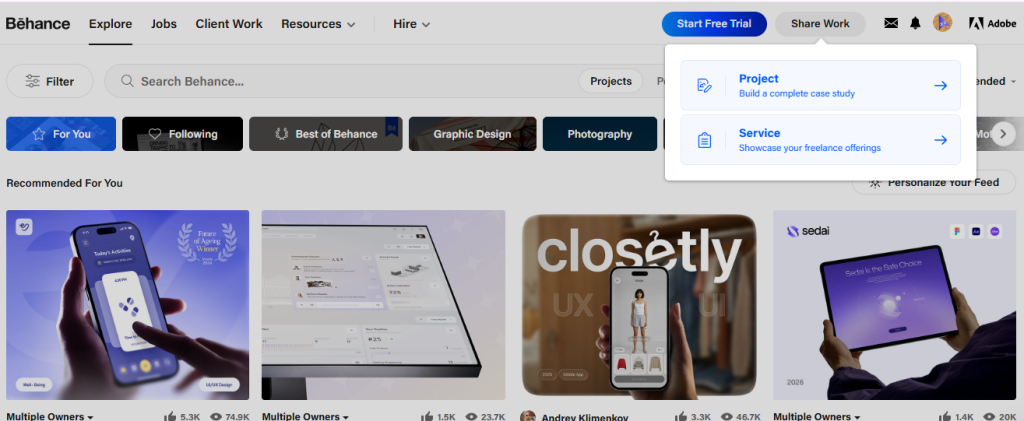
Step 2: Click “Share Work.”
- Click your profile icon in the top-right corner.
- Select Create a Project from the menu.
Alternatively, click the Create button and choose Project.
Step 3: Create Your Creative Work
Click Upload Files and select the files you want to showcase.
You can upload:
- Images
- Illustrations
- UI/UX designs
- Branding mockups
- Photography
- Animations
- Videos
- PDFs (where supported)
Arrange your media in the desired order.
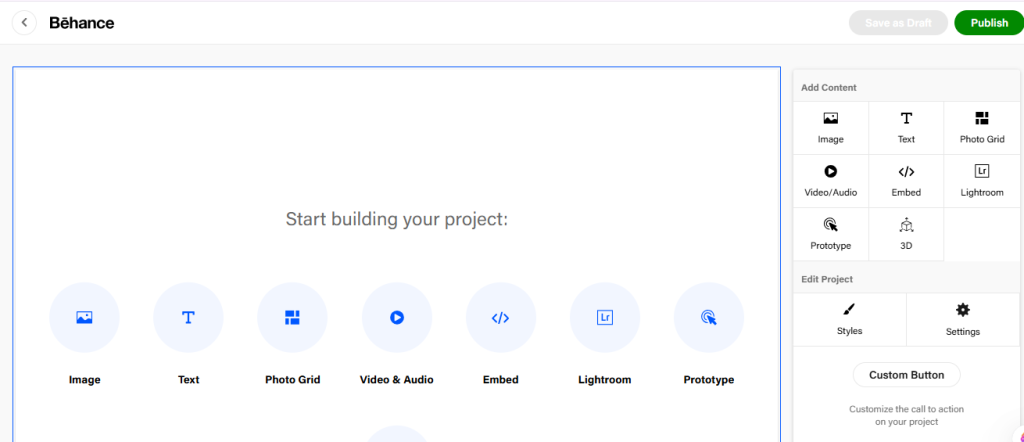
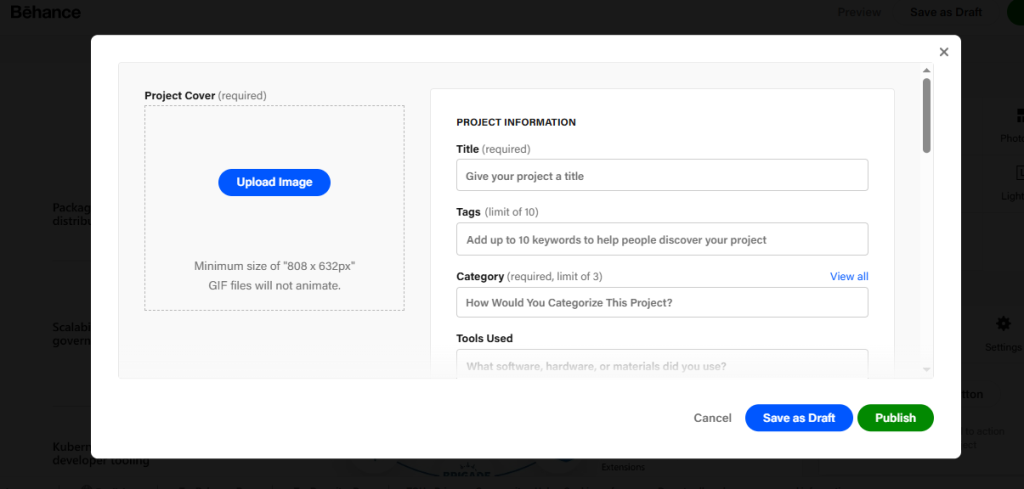
Step 4: Publish Your Project
Once you’re satisfied:
- Click Publish.
- Fill in all the details and click the publish button again, for visible to the audience.