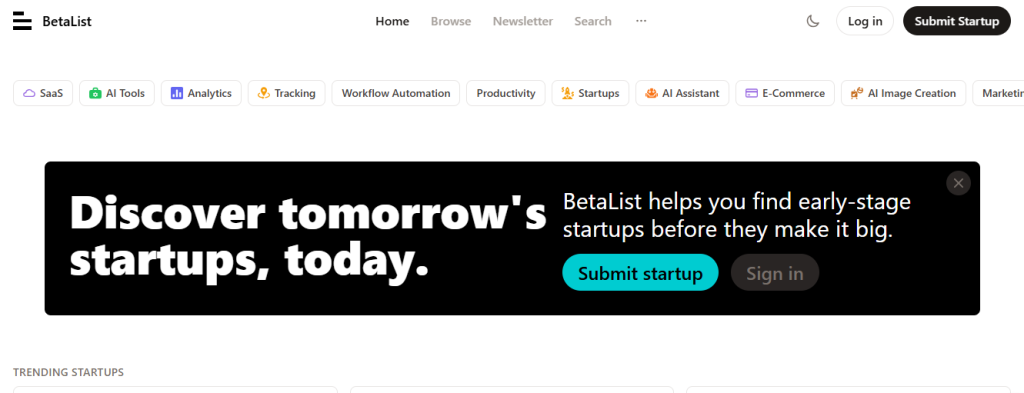
Introduction
BetaList is a popular startup discovery platform where founders can showcase their early-stage, pre-launch, or recently launched technology products. Getting your startup featured on BetaList can help you attract early adopters, gather valuable feedback, boost website traffic, and build recognition within the startup ecosystem. However, every submission is reviewed by BetaList’s editorial team before being published.
Prerequisites
Before submitting your startup, make sure you have:
- A free BetaList account
- A technology startup or SaaS product
- A live website on your own custom domain
- A clear product description
- Product screenshots or logo
- A landing page where visitors can sign up, request access, or use the product
Important: BetaList does not accept app store links, free hosting subdomains (such as
yourapp.vercel.apporyourapp.netlify.app), blogs, newsletters, agencies, or online stores as startup submissions.
Step 1: Create a BetaList Account
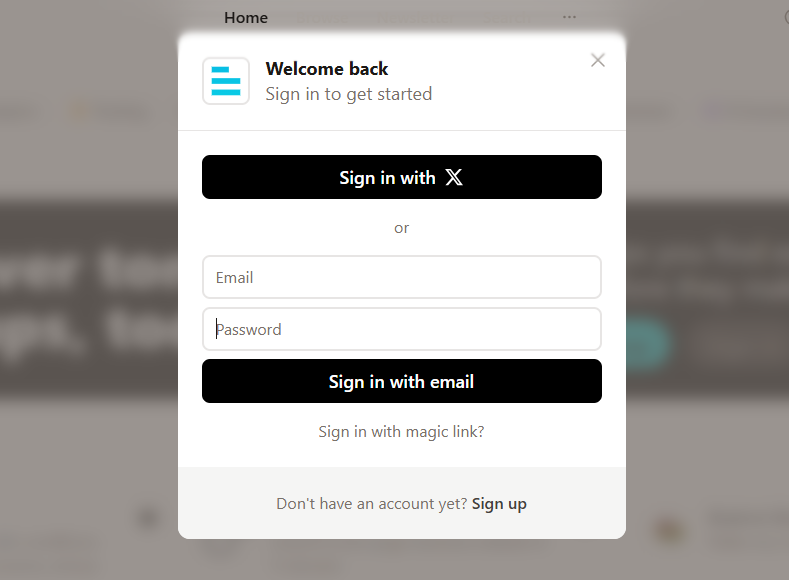
- Visit BetaList
- Click Sign Up.
- Register using your email address or supported sign-in option.
- Verify your email address if requested.
After registration, log in to your account.
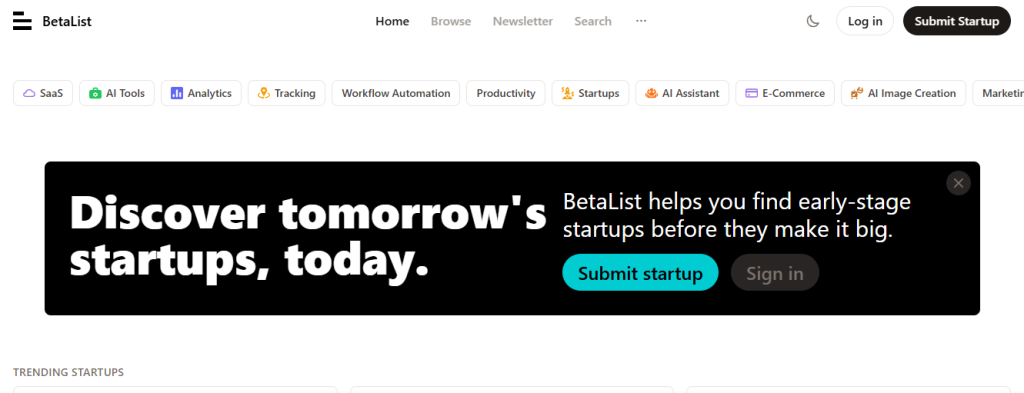
Step 2: Open the Startup Submission Page
After logging in:
- Click Submit Startup.
- The startup submission form will open.
Step 2: Open the Startup Submission Page
After logging in:
- Click Submit Startup.
- The startup submission form will open.
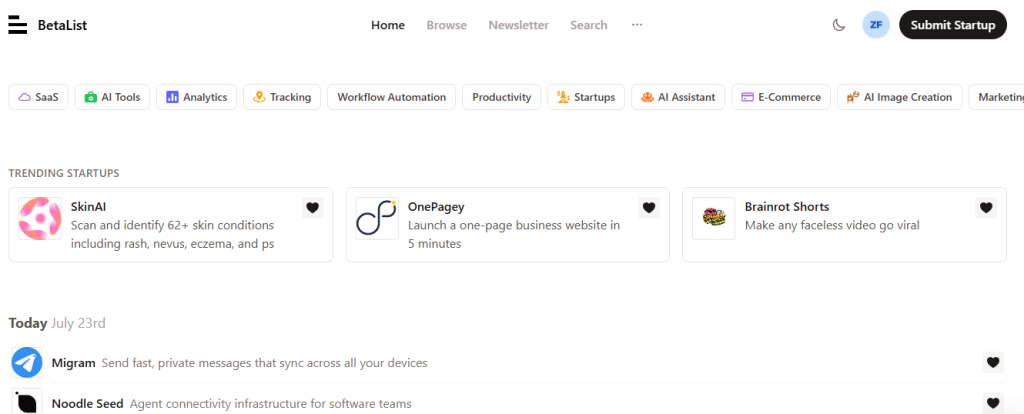
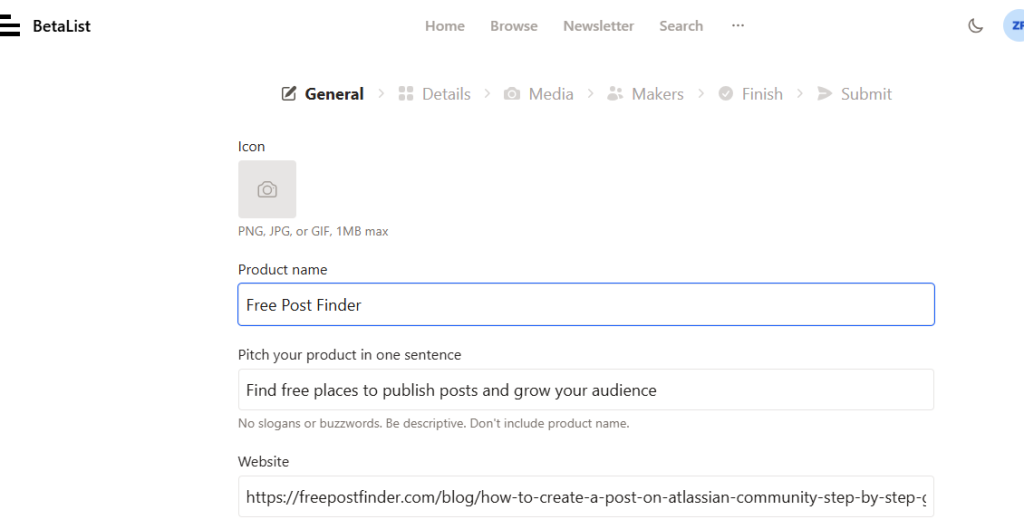
Step 3: Enter Your Startup Information
Provide accurate information about your startup, including:
- Startup Name
- Website URL
- Tagline
- Short Description
- Detailed Description
- Founder Information
- Contact Email
Your value proposition should clearly explain what problem your startup solves.
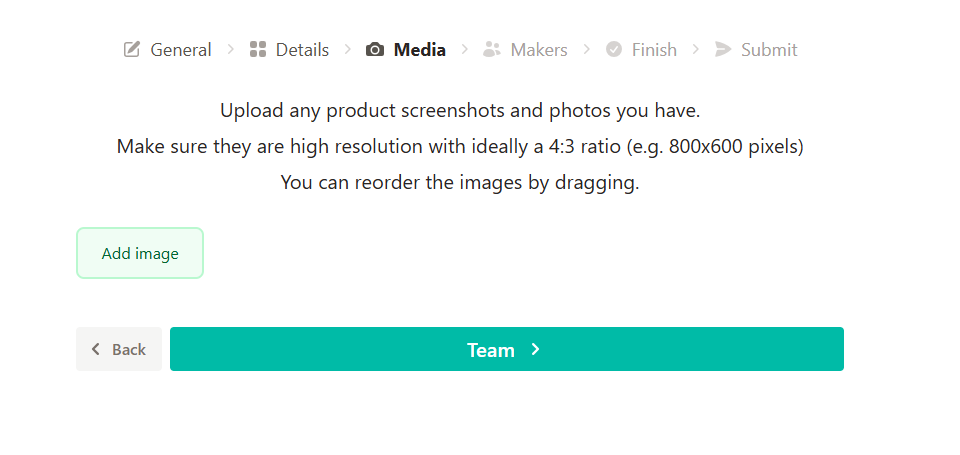
Step 4: Upload Images
Add:
- Startup Logo
- Product Screenshots
- Landing Page Preview
High-quality visuals improve your submission and help reviewers understand your product.
Step 5: Submit Your Startup
Click Submit Startup.
Your startup will enter the BetaList review queue.
Submitting your startup does not guarantee that it will be featured, as all submissions are reviewed according to BetaList’s editorial guidelines.
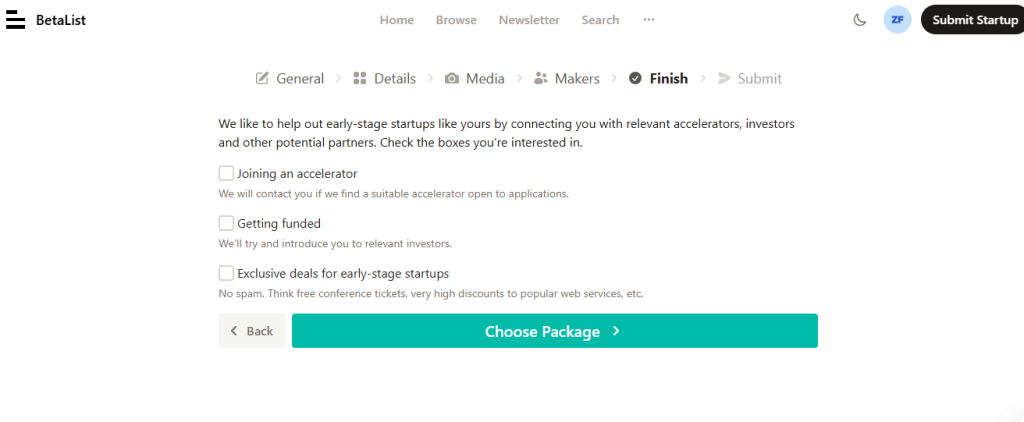
Note: For submitting your product, you have to choose subscription plan.
