Introduction
Canva is a free online design platform where anyone can create designs easily. It provides ready-made templates and simple drag-and-drop tools, so you do not need design or coding skills. You can use Canva to create social media posts, presentations, posters, logos, resumes, videos, flyers, and many other designs.
Step-by-Step Guide to Create a Design in Canva
Step 1: Sign In
Go to Canva and sign in to your Canva account.
Step 2: Click “Create a Design”
Go to the home page and click the Create a Design button.
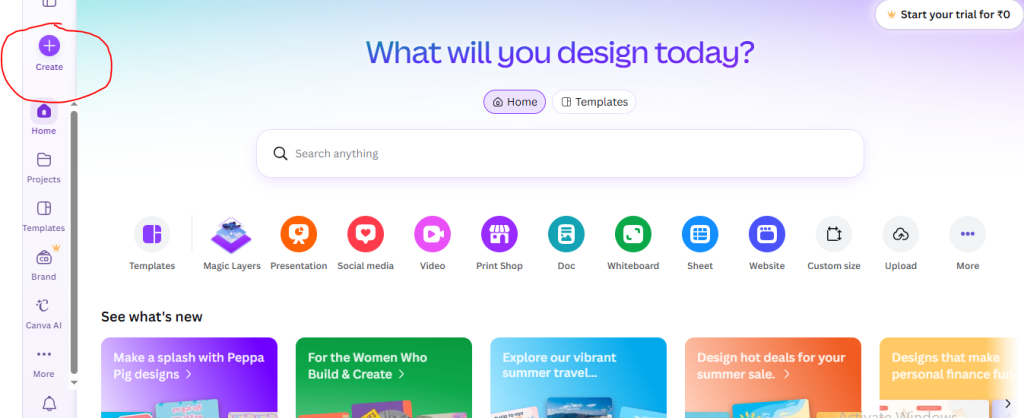
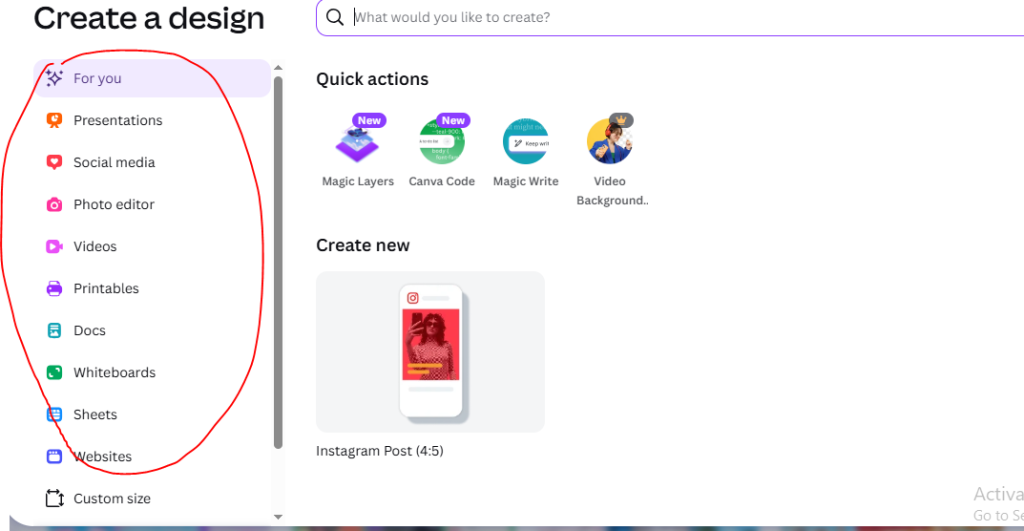
Step 3: Choose a Design Type
choose the type and click one that matches your needs.
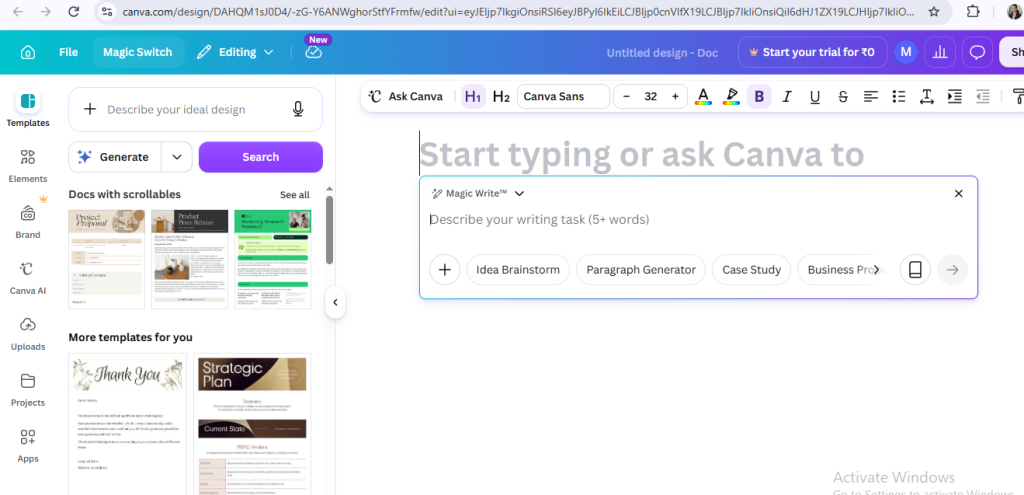
Step 4: for writing
if you want to write then click on magic write
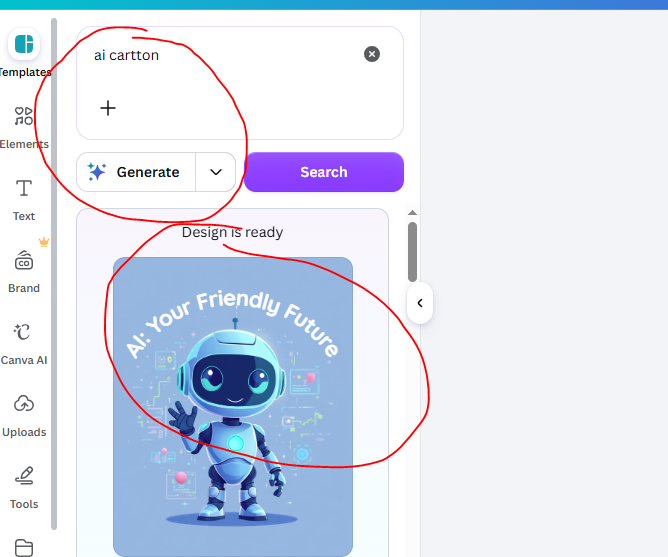
Step 5: Describe your ideas to generate the image
after describe your ideas click on the generate the button
Step 6: For publish your post
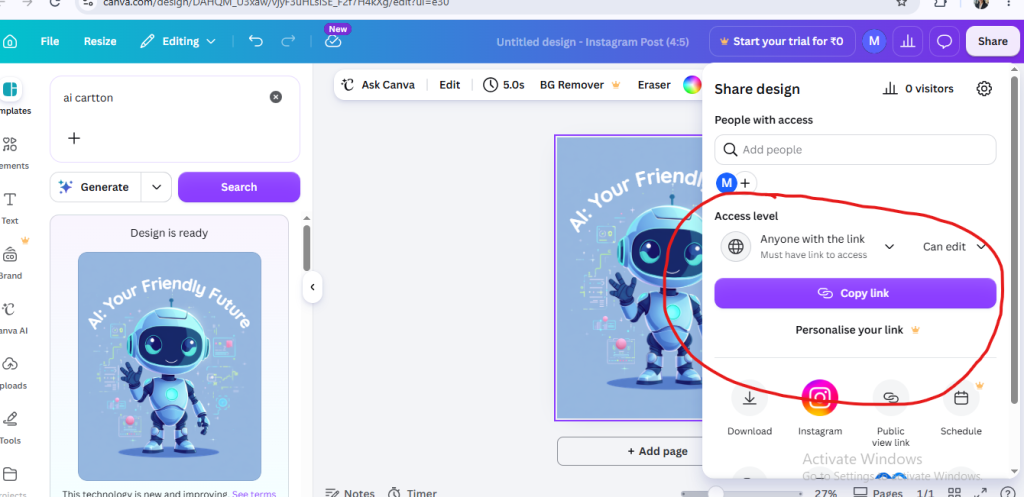
- First you have to click on share button
- then click on access level and choose anyone with link
- then copy with link