Introduction
Cybo is a global business directory and business intelligence platform where users can search for businesses worldwide. Business owners can add, claim, and manage their business listings to ensure customers have access to accurate information about their businesses.
This guide explains how to add a business on Cybo.
Steps to add your business on Cybo
Step 1: Sign In to Cybo
- Open your web browser.
- Visit Cybo.
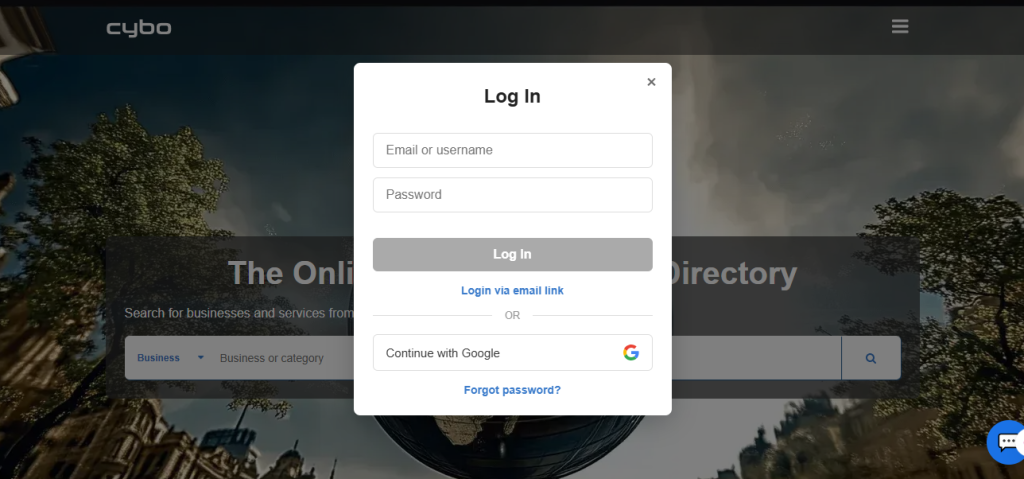
- Click Log In.
- Sign in to your Cybo account.
If you don’t have an account, create one for free.
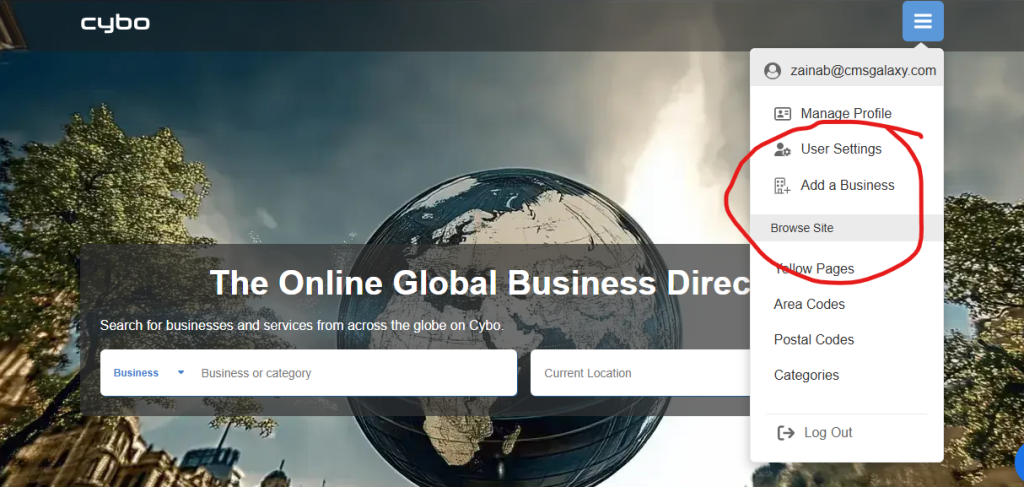
Step 2: Click “Add a Business.”
After logging in, there are two ways to open the business submission page:
- Click Add a Business at the top of the page, or
- Click + Add Business near the bottom of the page.
Both options open the business submission form.
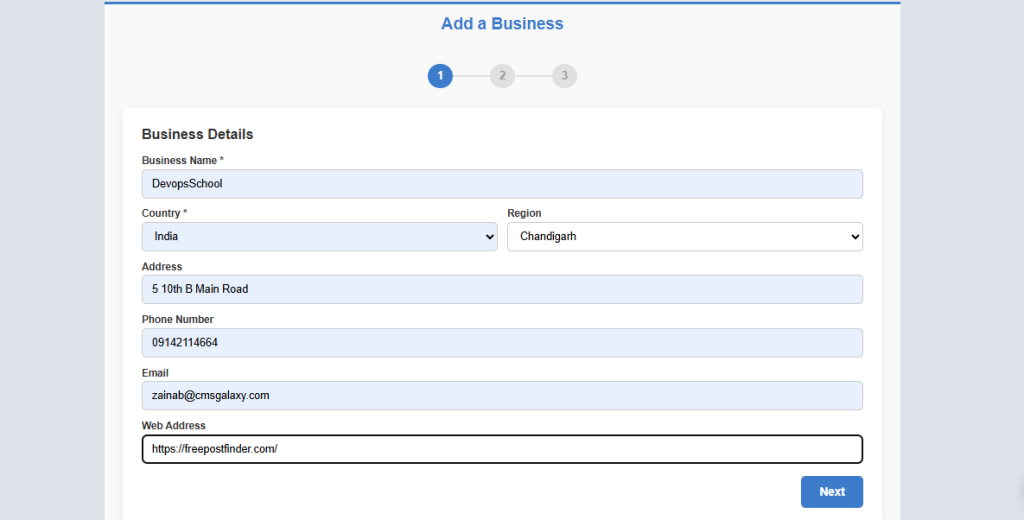
Step 3: Add business details.
Fill in all details of your business and click next.
Step 4: Fill in information of your business
Fill in the business information in detail.
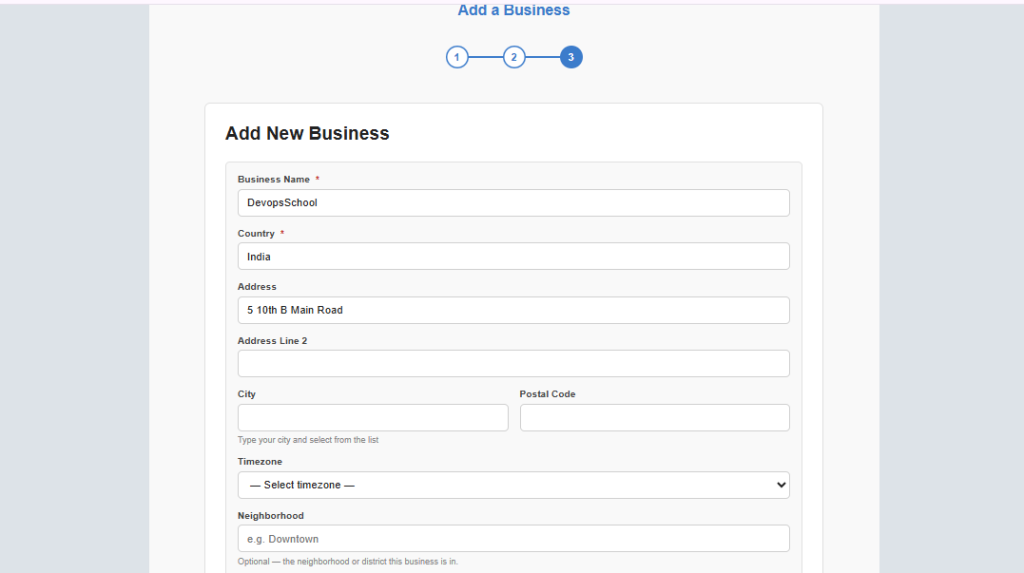
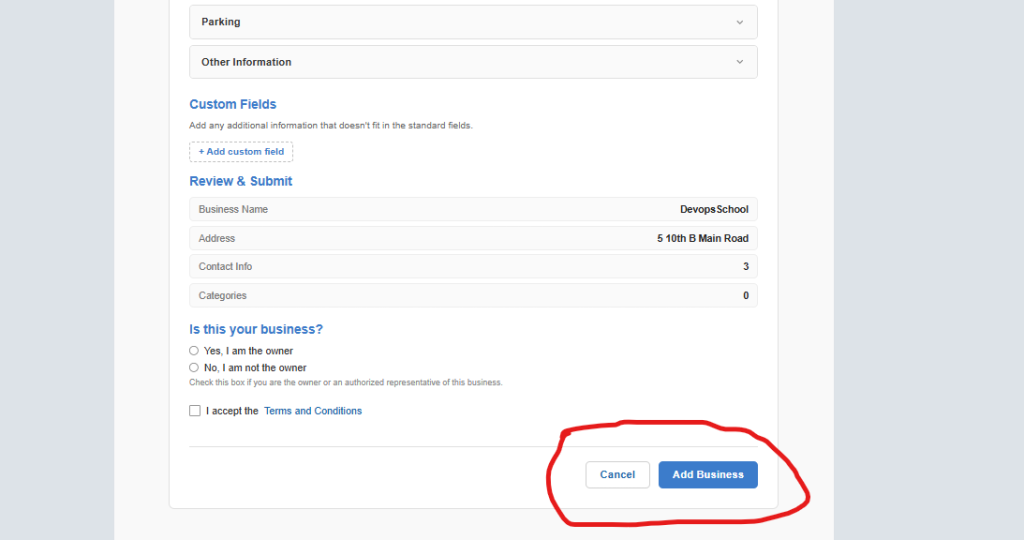
Step 5: complete your details by “Add business.”
After completing the details click on ” Add business”.