Introduction
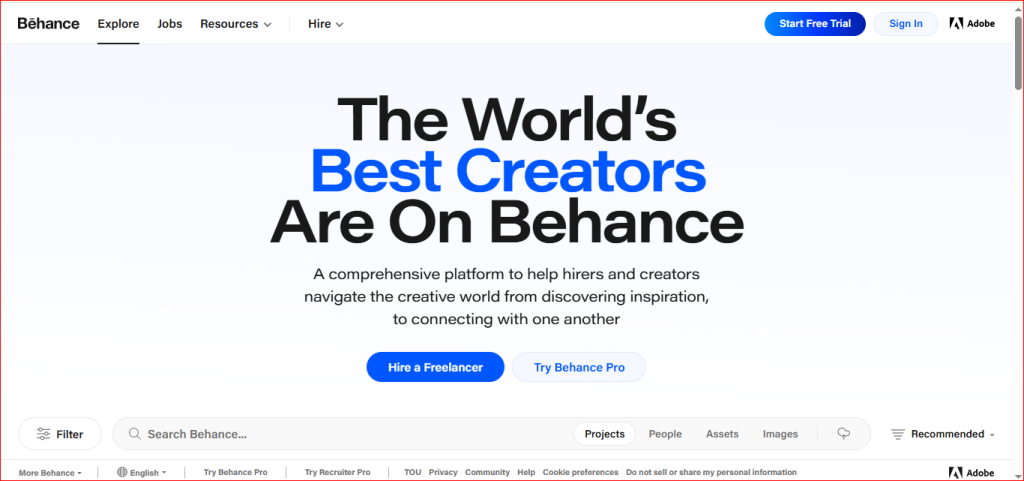
Behance is a website where creative people can share their work online. You can upload your projects, show your skills, create a portfolio, and connect with people from around the world. It is also a good place to get ideas, receive feedback, and find job or freelance opportunities.
What Type of Content Can You Post?
You can post:
- Graphic design projects
- UI/UX design
- Logo and branding designs
- Website and app designs
- Illustrations and artwork
- Photography projects
- Motion graphics and animations
- 3D designs and renders
- Creative portfolios
- Case studies and design process
Step-by-Step Guide to Create a Project on Behance
Step 1: Open Behance
Open the Behance website and sign in to your account. If you don’t have an account, sign up using your email address or sign in with your Google account.
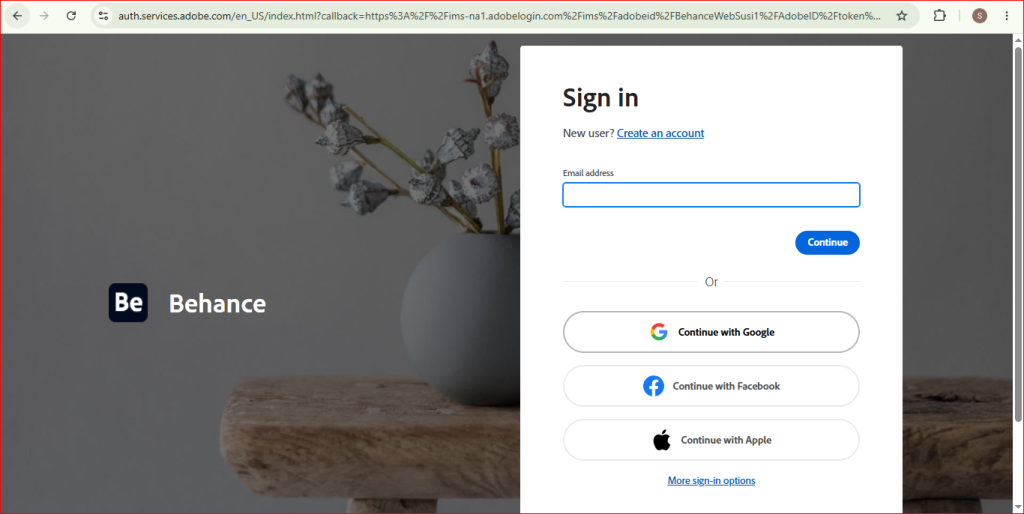
Step 2: Click on “Share Your Work”
After logging in, click the Share Your Work button in the top-right corner. Then select Project.
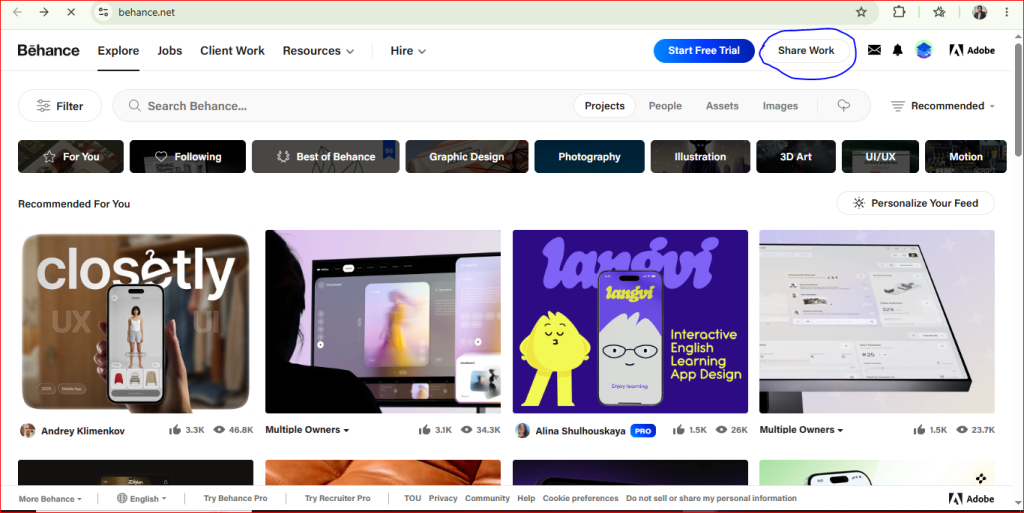
This will open the Project Editor, where you can create and upload your project.
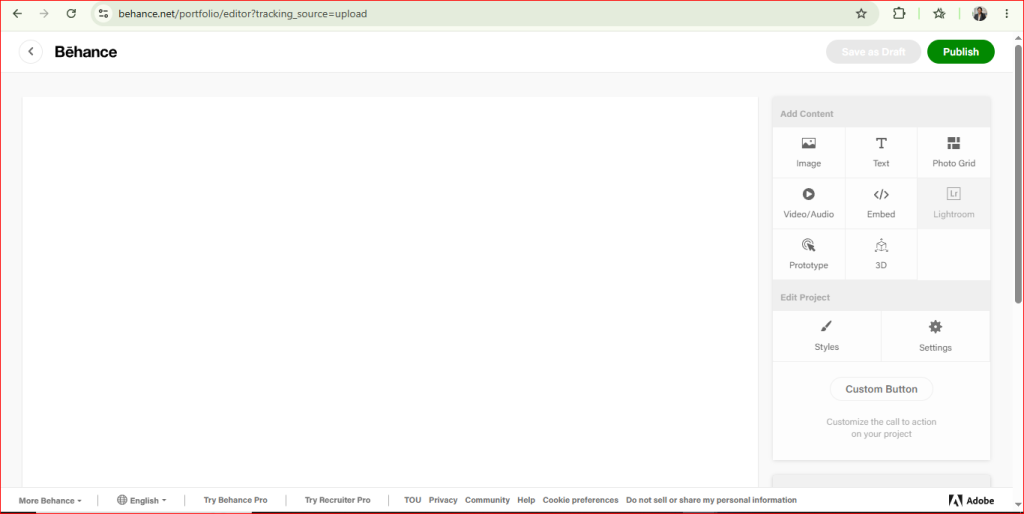
Step 3: Upload Your Project Content
Upload your creative work to your project. You can add images, videos, text, or other media to show your work.
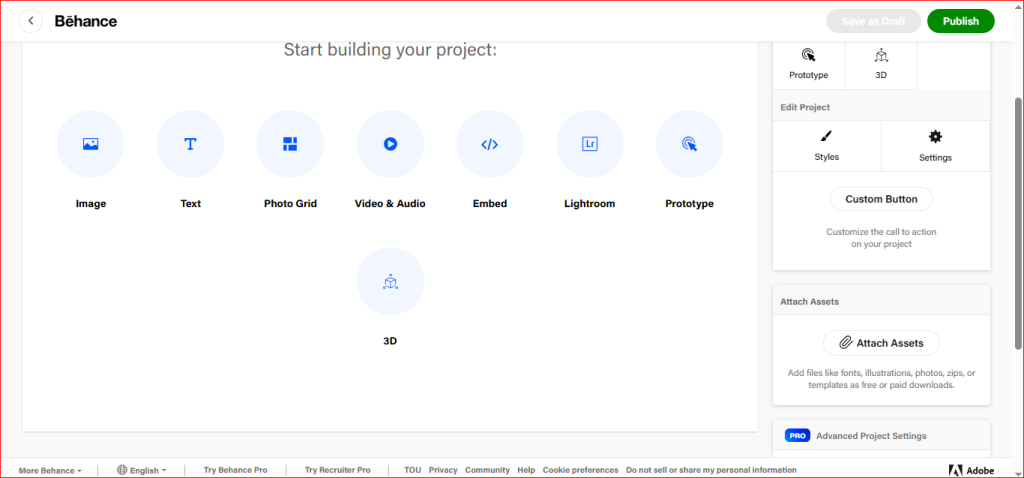
Step 4: Publish Your Project
Once your project is ready, check everything one last time. Then click the Publish button. Your project will be live on Behance, and other users will be able to view it.
Note: On Behance, you publish projects, not regular social media posts.
