Introduction
APSense is an online business networking and blogging platform where users can share their knowledge, experience, and ideas through articles and blog posts. The platform is specially designed for entrepreneurs, digital marketers, bloggers, freelancers, and professionals to help them strengthen their online presence and connect with new people.
What is the purpose of this website?
- Blog Post
- Publish articles
- To promote website
- Connect with other professionals
- Branding
What types of content can you post on APSense?
On APSense you can publish blogs and articles related to AI, technology, business, digital marketing, programming, and also you can share your professional knowledge.
You can create a free account on APSense and also you can publish .
The content should not be spam, promotional, or duplicate.
Step by step process to create a Free Account
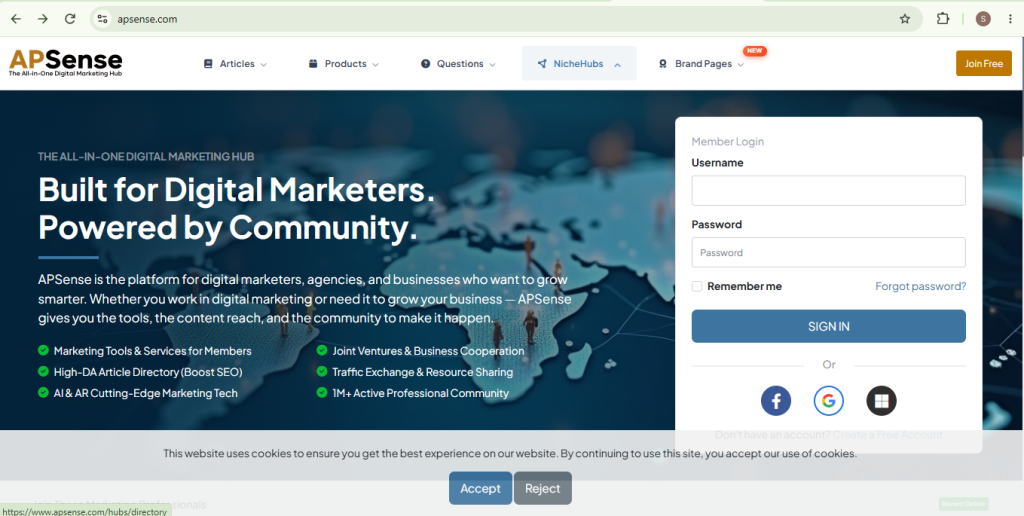
Step – 1 : Open the website
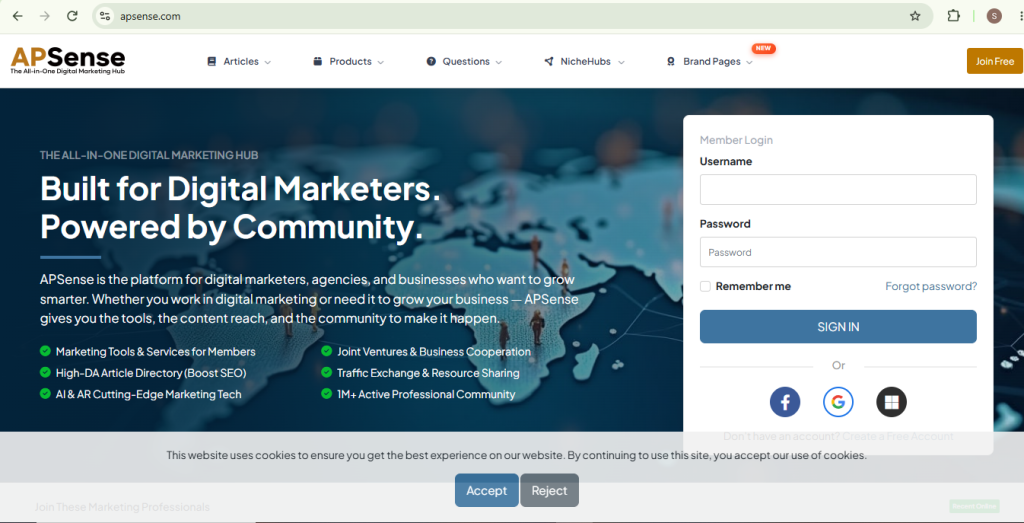
- Go to the google and seach APSense website .
- open the website
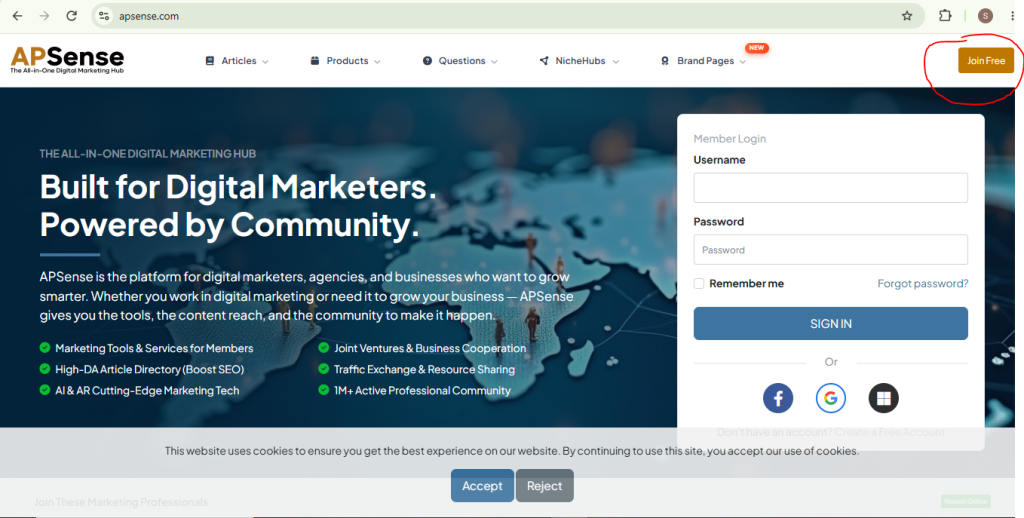
Step – 2 : Click on Join Free Button
- Continue with Google login , Facebook login or Microsoft
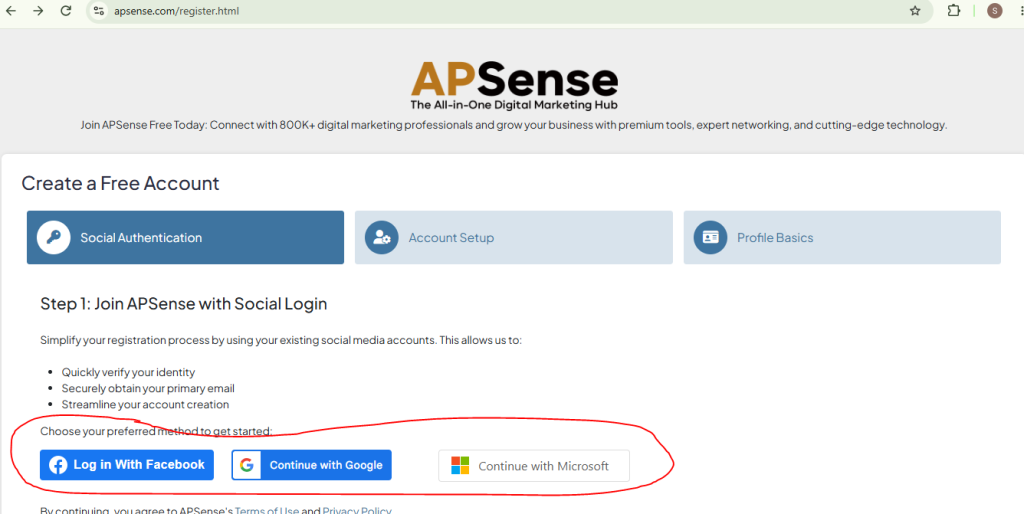
Step – 3 : Complete you account First
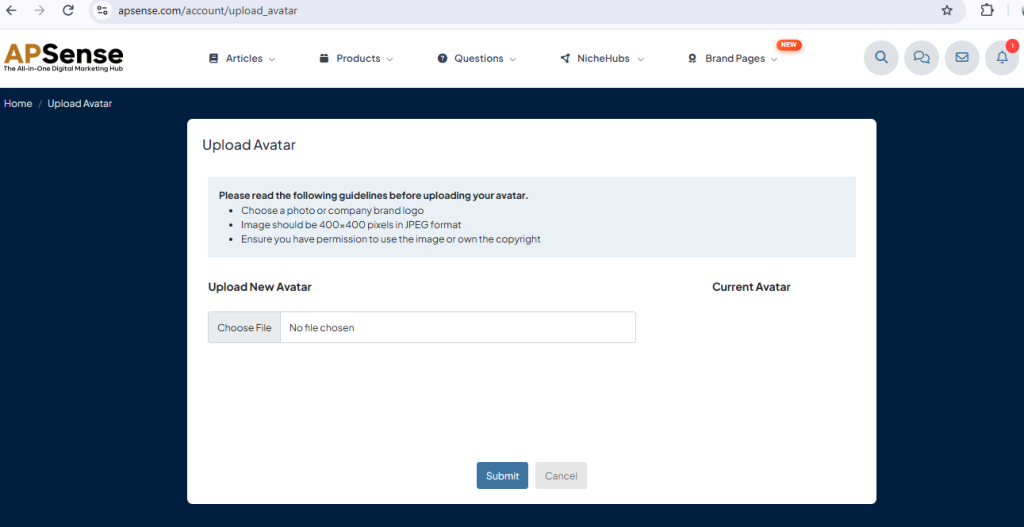
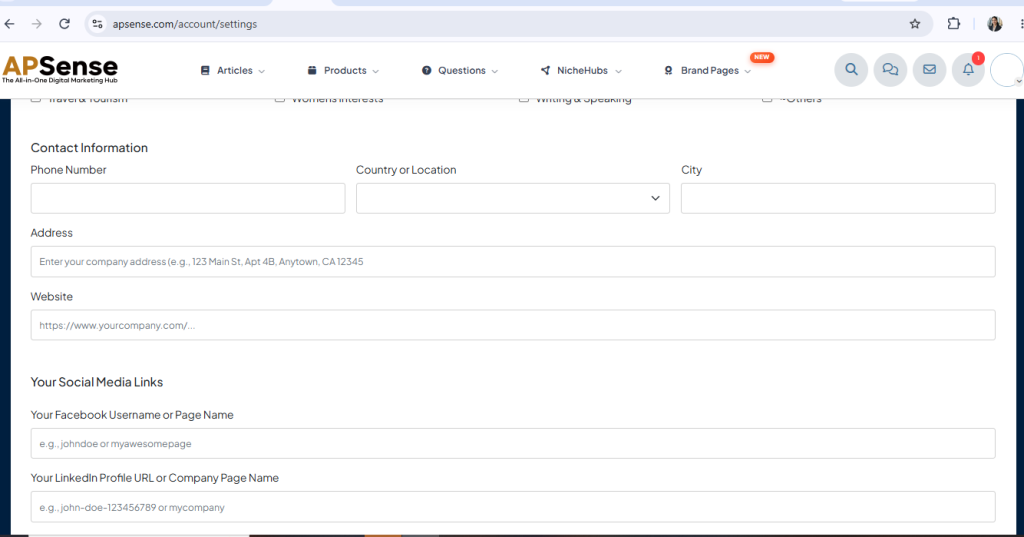
- After login you have to complete your profile first .
- you have to upload the image on your account and other specific details to complete your profile .
step by step guide to create a post
Step -1 : Open the Dashboard
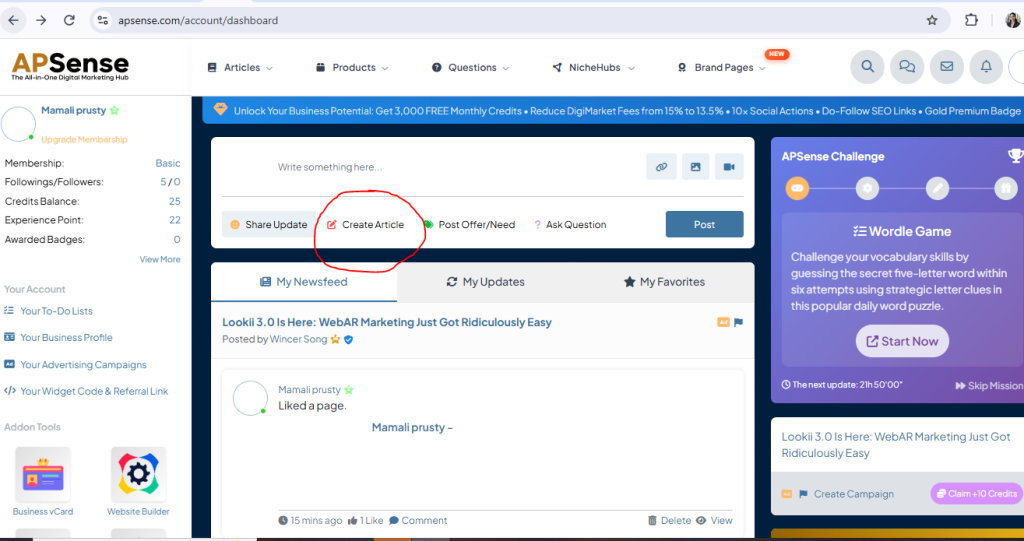
Step -2 : Click on the Create Article
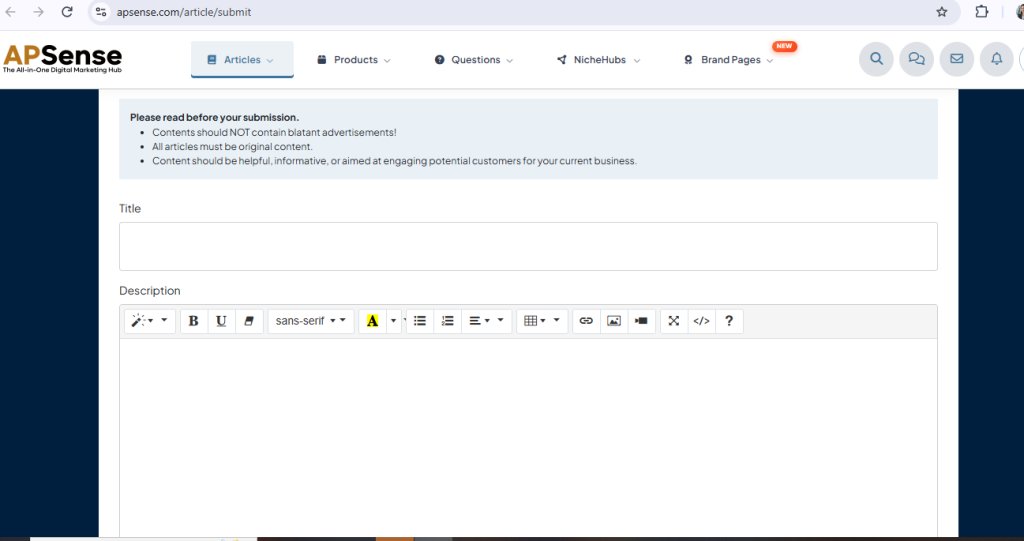
- Enter the Tittle
- write the content in Description Box
- Use headings, paragraphs, bullet points, and images
Step -3 : Publish or Submit the Article
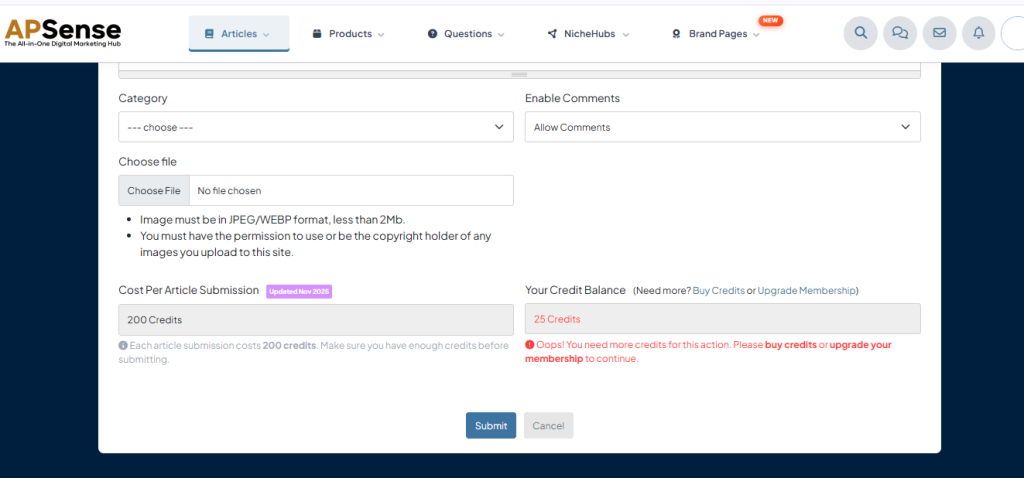
- After Create Article Choose Category , file and comments type
- Click on Publish Button
