Introduction
Cybo is a global online business directory where businesses can create and manage their business listings so customers can easily find them online. It also helps users search for businesses, services, contact details, and locations around the world.
Step-by-Step Guide to Create a Business Listing on Cybo
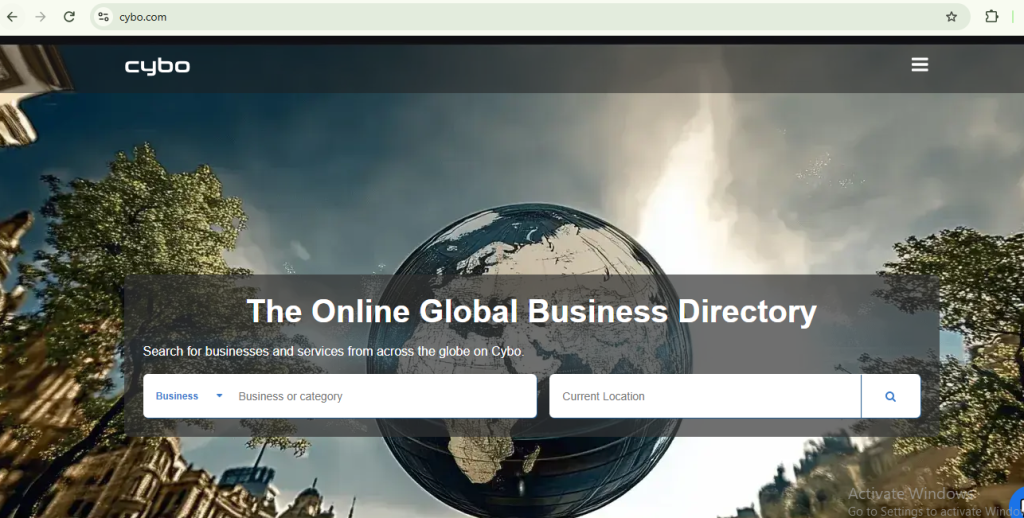
Step 1: Open Cybo
- Go to Cybo.
- Click on Sign In or Sign Up
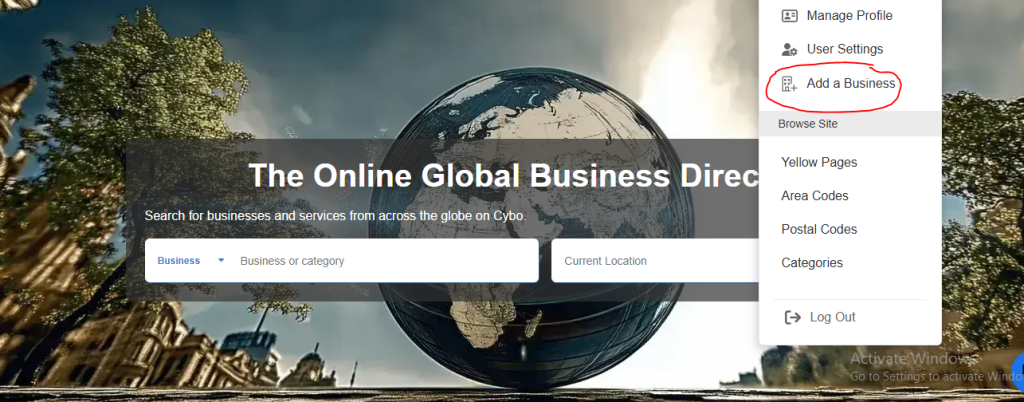
Step 3: click on Add Business
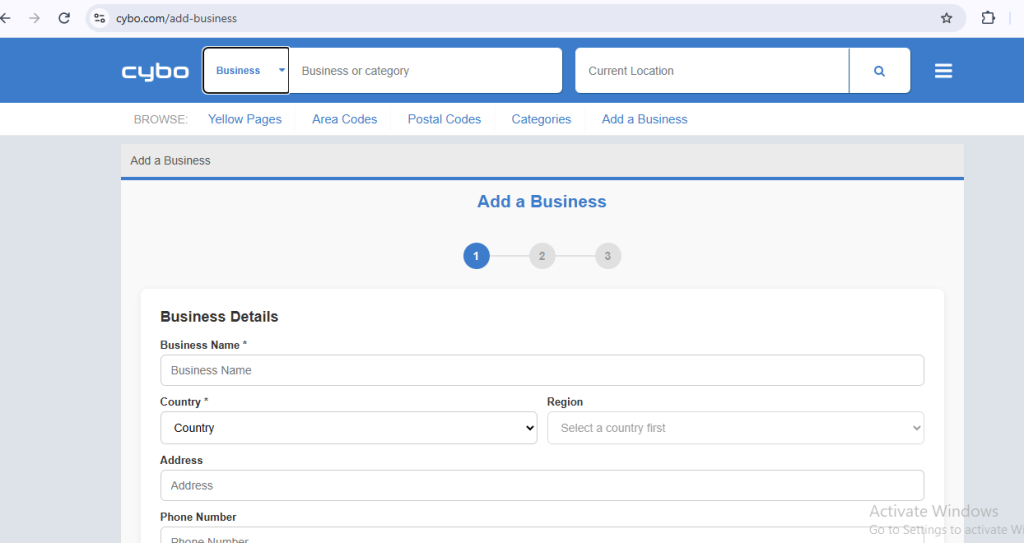
Step 4: Add your Business Details
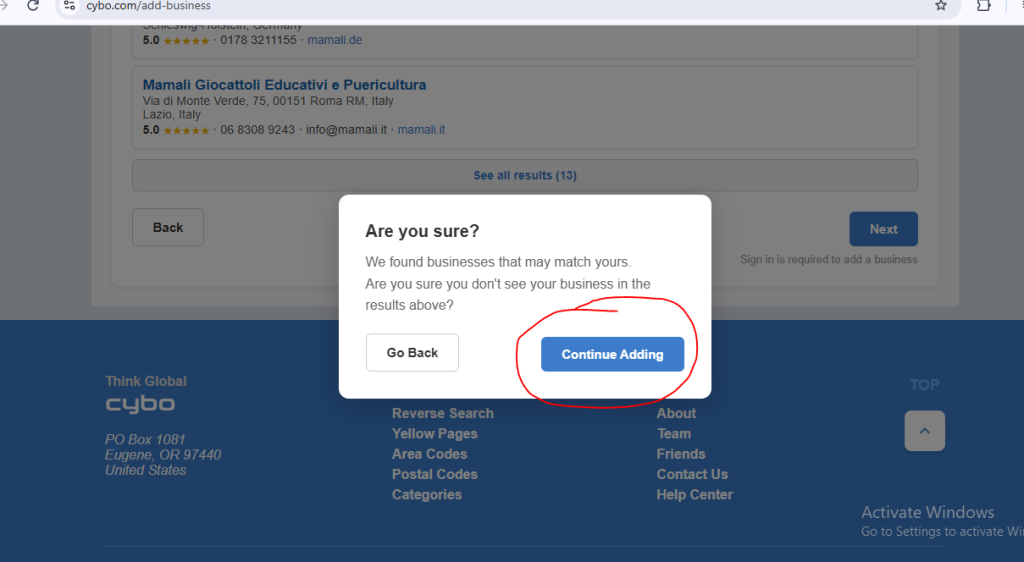
Step 5: Add Continue button
click on continue adding to add your Business details
Step 6: Fill information about your business
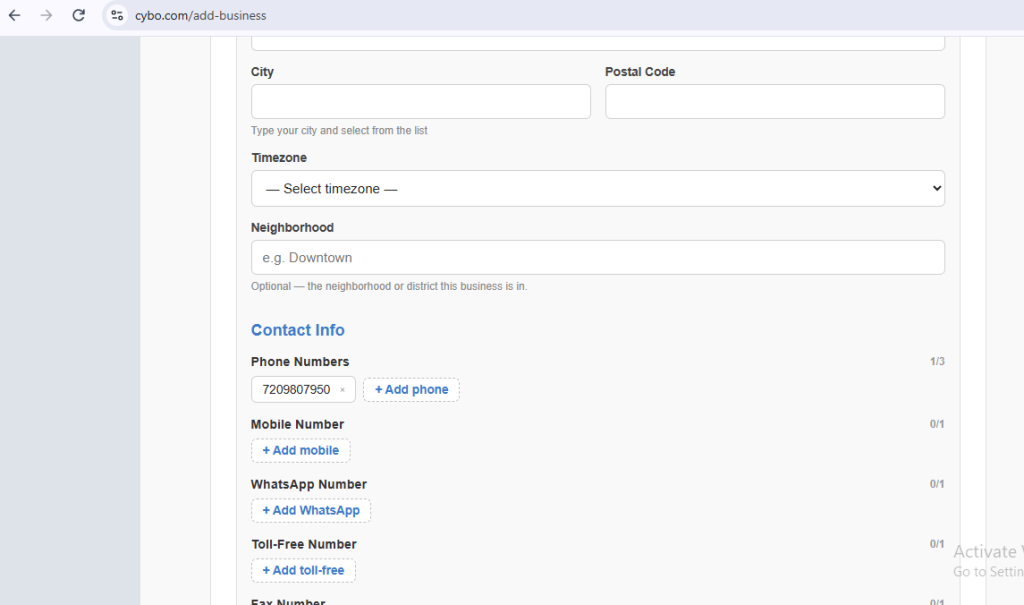
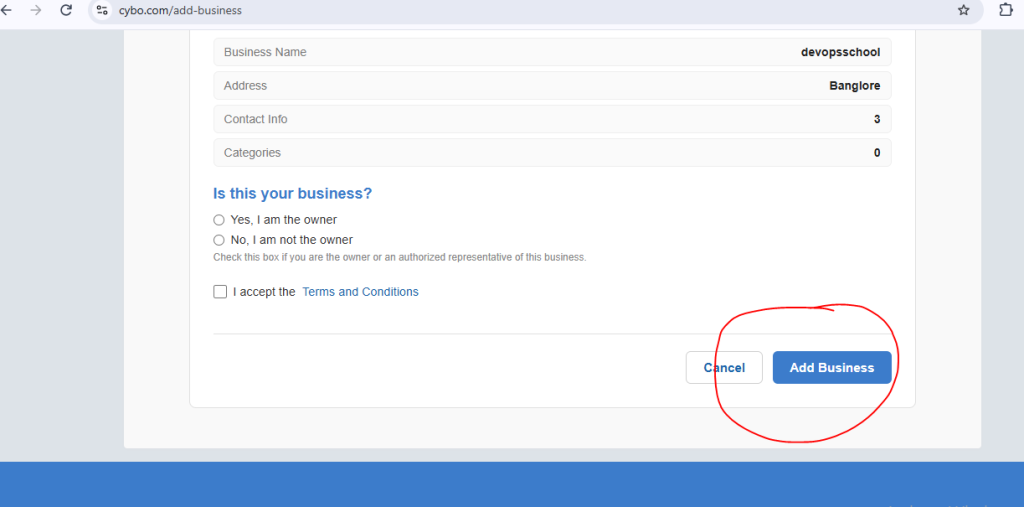
Step 7: : complete your details by Add business.
After fill all the details click on Add business button