Introduction
Blogger is a free blogging platform by Google that lets you create and publish blog posts easily. It’s a good choice for beginners who want to share their knowledge, write tutorials, or start a personal blog without any cost. If you’re new to Blogger and want to publish your first blog post, this guide will walk you through the entire process step by step. You’ll learn how to create a new post, add text and images, and publish your blog in just a few simple steps.
What Can You Publish on Blogger?
Blogger par aap publish kar sakte hain:
- Blog Articles
- Tutorials
- Travel Stories
- Tech Blogs
- Product Reviews
- Educational Content
- Personal Experiences
- News & Updates
Step-by-Step Guide to Publish a Blog on Blogger
Step 1: Open Blogger
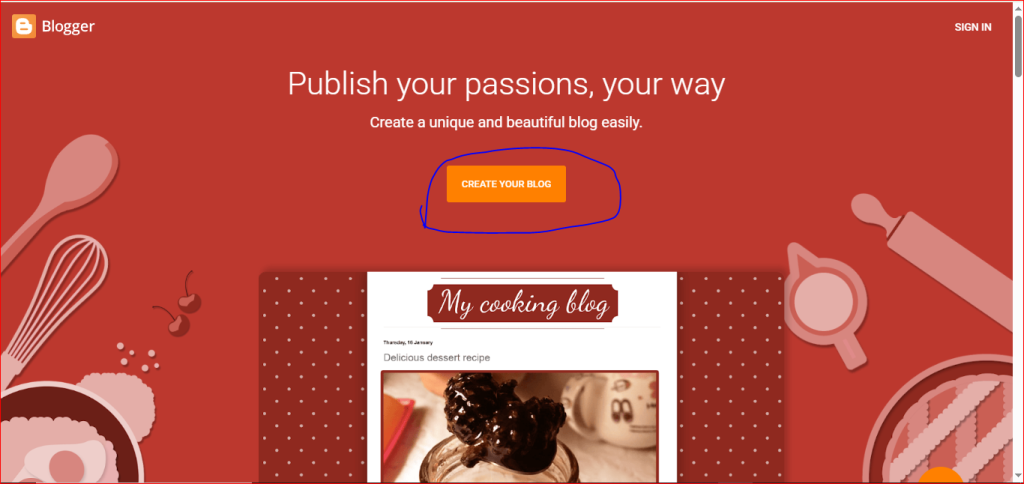
First, open the Blogger website and sign in with your Google account. If you don’t have a blog yet, click Create New Blog and set up your blog before creating your first post.
Step 2: Select Your Blog
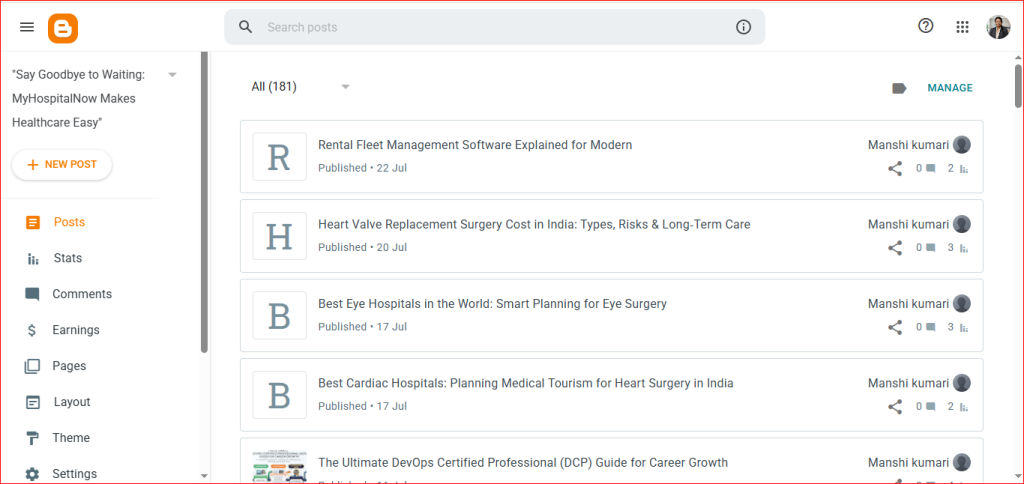
After signing in, if you have more than one blog, select the blog where you want to publish your article. Once you select it, the Blogger dashboard will open.
Step 3: Click on New Post
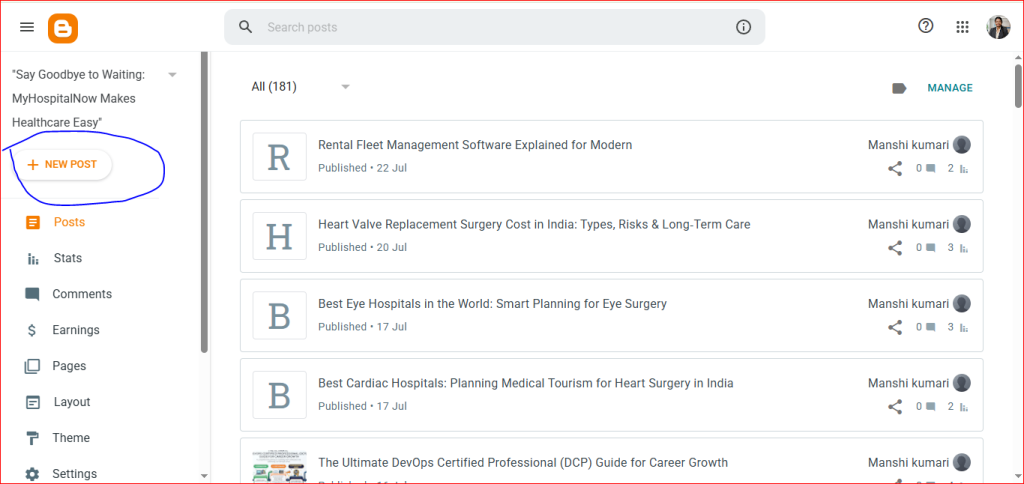
On the left side of the dashboard, you’ll see the New Post button. Click it to open the blog editor, where you can start writing your article.
Step 4: Write Your Blog
Start writing your blog in the editor. Enter your blog title in the Title field, then write your article in the editor below. Use headings and short paragraphs to make your content easy to read. You can also add images, links, or videos if needed.
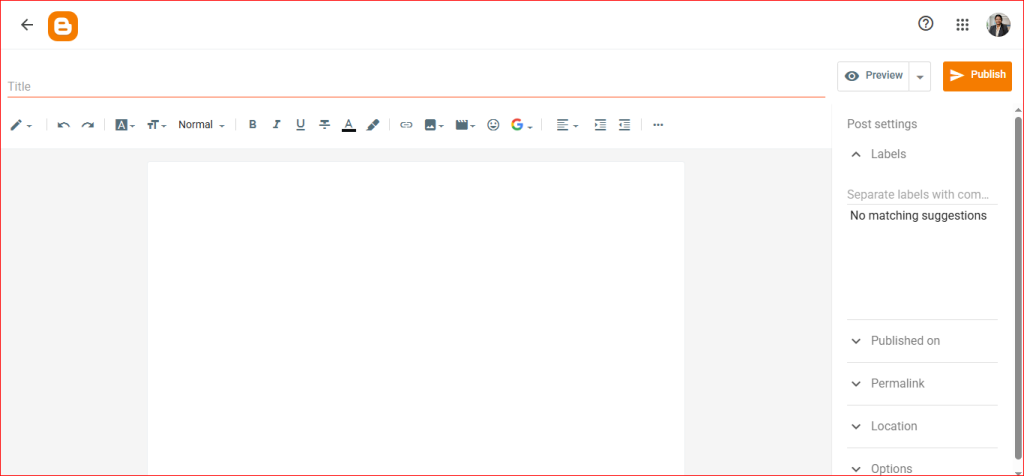
Step 7: Publish Your Blog
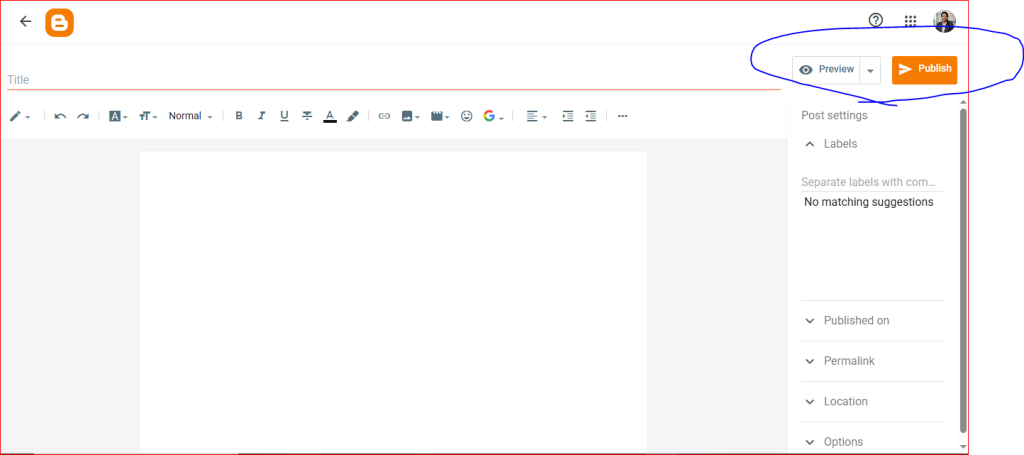
Step 6: Preview and Publish Your Blog
Before publishing, click the Preview button to see how your blog will look to readers. If everything looks good, click the Publish button. Your blog will go live and be available for readers to view.