Introduction
Bubble Forum is the official community for Bubble users. It is a place where you can ask questions, share your ideas, and learn from other Bubble users. If you are new to Bubble Forum, don’t worry. This step-by-step guide will help you create your first topic in a simple way. Just follow the steps, choose the right category, and write your post to get helpful replies from the community.
What Can You Post on Bubble Forum?
You can post questions, ask for help, share tips and tricks, discuss Bubble features and plugins, share app development ideas, report bugs, and give feedback related to Bubble.
Step-by-Step Guide to Create a New Topic on Bubble Forum
Step 1: Open Bubble Forum
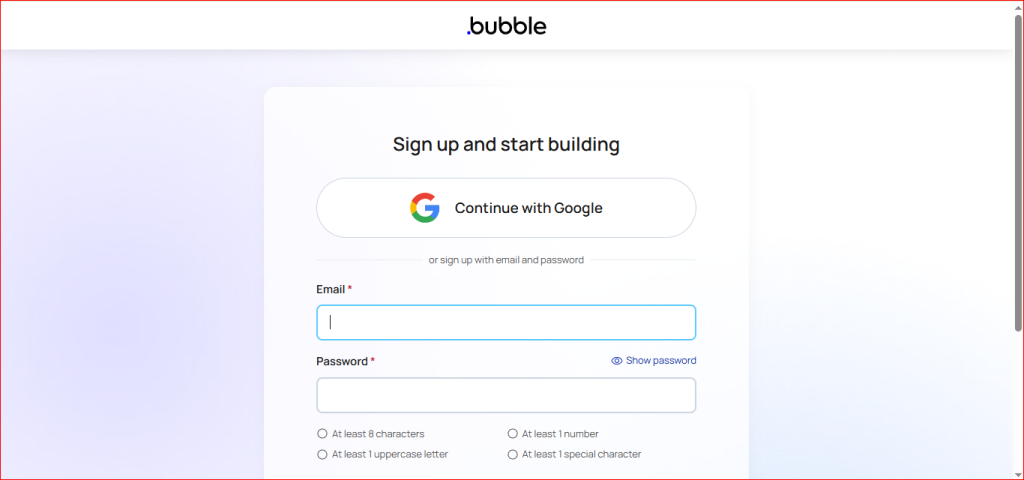
First, open the Bubble Forum website and sign in to your account.
If you don’t have an account, click Sign Up to create one. You can also sign in quickly using your Google account.
Step 2: Choose the Right Category
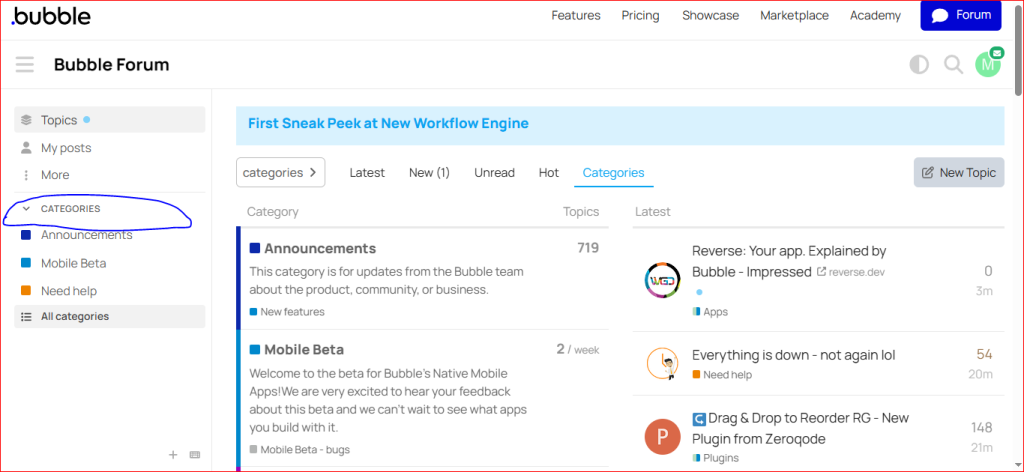
Now open the category that matches your topic.For example, you can choose Questions, Need Help, Tips, Plugins, or Announcements. Choosing the right category helps the right people find your post.
Step 3: Click on “New Topic”
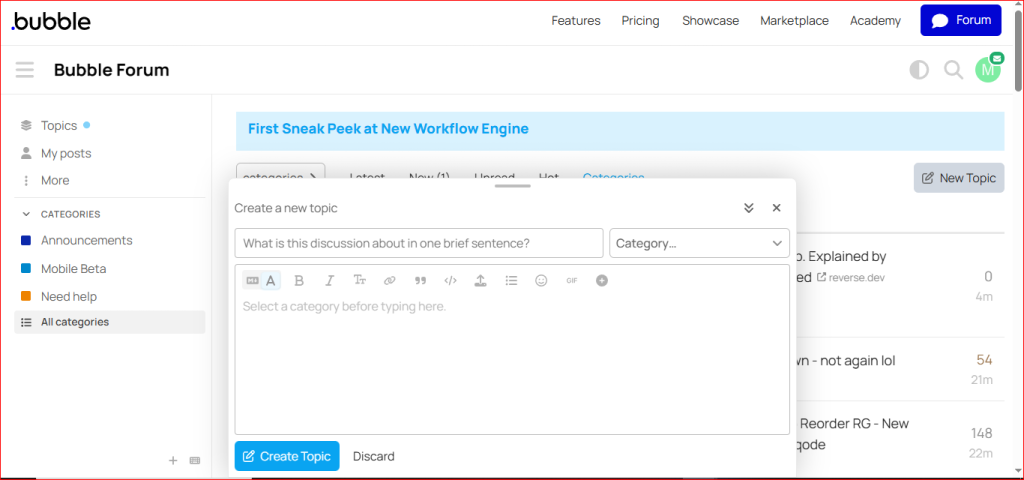
After opening the category, click the New Topic button. This will open the topic editor, where you can create your post.
Step 4: Fill in Your Topic Details
Now fill in the details for your post.
- Title – Write a clear title for your topic or question.
- Description – Explain your question or idea in simple words.
- Formatting (Optional) – You can add headings, bullet points, code, links, or images if needed.
- Category & Tags – Choose the right category and add relevant tags so other users can easily find your post.
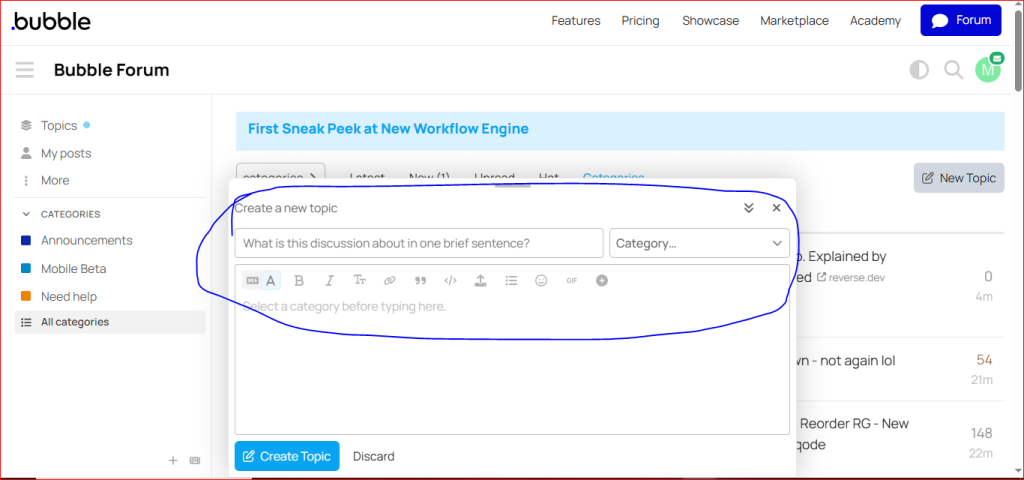
Step 6: Publish Your Topic
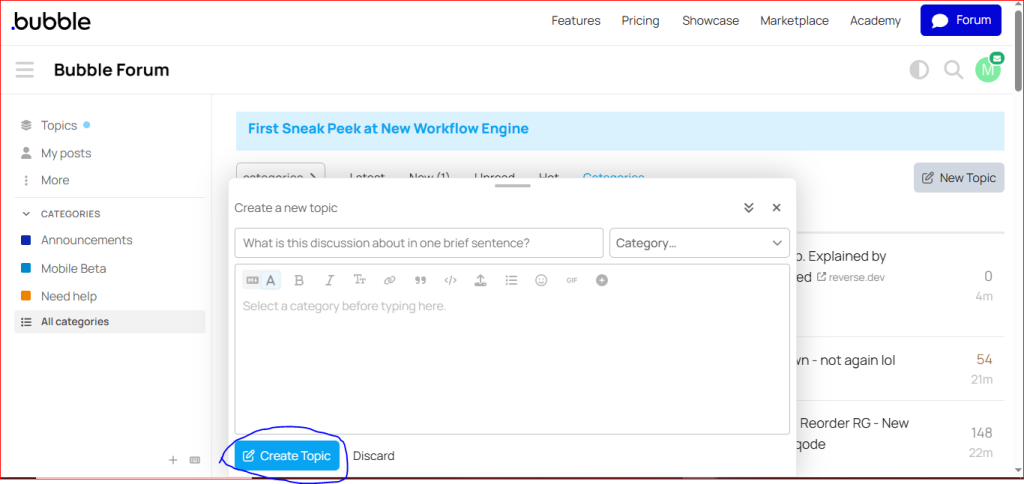
Once everything is ready, click the Create Topic or New Topic button. Your topic will be published on the Bubble Forum, and other community members can read it and help you.