Introduction: What is Academia.edu?
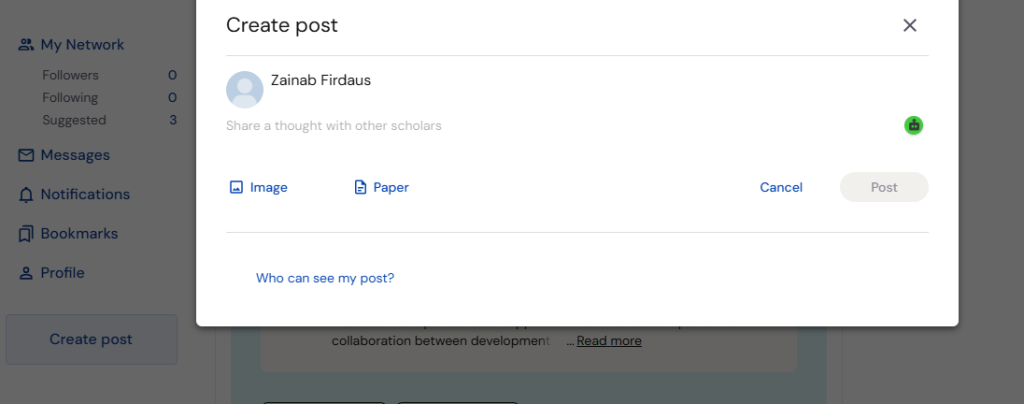
Academia.edu is a popular academic networking platform where researchers, students, professors, and professionals share research papers and scholarly publications. While Academia.edu doesn’t support social media-style posts, you can create a free “post” by uploading a research paper, thesis, conference paper, or other academic document to your profile.
This guide explains how to upload and publish a document on Academia.edu for free.
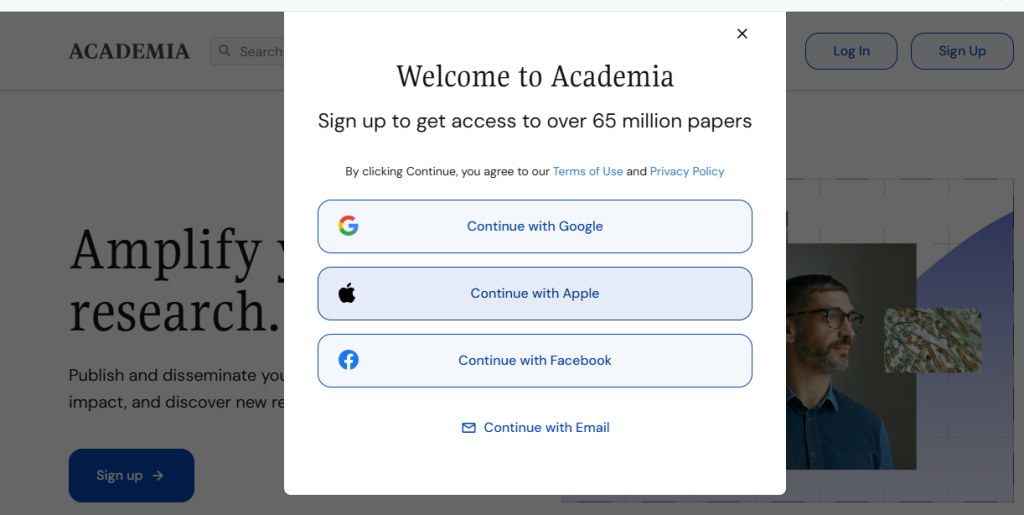
Step 1: Log In to Academia.edu.
- Open your web browser.
- Visit https://www.academia.edu/
- Click Log In.
- Sign in using your registered email address or Google account.
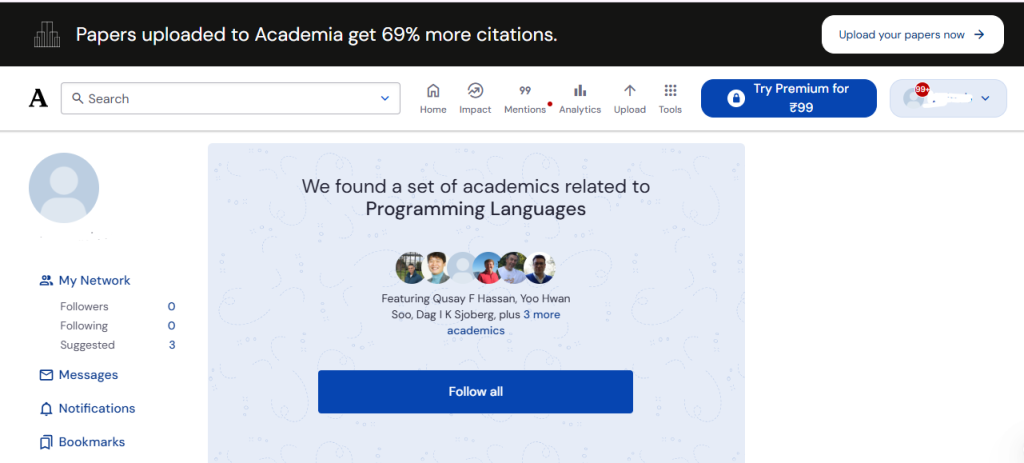
Step 2: Log in to the dashboard.
After logging in, you’ll be redirected to your dashboard.
Step 2: Two methods of posting
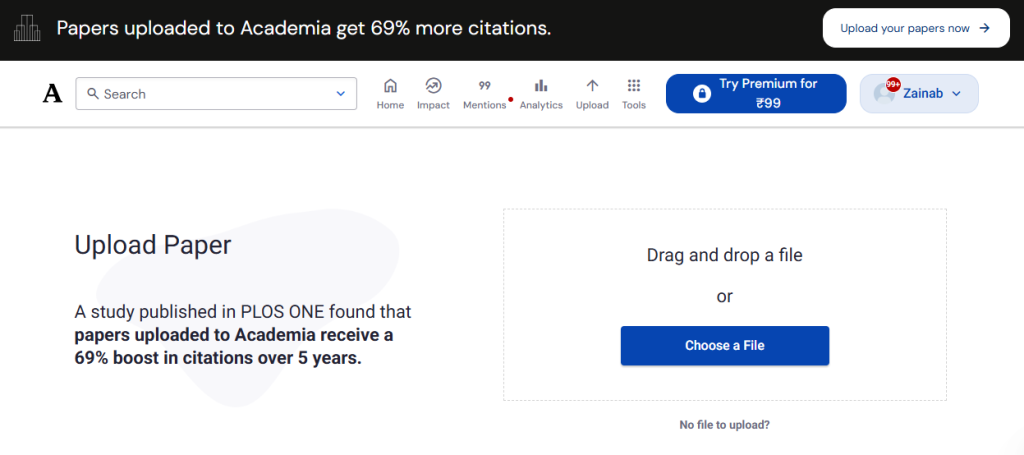
Option 1: upload page
You can upload the research page.
- Locate the Upload or Add Paper button.
- Click it to begin uploading your document.
Option 2: Create post
Click on “create post.”
- write a post and click on post button