Introduction
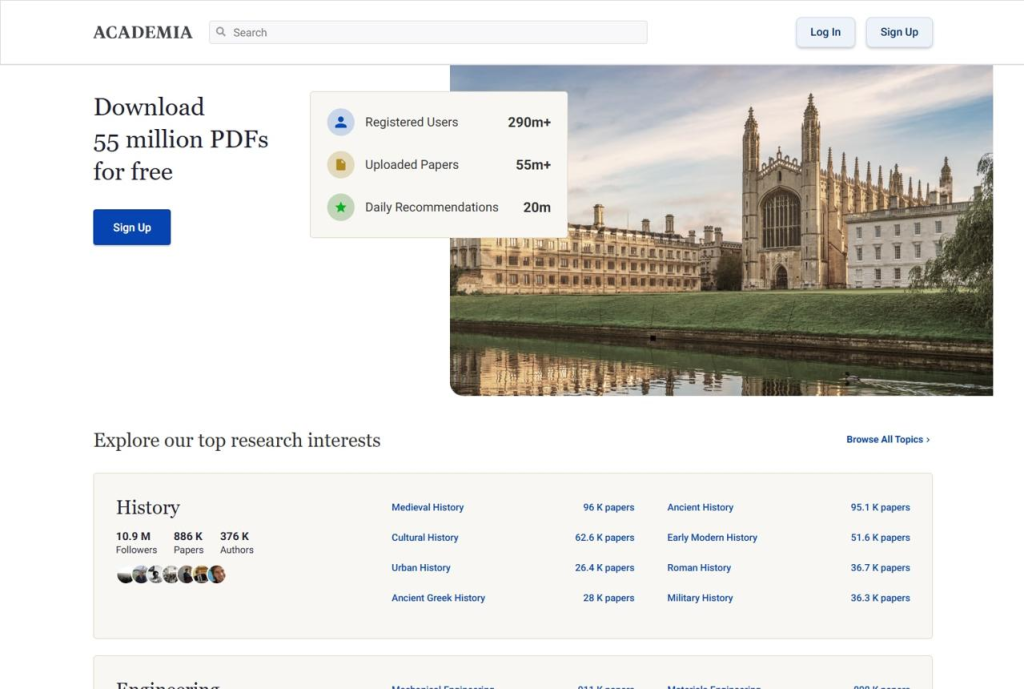
Academia.edu is a online platform where researches , professors ,student and academic professionals share their research papers and can read papers by other researchers.
What is Academia.edu used for?
- For uploading research papers.
- To create an academic profile.
- To follow researchers
- To increase the visibility and reach of your research.
Method 1
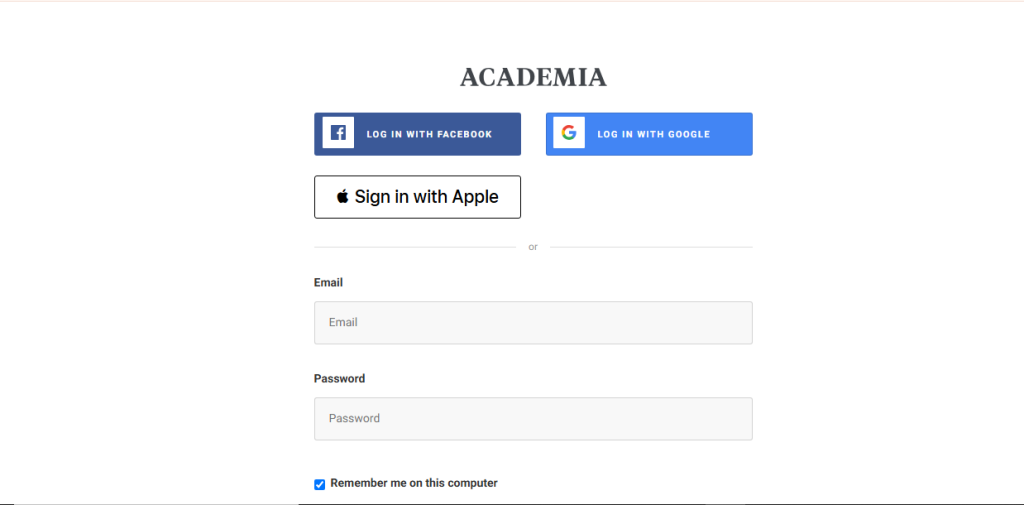
Step 1: Log in to Your Academia.edu Account
Go to Academia.edu and sign in.

Step 2: Go to the Home Dashboard
After logging in, go to the home dashboard to access your profile, research updates, recommendations, and account activities.
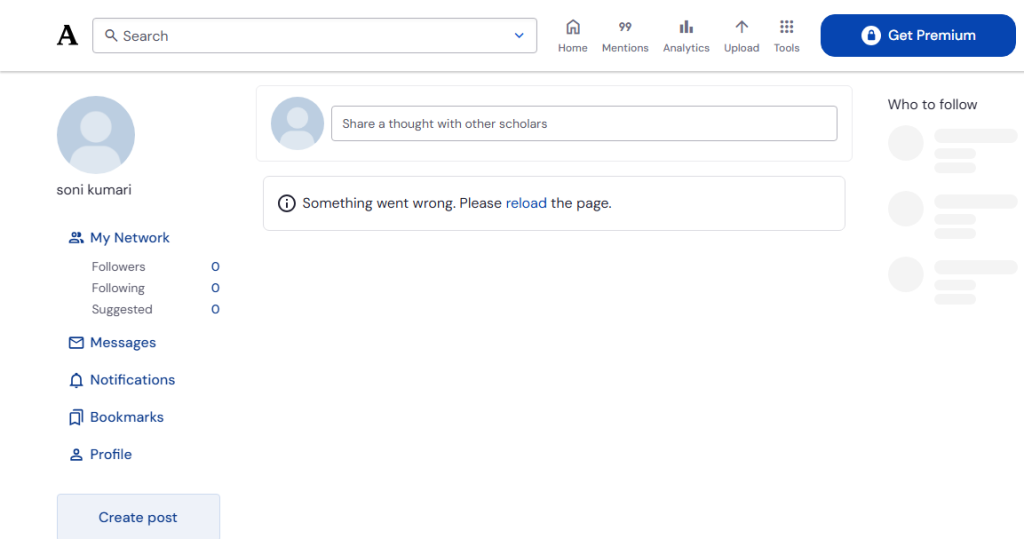
Step 3: Write Your Post
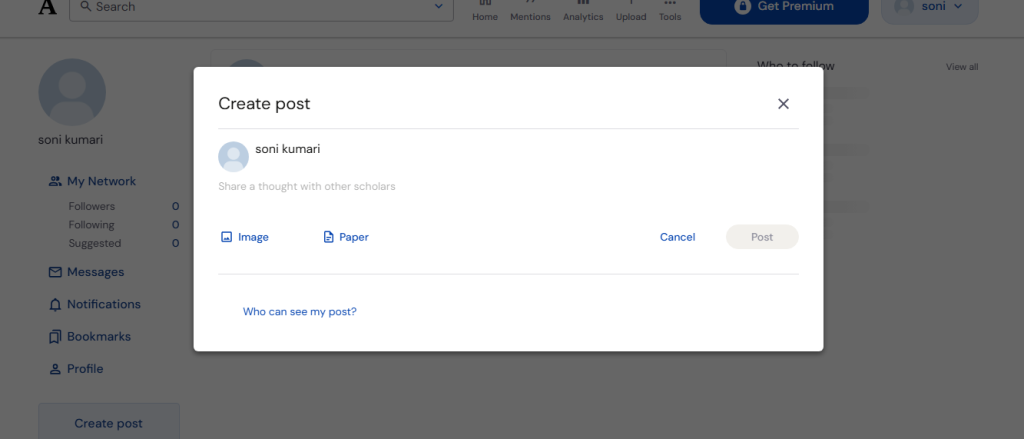
Write research or academic content using clear, informative, and professional language so that readers can easily understand the topic.
Method 2
Step 1: Log in to Your Academia.edu Account
Open Academia.edu, sign in with your registered email and password, and you’ll be taken directly to the Home dashboard.
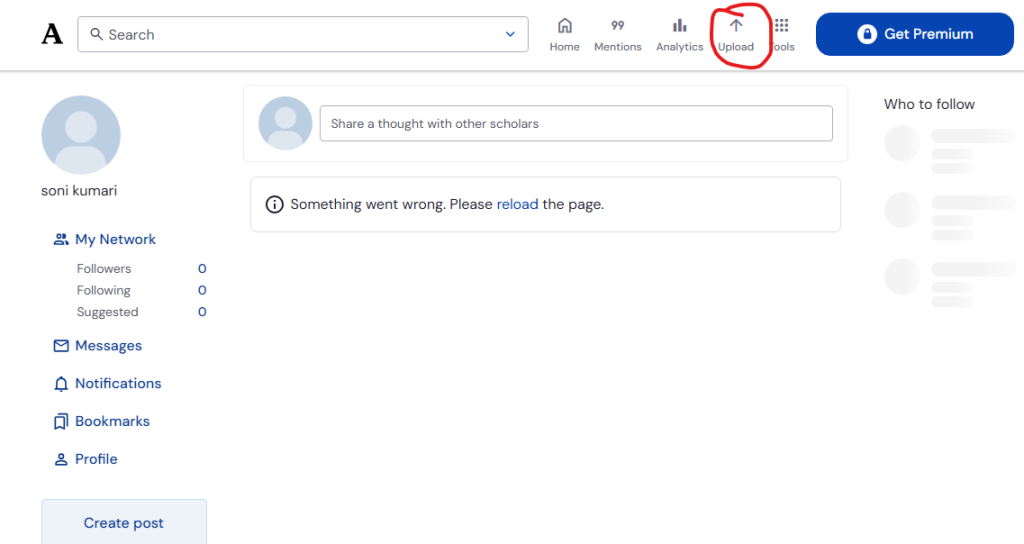
Step 2: Select the File to Upload
Click Choose File or Upload File, then browse your computer and select the PDF or supported document you want to publish.
Once your post is ready, click the Post button to publish it and share it with the academic community.
