Introduction
Dailymotion is a popular video-sharing platform that enables creators, businesses, educators, and organizations to upload, manage, and share videos with audiences worldwide. Whether you are publishing tutorials, product demos, educational content, or entertainment videos, Dailymotion offers an easy way to host and distribute your content.
This guide explains how to upload your first video on Dailymotion.
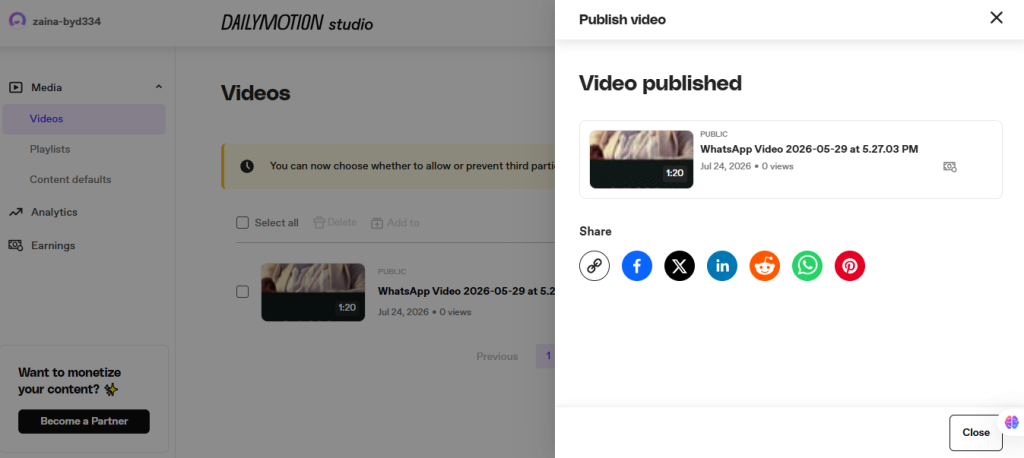
Steps for publishing a video on Dailymotion.
Step 1: Sign In to Dailymotion
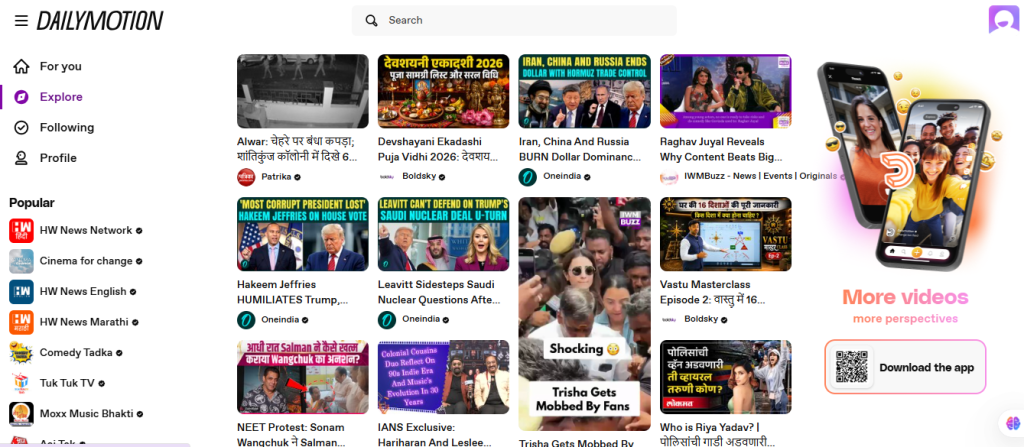
- Open your web browser.
- Visit Dailymotion.
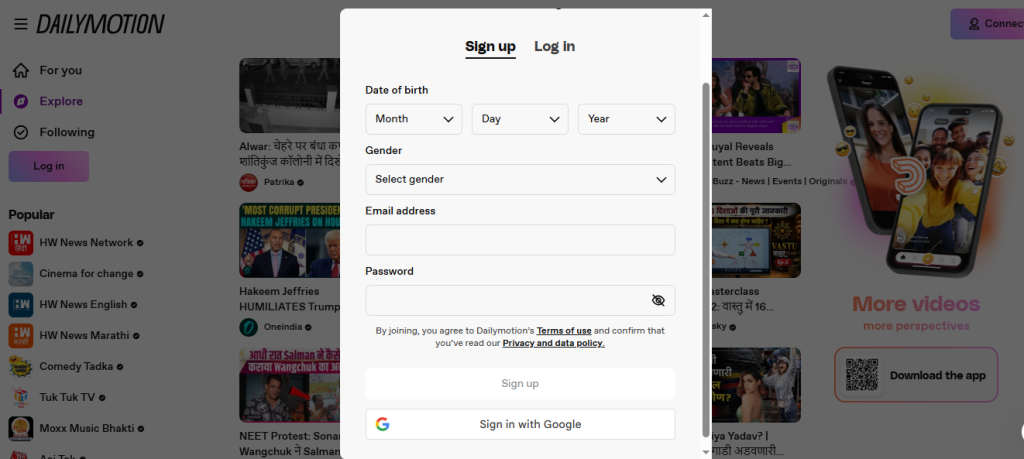
- Click Sign In.
- Log in to your Dailymotion account.
If you don’t have an account, create one for free.
Step 2: Open Dailymotion Studio
After signing in:
- Click your Profile icon.
- Open Dailymotion Studio (or Studio from the account menu).
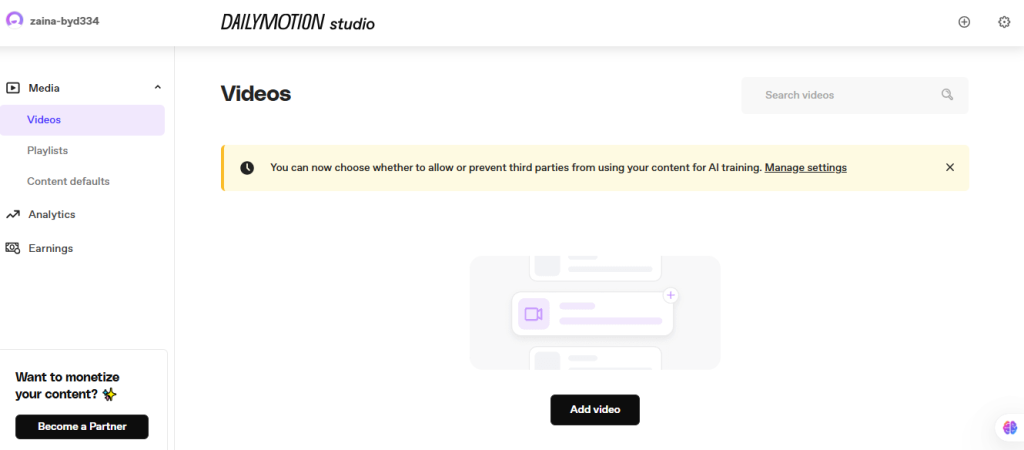
- This is where you manage your uploaded videos.
Step 3: Click “Upload”
Inside Dailymotion Studio:
- Click the Add video button.
- Choose the video file from your computer.
- The upload process will begin automatically.
Wait until the file upload is complete before continuing.
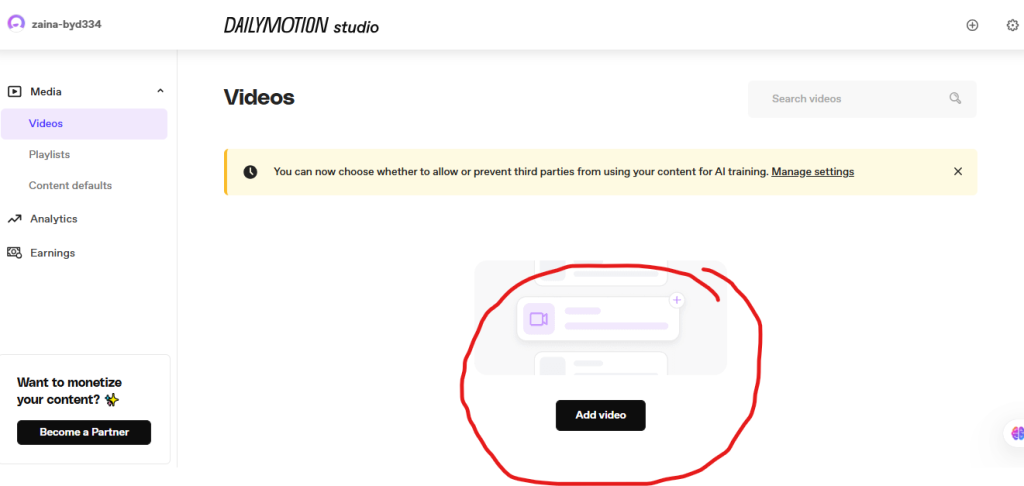
Step 4: upload video
Click on “upload video.”
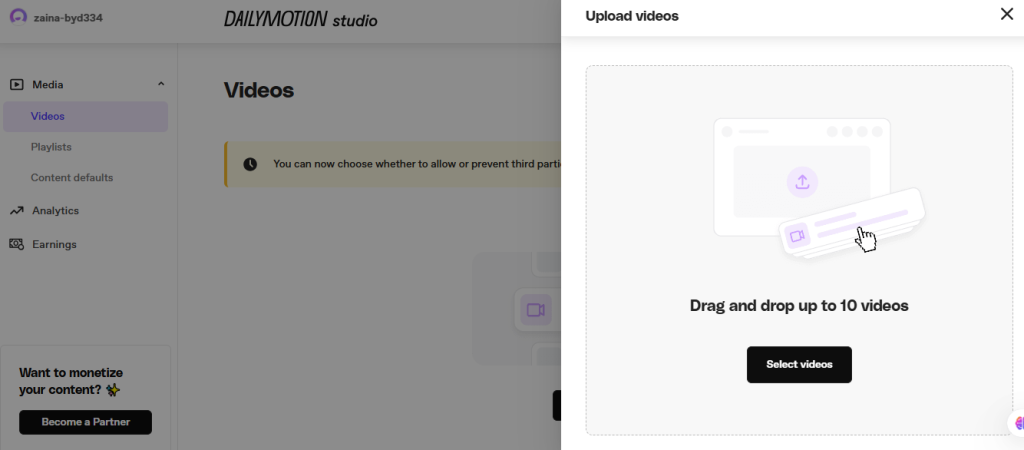
Step 5: Enter Video Details
Complete the required information, including:
- Video Title
- Description
- Language
- Category
- Tags (if available)
- Playlist (optional)
Write a descriptive title and informative description to help viewers understand your video.
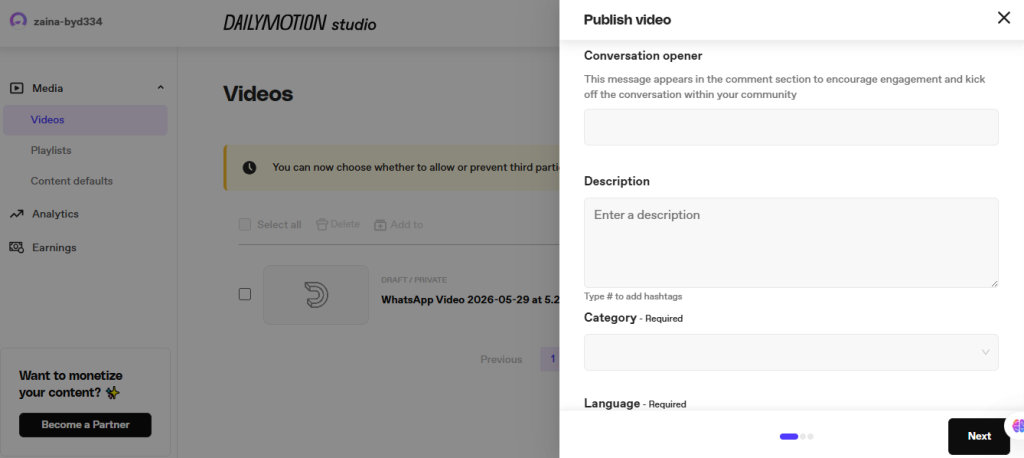
Step 6: Choose Video Visibility
Select how your video should be shared.
Depending on your account and available options, you may be able to choose the following:
- Public
- Private
- Unlisted (if supported)
Select the option that best matches your publishing needs.
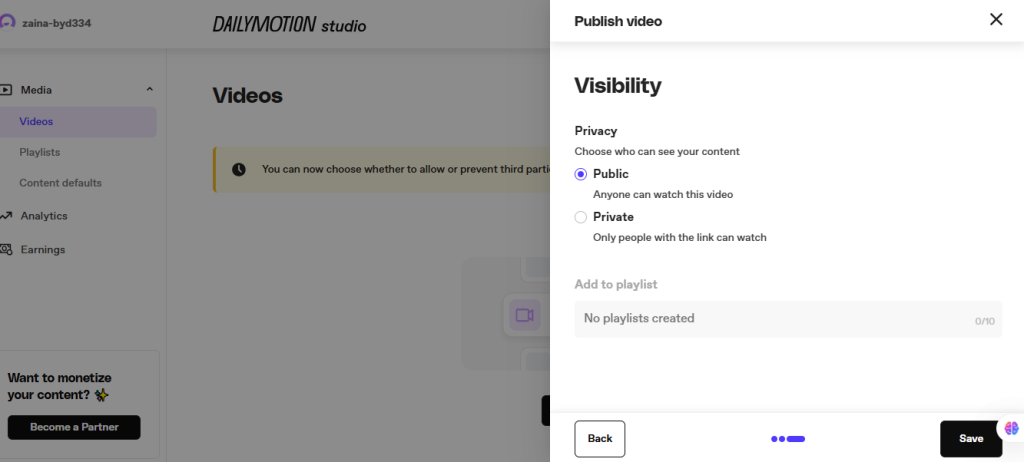
Step 7: Publish Your Video
Once everything is ready:
- Click Publish or Save (depending on your account interface).
- Your video will be processed.
- After processing is complete, your video will become available according to the visibility settings you selected.
Processing time may vary depending on the video size and quality.