Introduction
Bitbucket is a Git-based platform that helps developers store, manage, and share their code online. It allows individuals and teams to work on software projects together, track code changes, and keep everything organized in one place. Bitbucket also makes it easy to collaborate, review code, and manage projects from start to finish.
What Can You Publish?
You can publish documentation, project guides, source code, README files, technical tutorials, code examples, release notes, and software development projects. Bitbucket is mainly used to host and manage Git repositories, collaborate with teams, and track code changes.
Step-by-Step Guide to Create a Repository
Step 1: Open Bitbucket
If you already have a Bitbucket account, click Sign In to log in. If you don’t have an account yet, click Sign Up to create one. You can also use the Continue with Google option to sign in quickly without creating a new password.
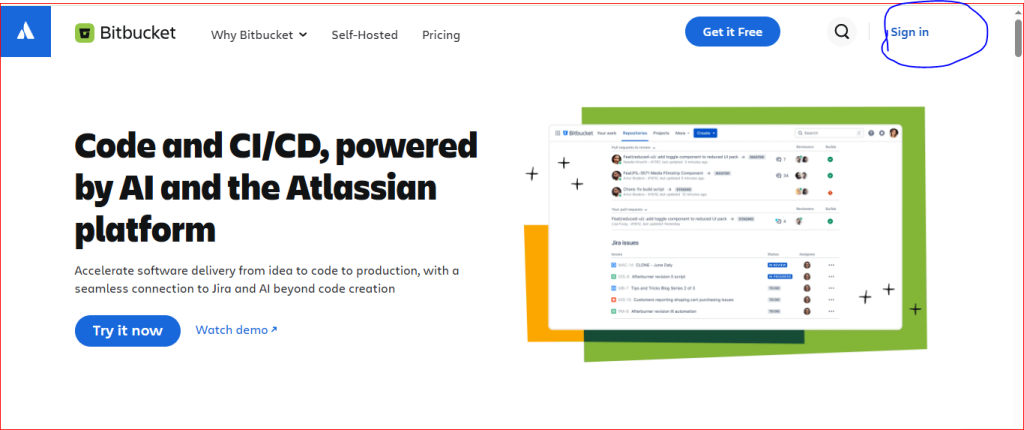
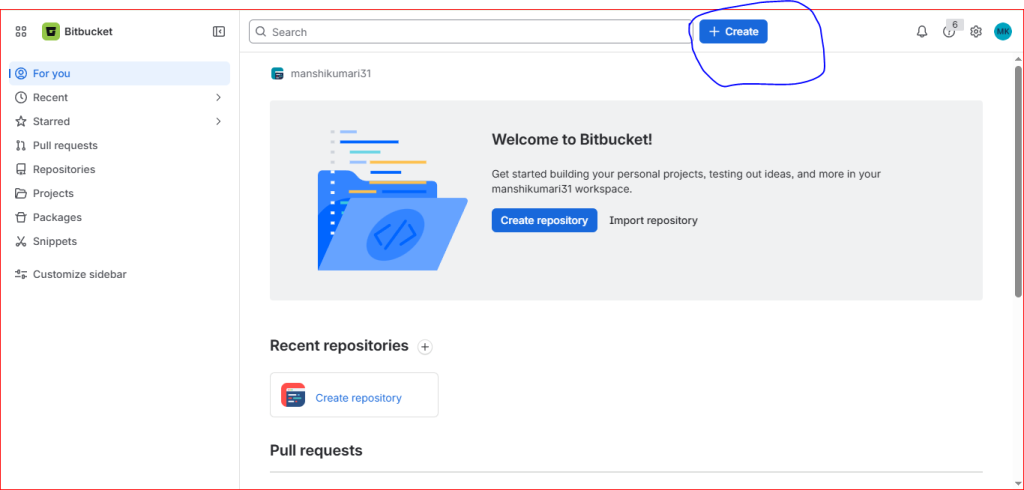
Step 2: Click Create
Click the Create button at the top of the page.
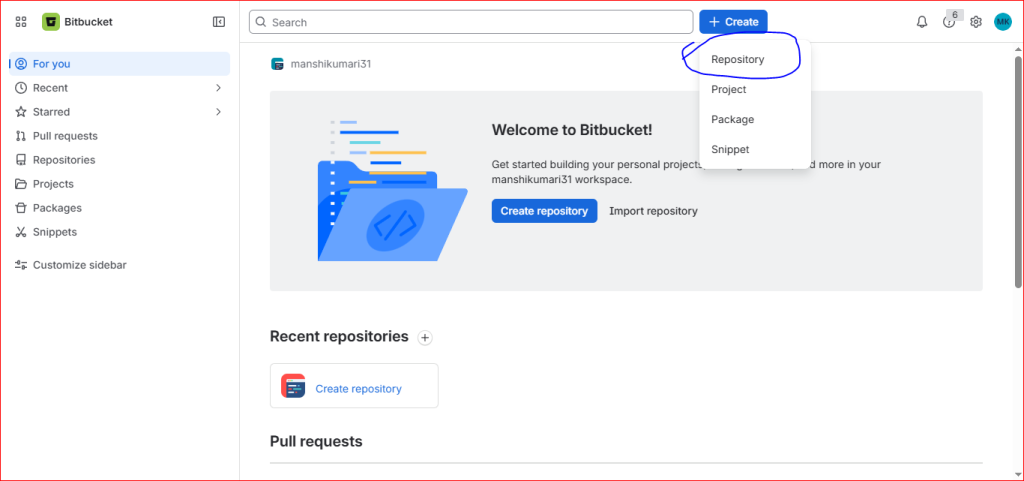
Step 3: Select Repository
Click Create, then choose Repository to create a new repository.
Step 4: Enter Repository Details
Fill in the required information, such as:
- Repository Name
- Project (optional)
- Access (Public or Private)
- Git as the version control system
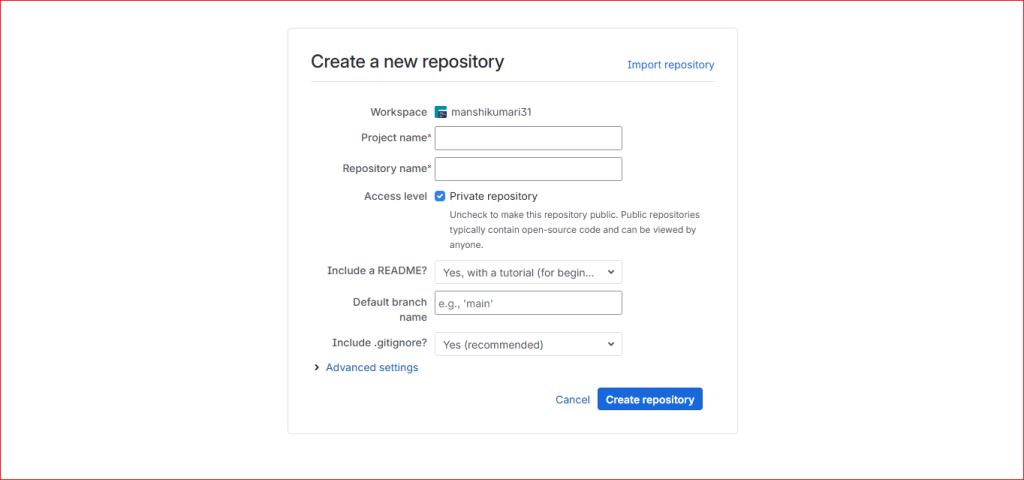
Step 5: Share Your Repository
After filling in all the required details, click the Create Repository button. Once the repository is created, upload your project files to it.
Note: Bitbucket is used to store and manage code. You cannot publish blogs or articles on Bitbucket because it is not a blogging website.
