Introduction
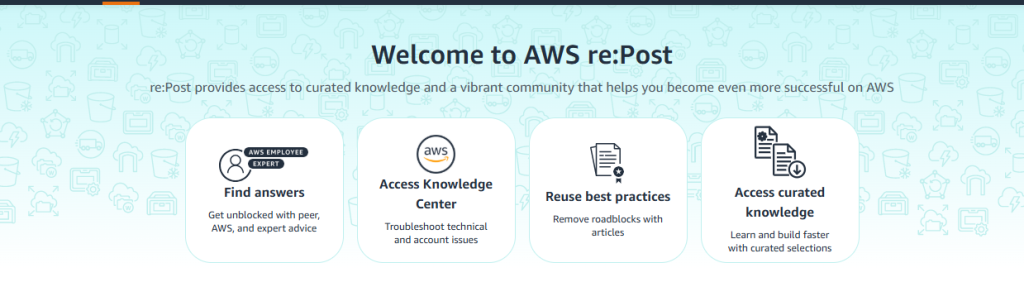
AWS re:Post is Amazon Web Services’ official community platform where developers, cloud engineers, and IT professionals ask questions, share knowledge, and solve AWS-related problems.
What is the purpose of this website?
The main purpose of this website to help users to learn and gain more knowledge about the AWS , Solve techniqual problems that is related to AWS .
What types of content can you post on AWS re:Post ?
- you can ask the question and answer related to AWS .
- You cannot write every type of content in this site .
- you can not do any type of blogging , article writing or external post in this website .
How to create the free accoun: step by step guide
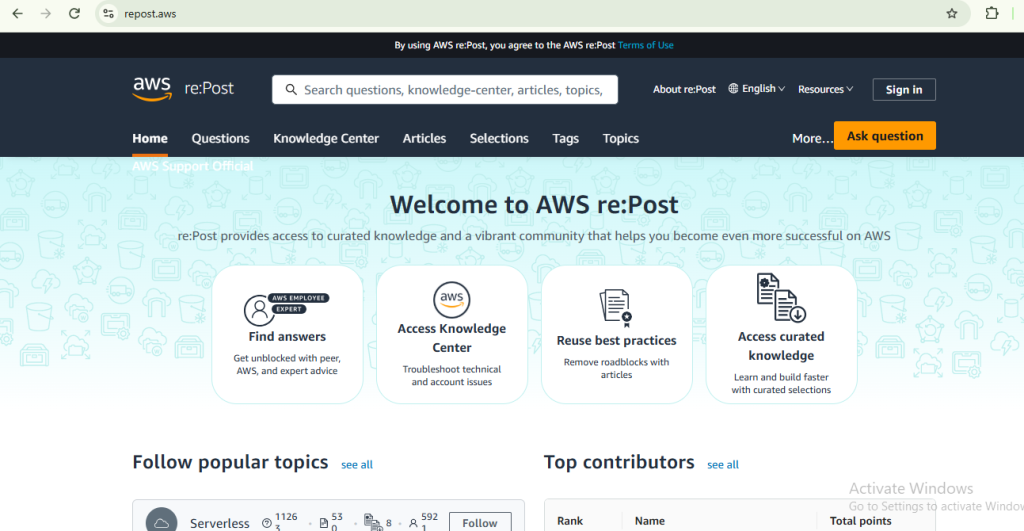
Step – 1 : Open the website
- Go to the google and seach AWS re:Post website .
- open the website
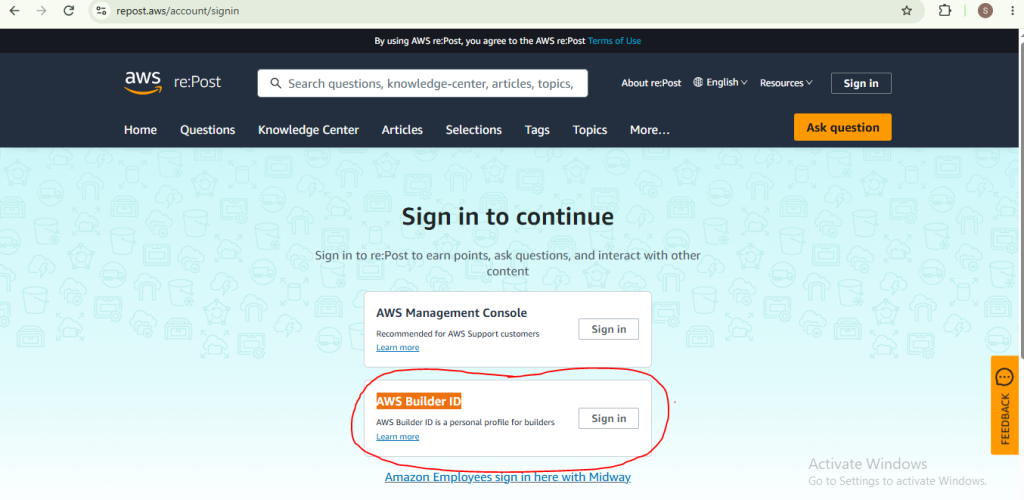
Step – 2 : Click on sign in button
- thre are two methods to sign in
- Sign in with Aws Mangement console
- AWS Builder ID : Use this if you want to use AWS re:Post to ask questions and give the answer
Step – 3 : Create the account
- After click on sign in button you have to go through this process, you have to login with gmail or you have to continue with google.
How to ask the question related to AWS Step by step Guide :
Step -1 : Open the Dashboard
Click on the ask Question Button
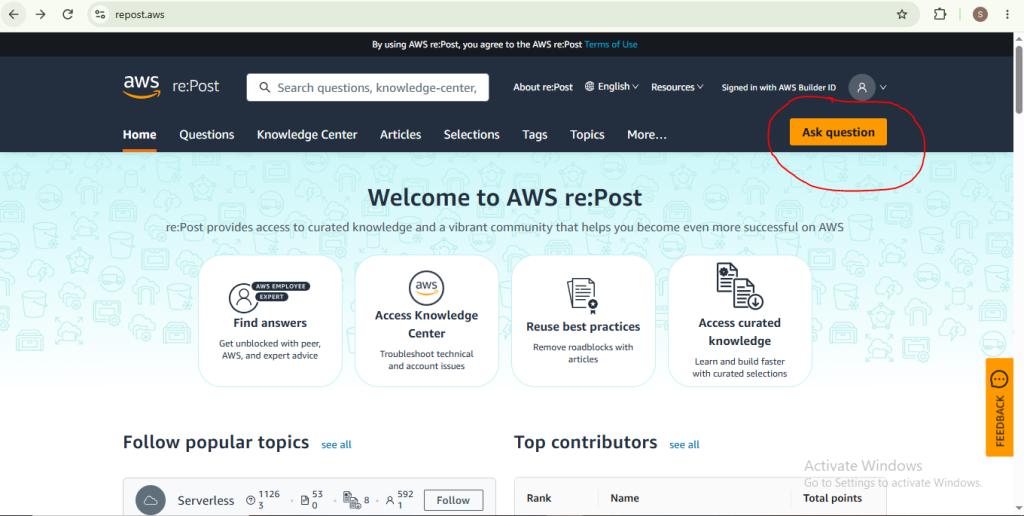
Step -2 : Read the Guidelines for asking questions
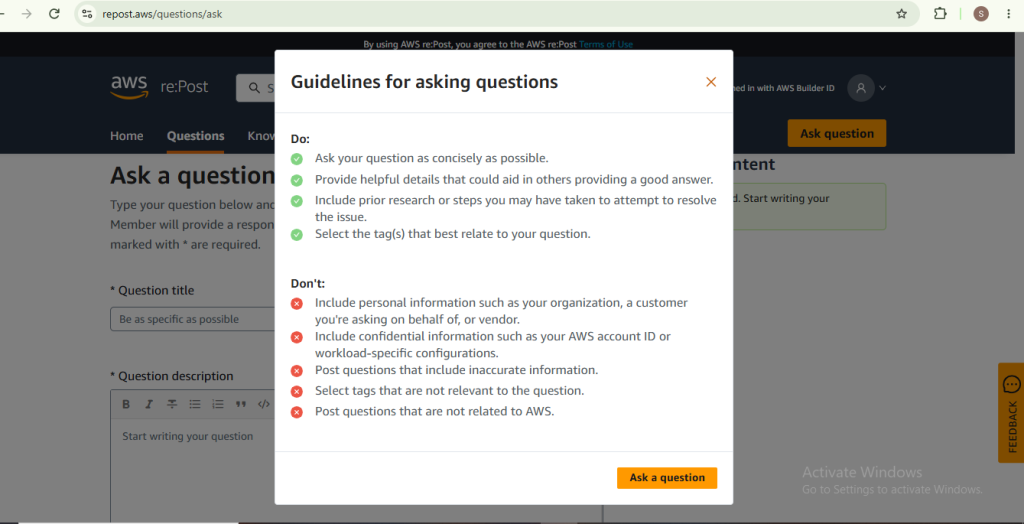
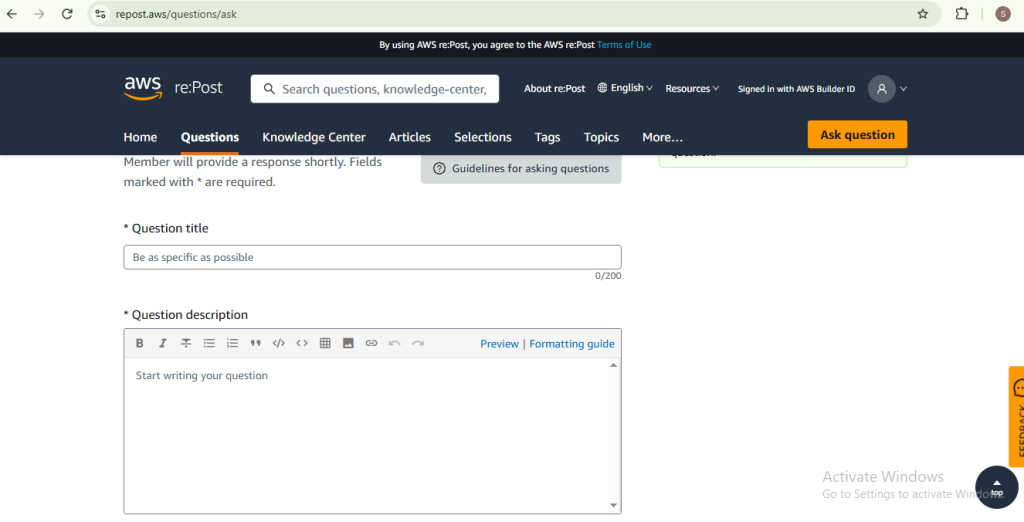
Step – 3 : Ask the Question
Ask the question that is related to AWS
- Write the Question title
- Write Question description
Step – 4: Post the Question
- Before Post the question select minimum 5 tags that is related to you question
- then click on post question
Step by step Guide to give Answer
Step -1 : Open the Dashboard
click on the question
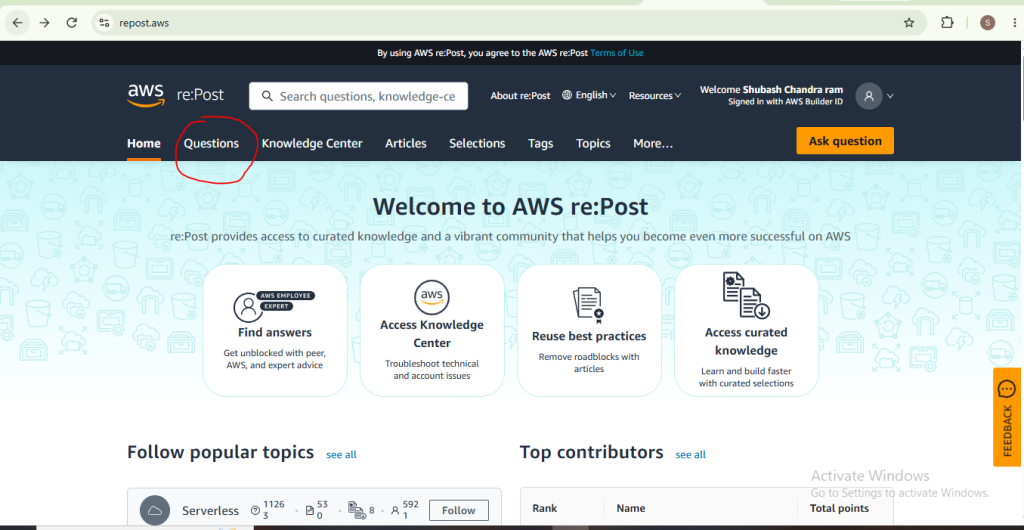
Step -2 : Use the filter option
to choose answer , unasnwered and no answer question you can use the help of filter .
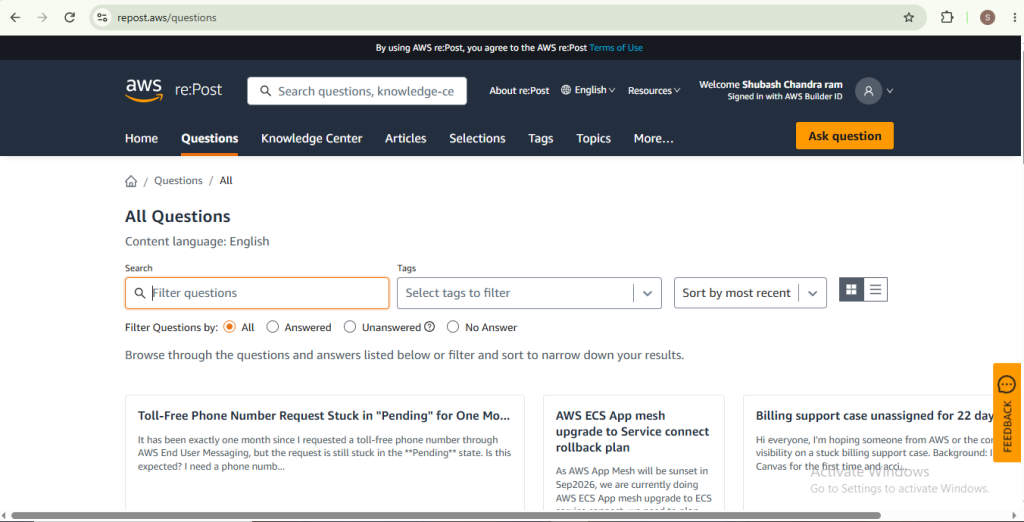
Step -3 : Open the question and read Guidelines
- After open the question read the Guidelines for Answering Questions
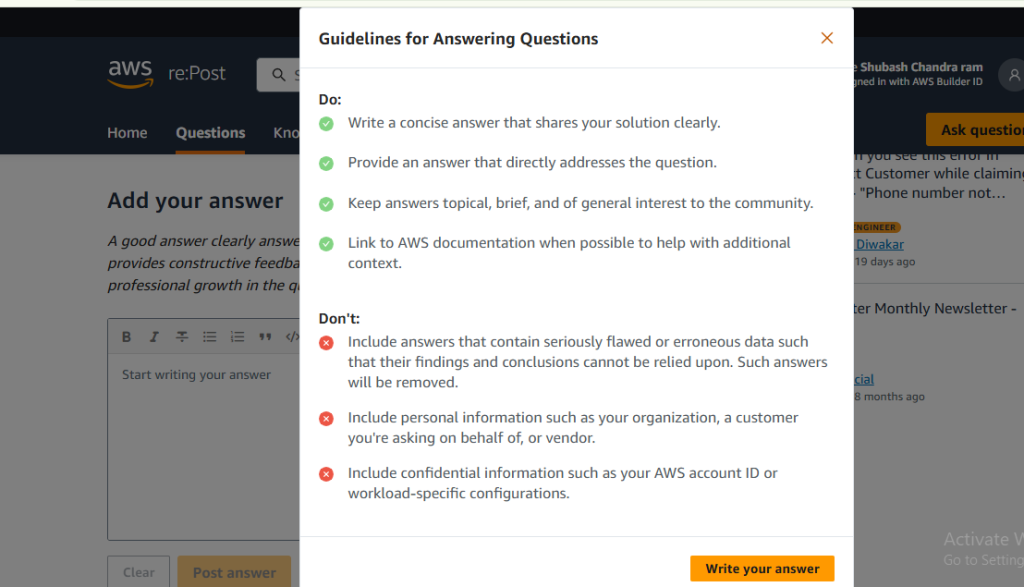
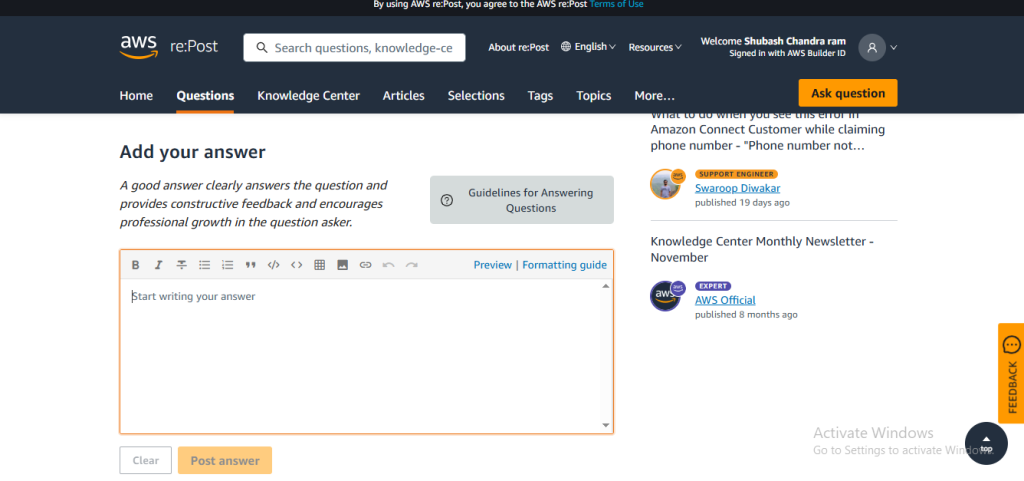
Step -4 : Post your answer
write your answer then click on post your answer