Introduction
BetaList is an online platform where startup founders can submit their new products, apps, websites, or AI tools before or after launch. It helps them gain early users, receive feedback, and increase their product’s online visibility.
suppose If you have created an:
- AI tool
- SaaS product
- Mobile app
- Website
- Software
- Startup
you can submit it to BetaList. If your product gets approved, thousands of users can discover it, try it out, and provide valuable feedback.
How to submit your start up step by step guide
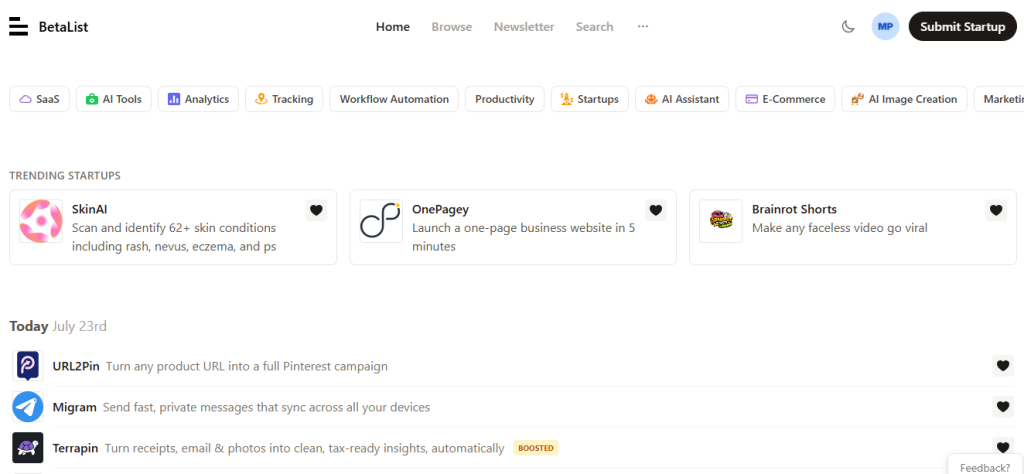
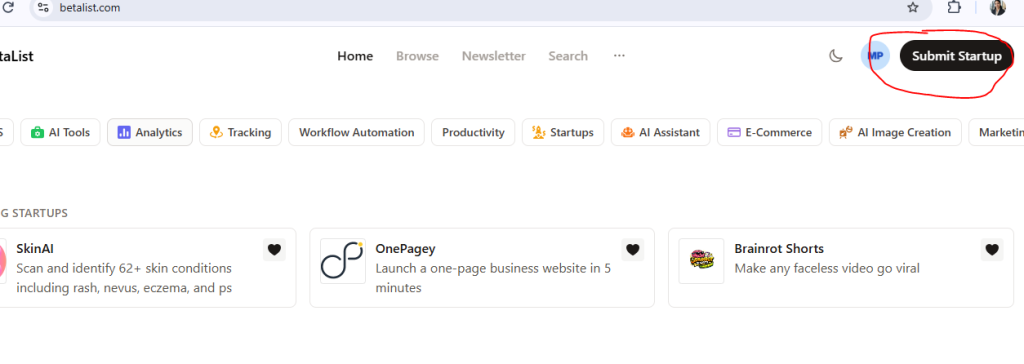
Step – 1 : open the dashboard
- click on the submit start up
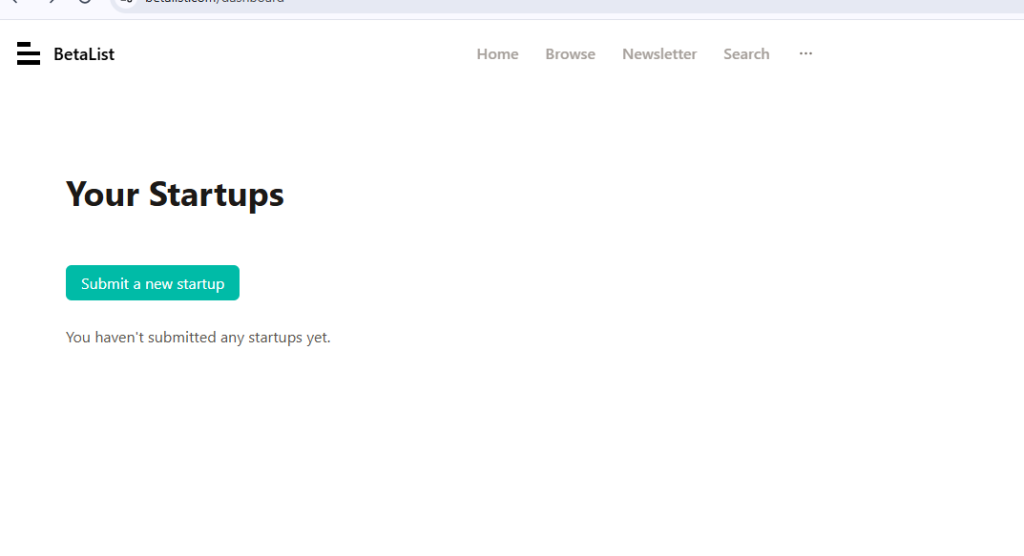
Step – 2 : click on the Submit a new startup button
Step – 3 : enter your website url
to submit your start up enter your website url
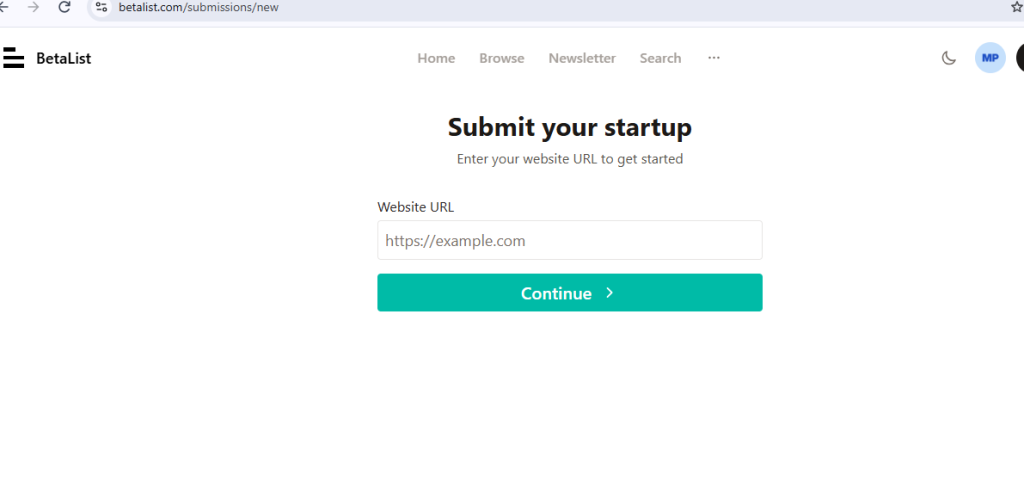
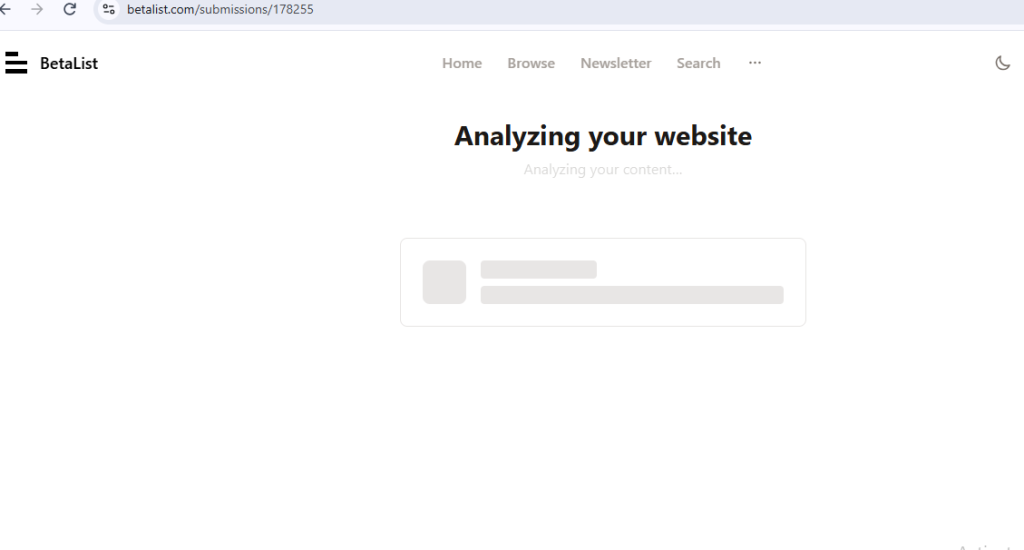
Step – 4 : Analyzing your website
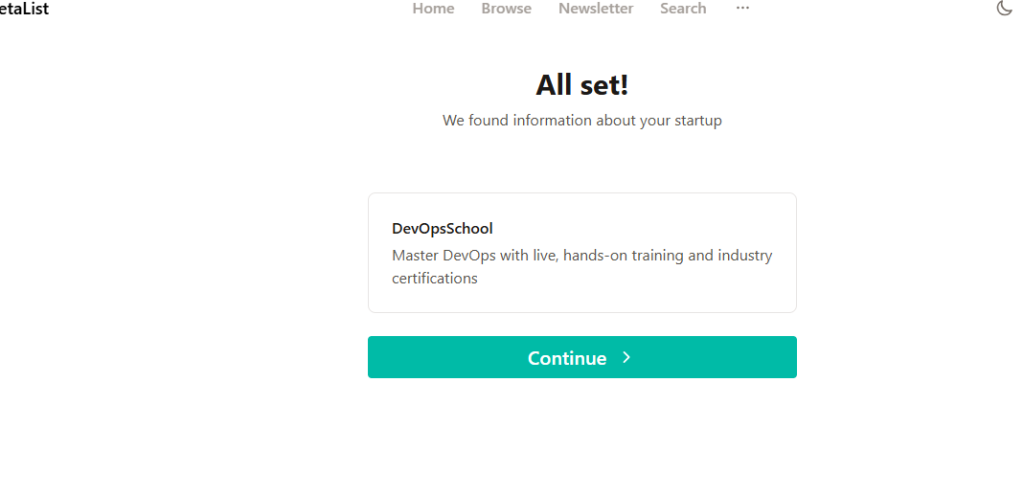
Step – 5 : click on continue button
after Analyzing they found all the details about your startup , then click on continue button
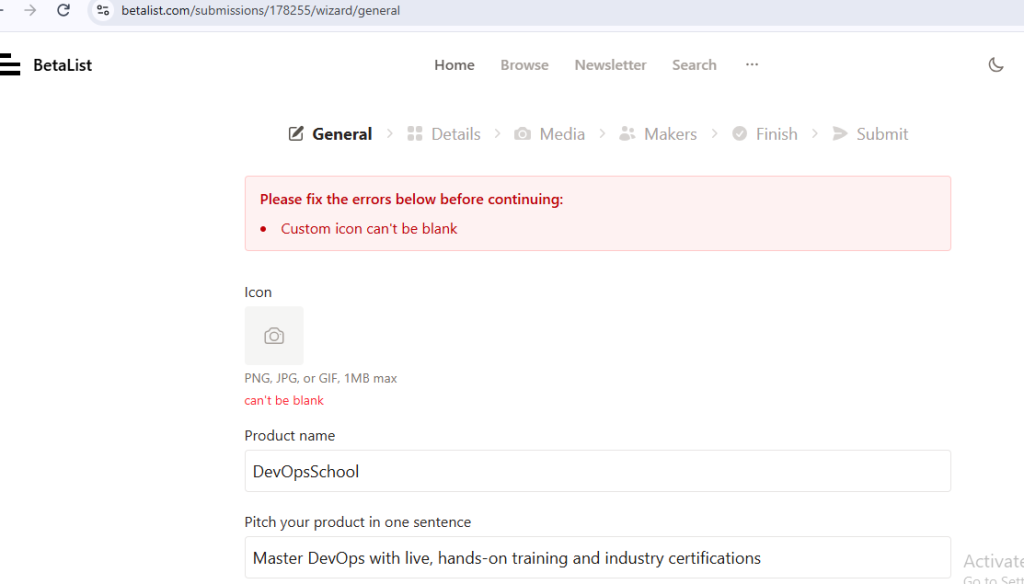
Step – 6 : choose your icon and click on details
image should be in PNG, JPG, or GIF, 1MB max and after put image then click to details button to save .
Step – 7 : fill all detials
fill all details like Topics ,Promotion details ,TestFlight link , then click on media button .
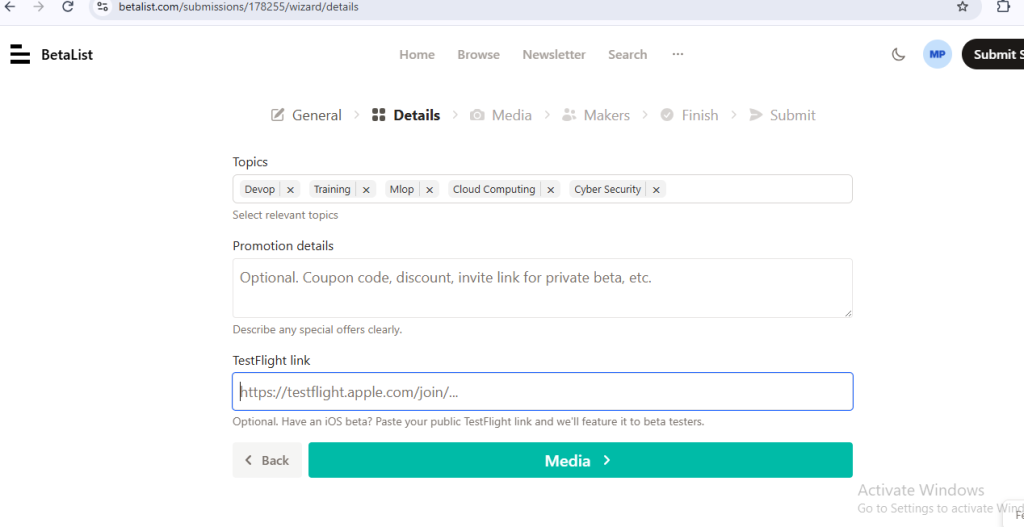
Step – 8 : click on media button
upload image in media and then click on team button
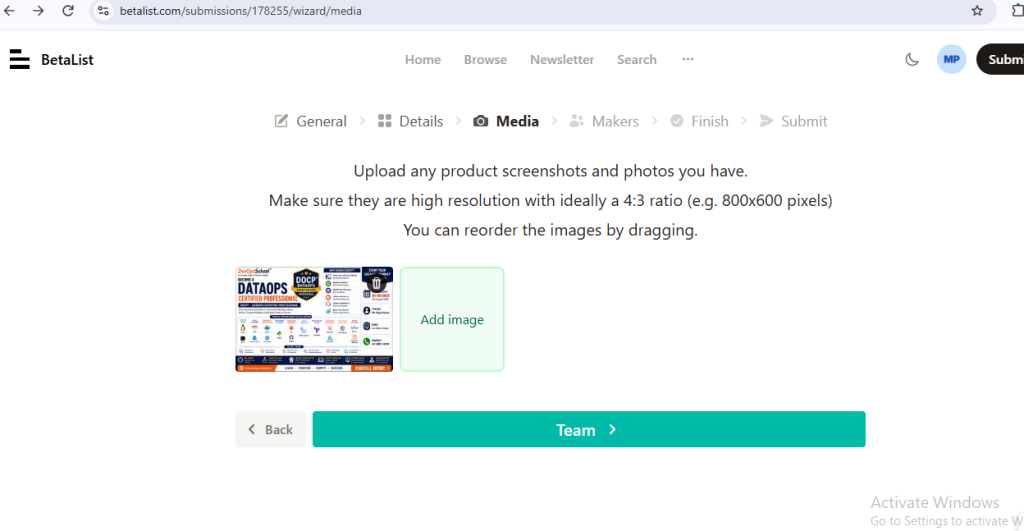
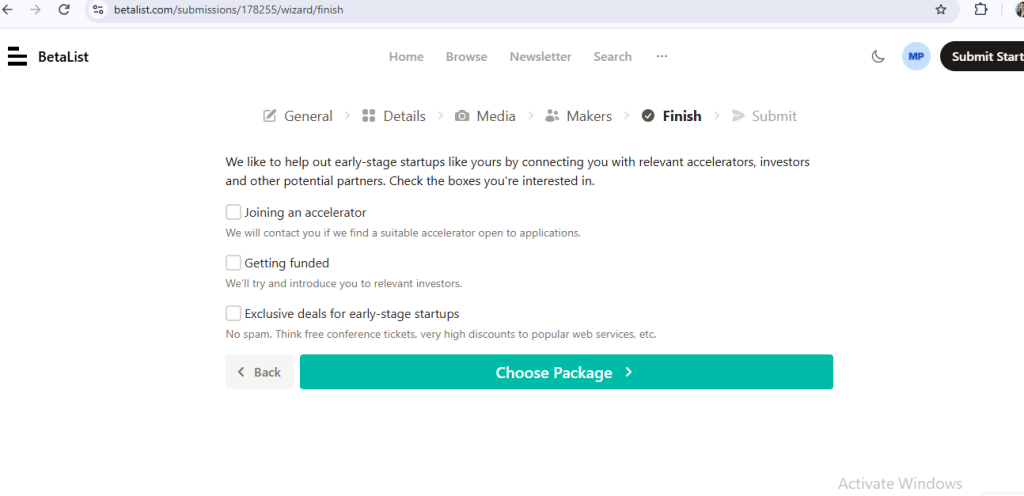
Step – 9 : click on finish button
after click team button maker page will open than click on finish button
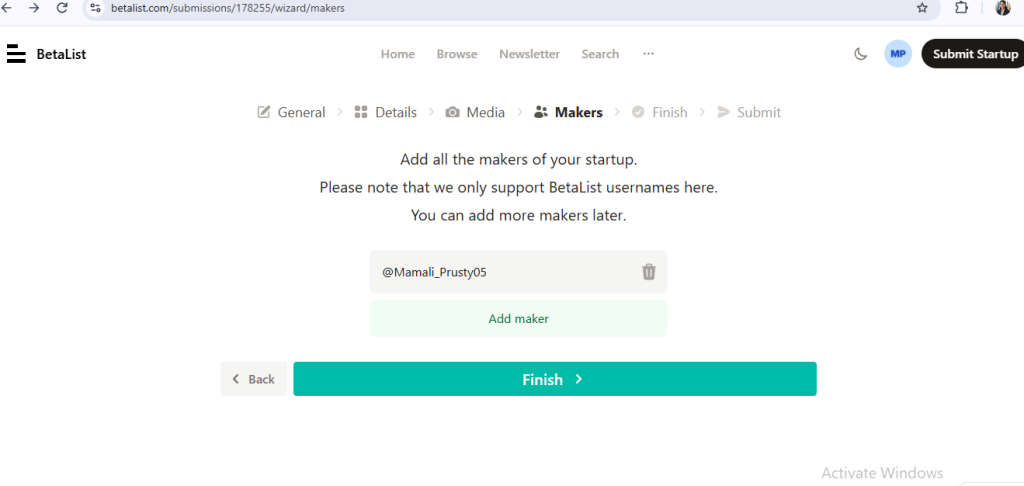
Step – 10 : choose your plan and click on submit button