Introduction
Carrd is a powerful, elegant, and user-friendly web platform designed for building simple, free, and fully responsive one-page sites. Whether you need a landing page, a portfolio, a profile, or a site for pretty much anything else, Carrd provides an intuitive environment where users can quickly design and launch professional pages without needing complex technical skills.
What is the Purpose of Carrd?
- To enable users to create simple, free, and fully responsive one-page sites for virtually any purpose.
- To provide an accessible platform where anyone can quickly choose a starting point and build a clean website.
- To offer an easy login and publishing experience for individuals, creators, and professionals needing a quick web presence.
- To simplify web design by focusing on fast, beautiful, and mobile-friendly layouts without unnecessary clutter.
Step-by-Step Guide to Create a Website on Carrd
Step 1: Open Carrd and Sign In
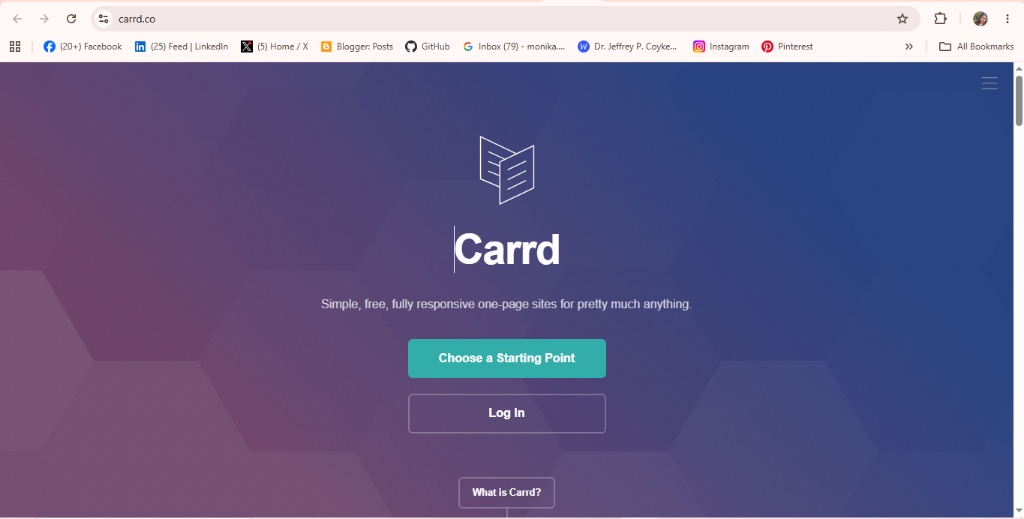
Go to Carrd in your web browser.
- Click Log In if you already have an account.
- If you don’t have an account, click Sign Up and create a free account.
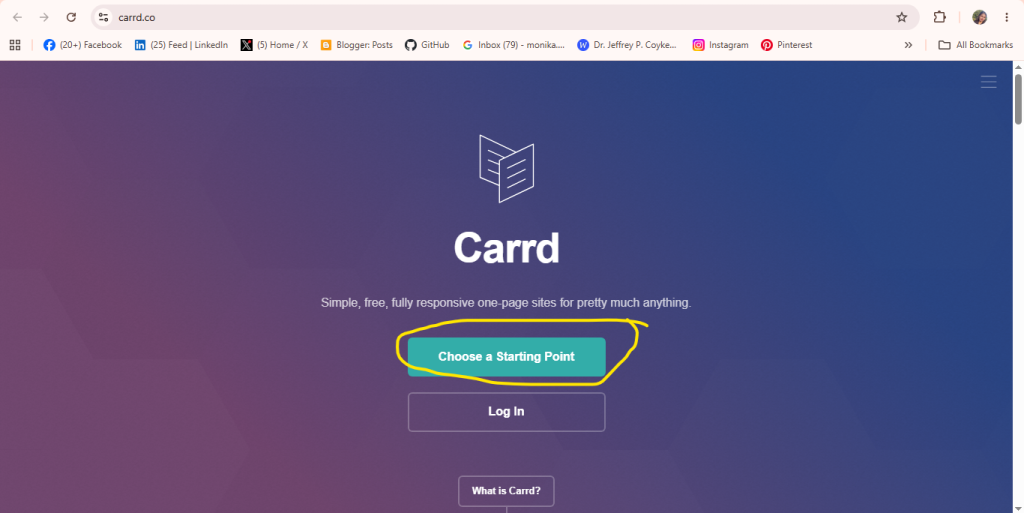
Step 2: Click “Choose a Starting Point”
After logging in, click Choose a Starting Point to select a template for your website.
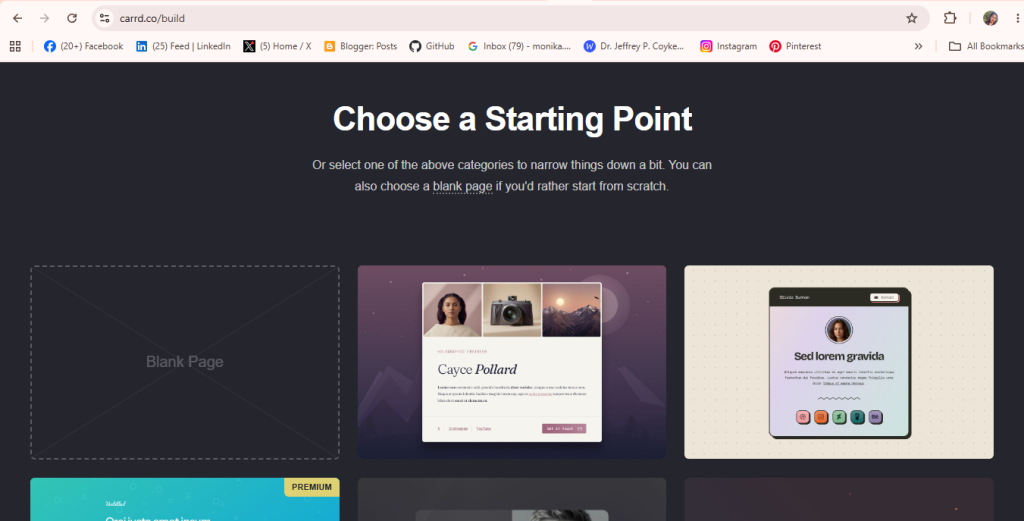
Step 3: Choose a Page
Select the page or template that best fits your website, then click it to start editing.
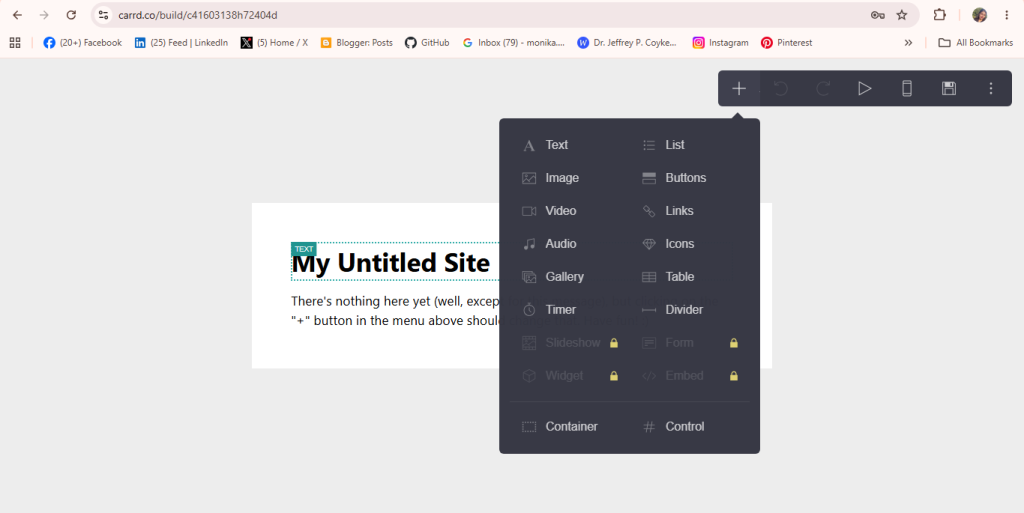
Step 4: Click the “Element” Button
Click the Element button to add content to your website. You can add:
- Text
- Images
- Buttons
- Icons
- Videos
- Gallery
- Links
- Embed elements
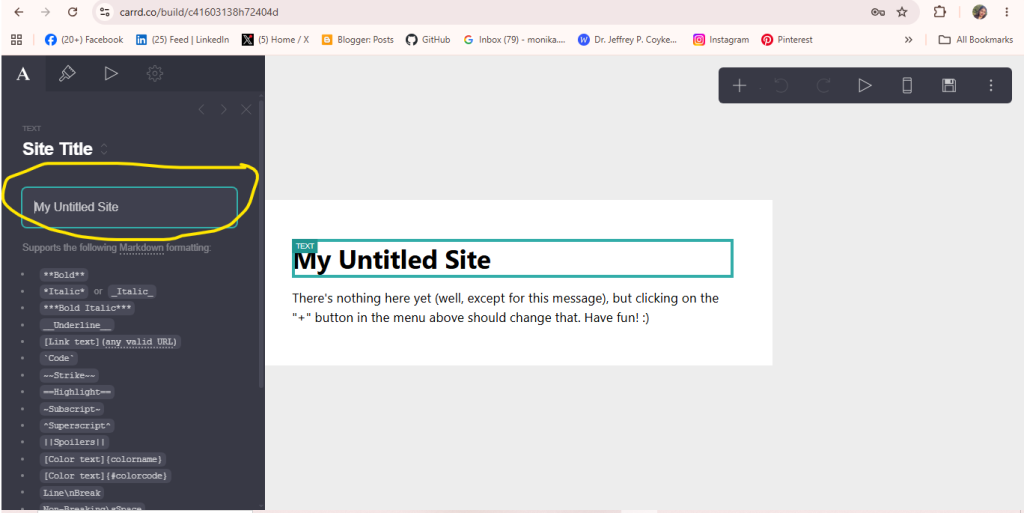
Step 5: Write the Text
Add your title and content using Carrd’s text editor. You can format the text by changing the font, size, color, alignment, and style to match your website.
Step 6: Publish Your Website
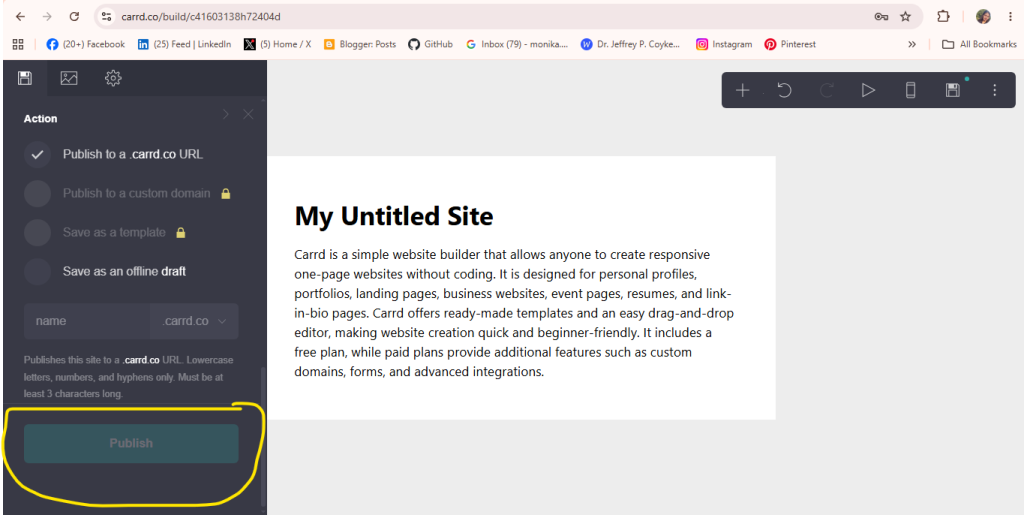
Before publishing, enter your Title, Description, and Subdomain. Then, click the Publish button to make your website live.