Introduction
Elastic Discuss Forum is Elastic’s official community discussion forum where developers, DevOps engineers, system administrators, security professionals, and Elastic Stack users can ask questions related to Elasticsearch, Kibana, Logstash, Beats, Elastic Agent, Observability, Security, and Elastic Cloud.
This guide explains how to ask your first question on the Elastic Discuss Forum.
Step 1: Sign In to Elastic Discuss Forum
- Open your web browser.
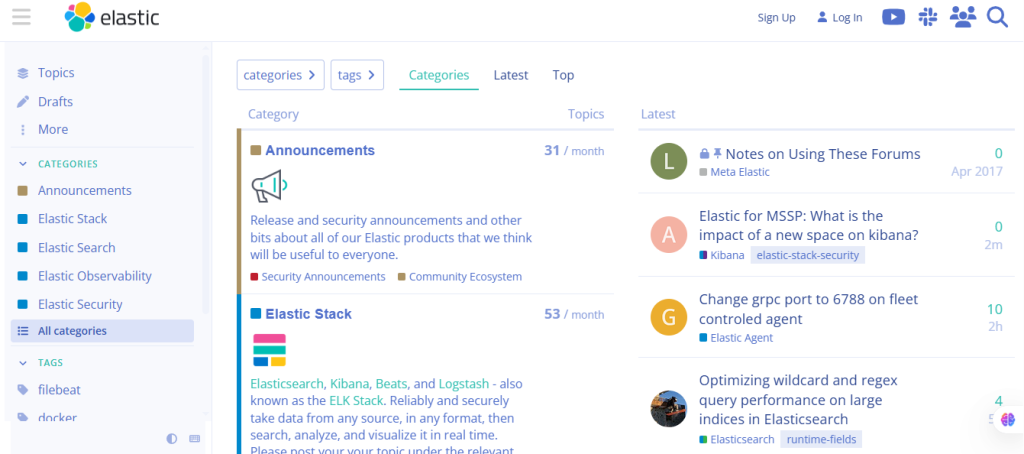
- Visit Elastic Discuss.
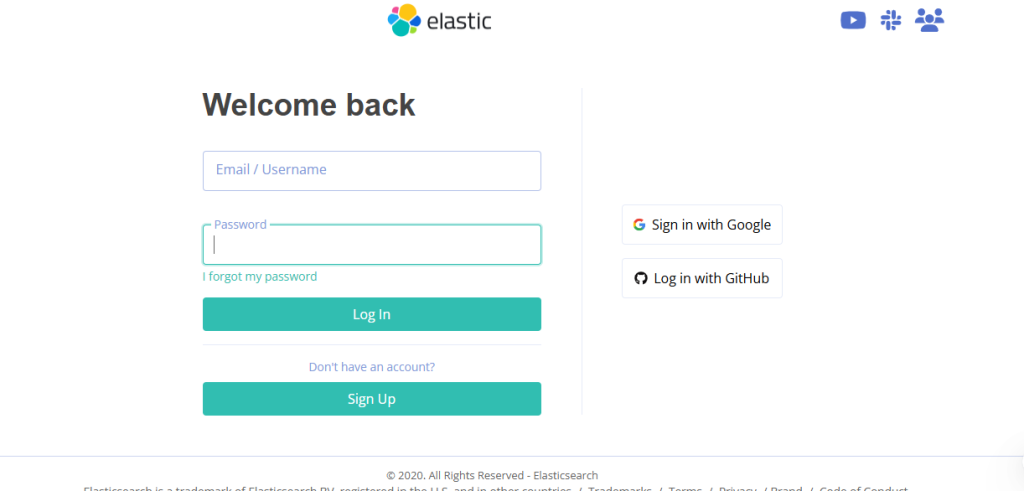
- Click Log In.
- Sign in using your Elastic account.
If you don’t have an account, create one for free.
Step 2: Click “New Topic”
If you cannot find a solution:
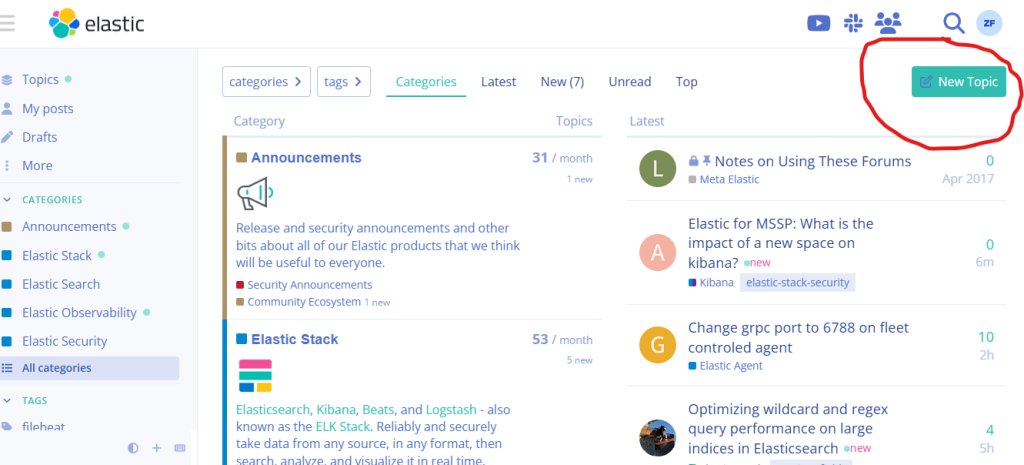
- Click the New Topic button.
- The topic editor will open.
This is where you’ll create your question.
Step 3: Write a Clear and Descriptive Title
Create a concise title that summarizes your problem.
Examples:
- Elasticsearch cluster health is yellow after restart
- Kibana dashboard not loading
- Logstash pipeline configuration error
- Beats agent unable to connect to Elasticsearch
Avoid generic titles like “Help” or “Issue.”
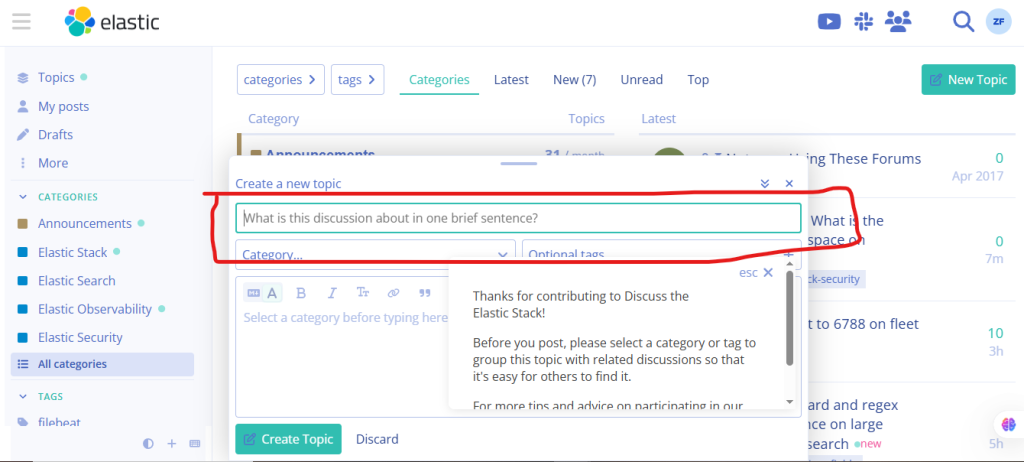
Step 4: Describe Your Question
Provide detailed information, including:
- What you’re trying to accomplish
- Elastic product and version
- Operating system
- Deployment method (self-managed, Docker, Kubernetes, or Elastic Cloud)
- Configuration details
The more details you provide, the easier it is for community members to help.
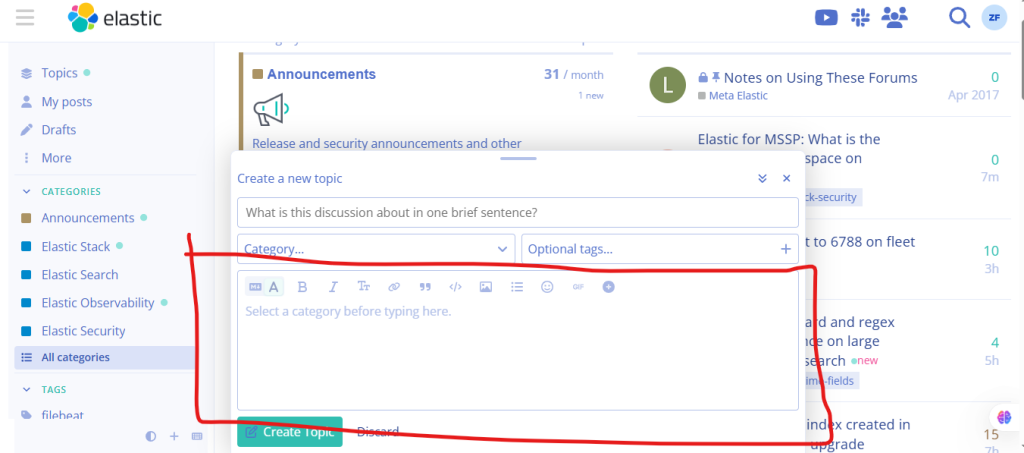
Step 5: Publish Your Question
Once everything is ready:
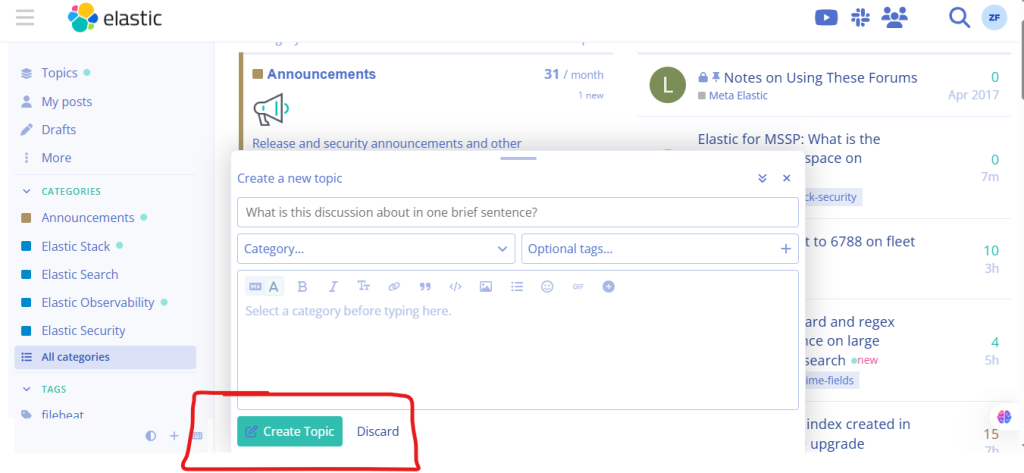
- Click Create Topic.
- Your question will be posted in the selected category.