Introduction
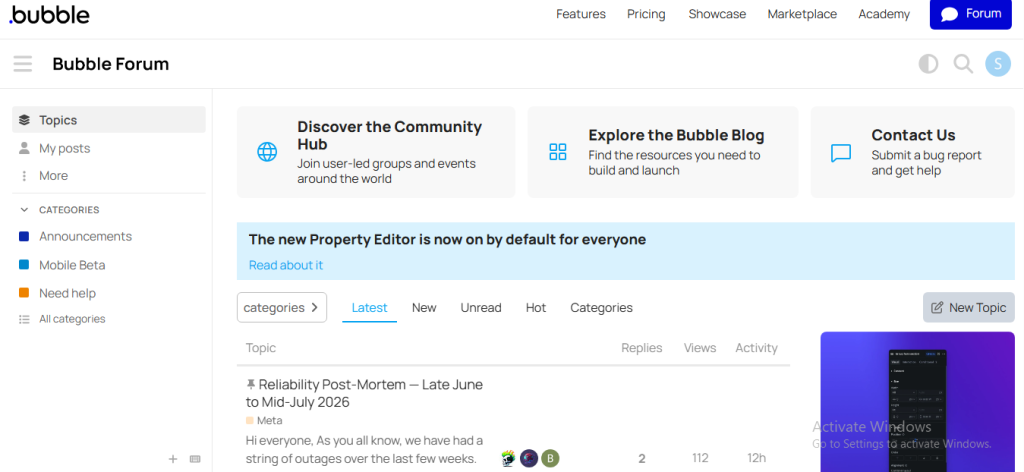
The Bubble Forum is the official community forum for Bubble.io. It is a place where Bubble users can ask questions, share ideas, solve problems, and learn from other community members.
This guide explains how to post a question on the Bubble Forum.
Step-by-Step Guide to Asking a Question on Bubble Forum
Step 1: Sign In to Bubble Forum
- Open the Bubble Forum website in your web browser.
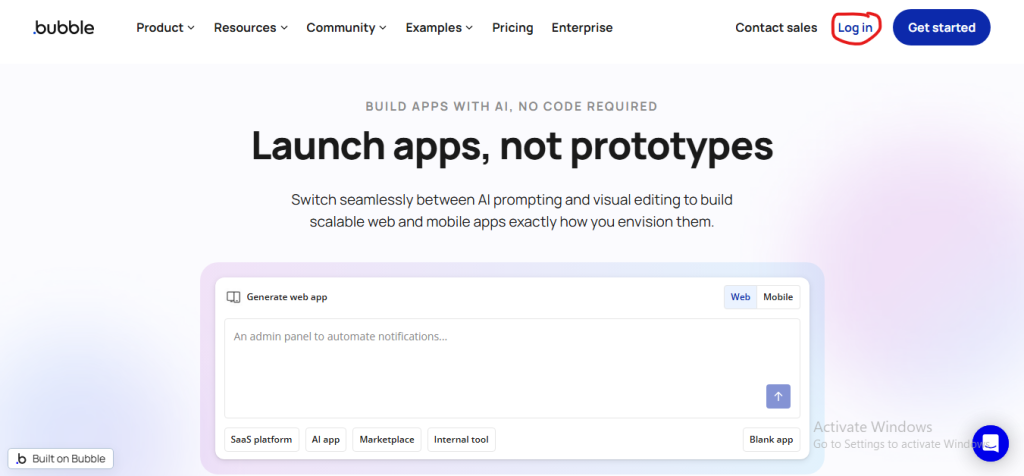
- Click the Sign In button at the top of the page.
Step 2: Search Before Posting
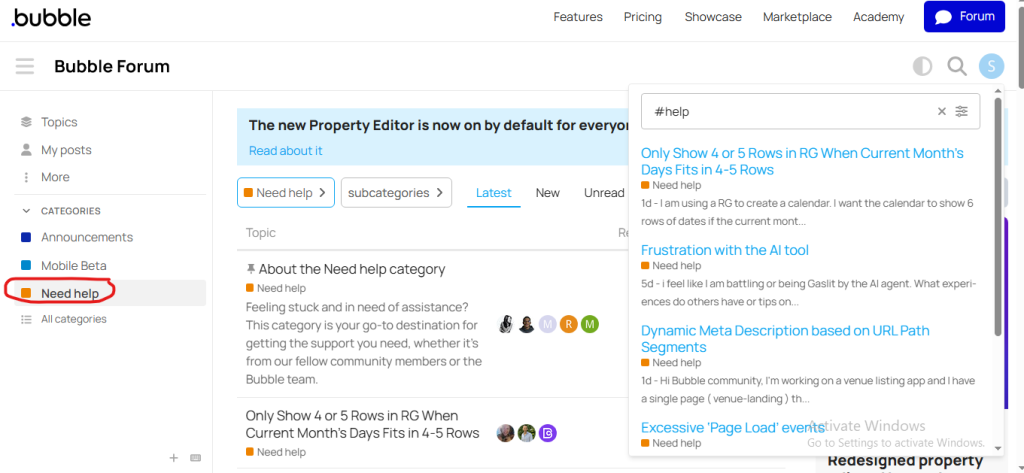
Before creating a new topic
- Open the Bubble Forum.
- Click on the Search bar at the top of the page.
- Type a few keywords related to your question.
Your question may have already been answered
Step 3: Choose the Correct Category
Select the category that best matches your question
- Need Help
- Bugs
- App Development
- Plugins
- Workflows
- Design
Step 4: Click New Topic
After opening the appropriate category :
- click the New Topic button
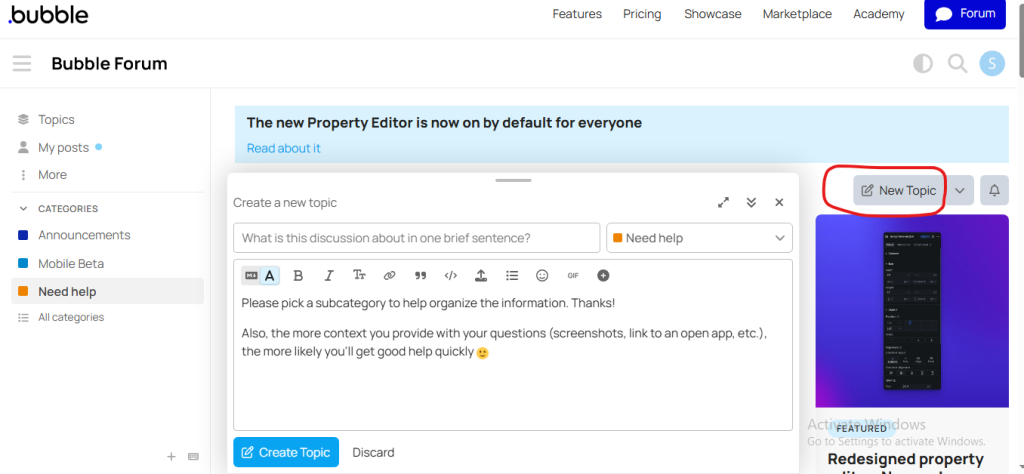
After selecting the topic click on “New Topic.”
Step 5: Enter a Clear Title
Write a Clear and Descriptive Title
Title examples:
- How can I connect Bubble with Stripe?
- Why is my workflow not running?
- How do I filter data in a Repeating Group?
Avoid titles like:
- Help
- Need Support
- Urgent
- Please Help Me
- Question
A clear and meaningful title makes your post easier to find and encourages more people to respond.
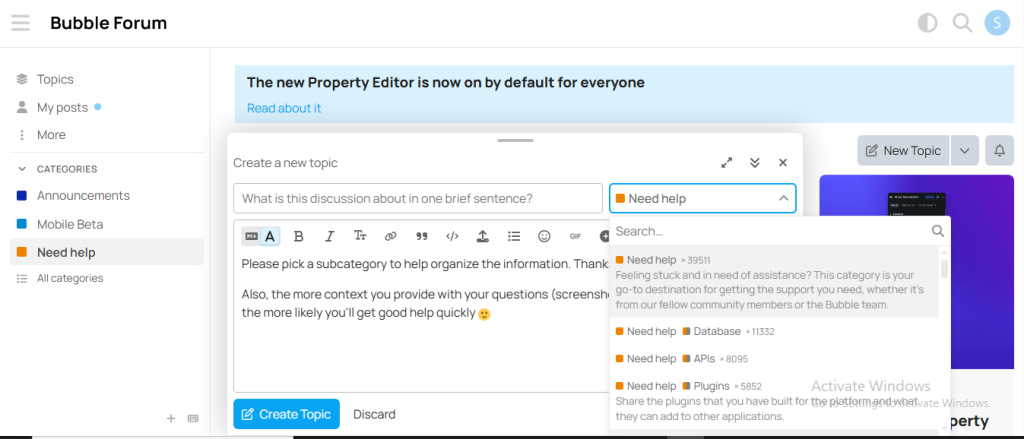
Step 6: Publish Your Question
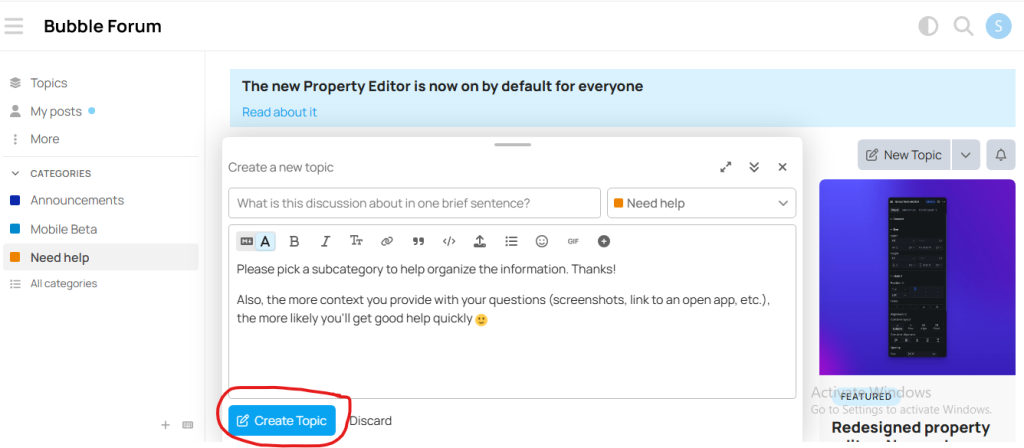
Click Create Topic or Post to publish it.
Your question will become visible to the Bubble community and other members can reply with suggestions.