Introduction
DEV Community (dev.to) is a developer-focused blogging and community platform where programmers, software engineers, and tech enthusiasts can write technical articles, share coding experiences, participate in discussions, and connect with other developers.
This guide explains how to write your first article on DEV Community.
Step-by-step guide to post on dev.to
Step 1: Sign In to DEV Community
- Open your web browser.
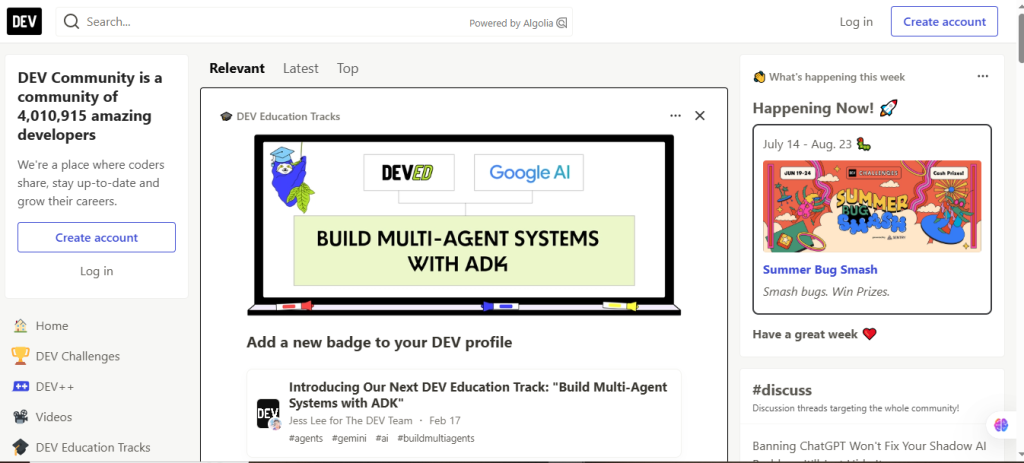
- Visit https://dev.to/.
- Click Log In.
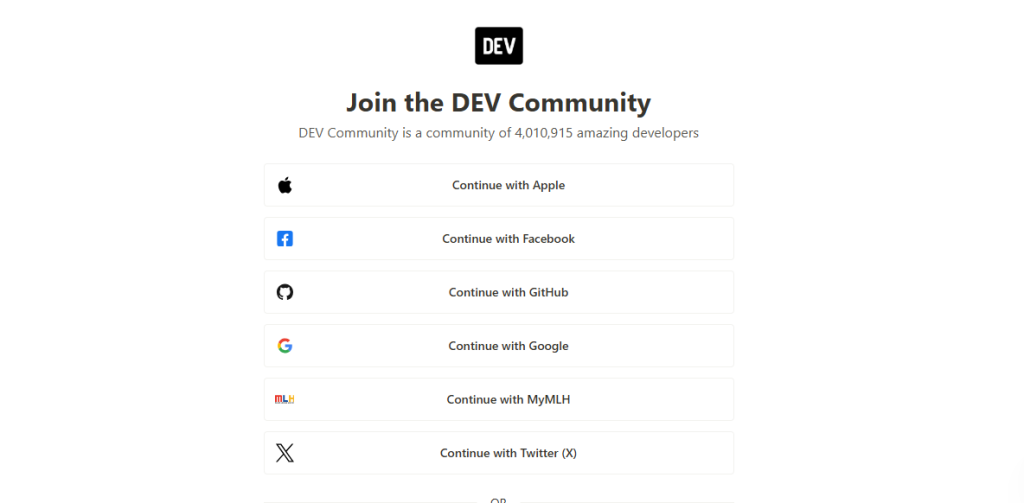
- Sign in using your DEV Community account.
If you don’t have an account, create one for free.
Step 2: Start a New Article
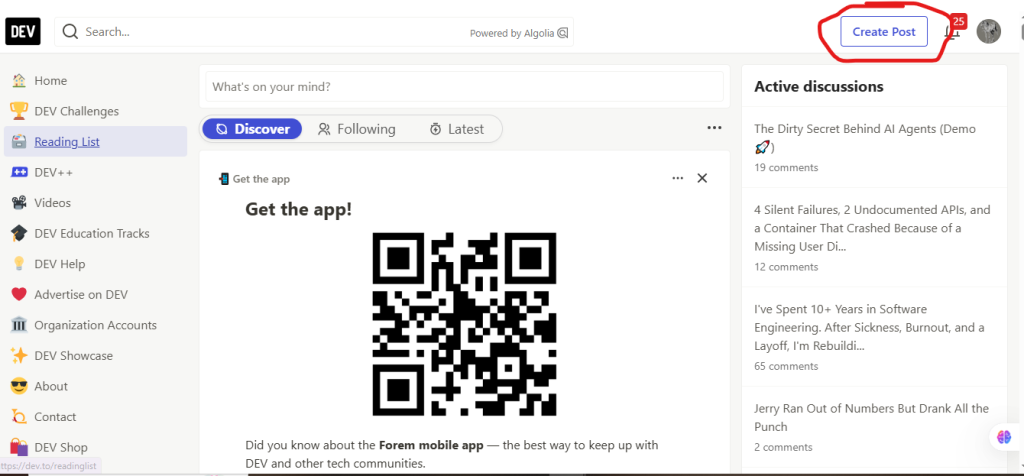
To start writing on dev.to, click on “create post.”
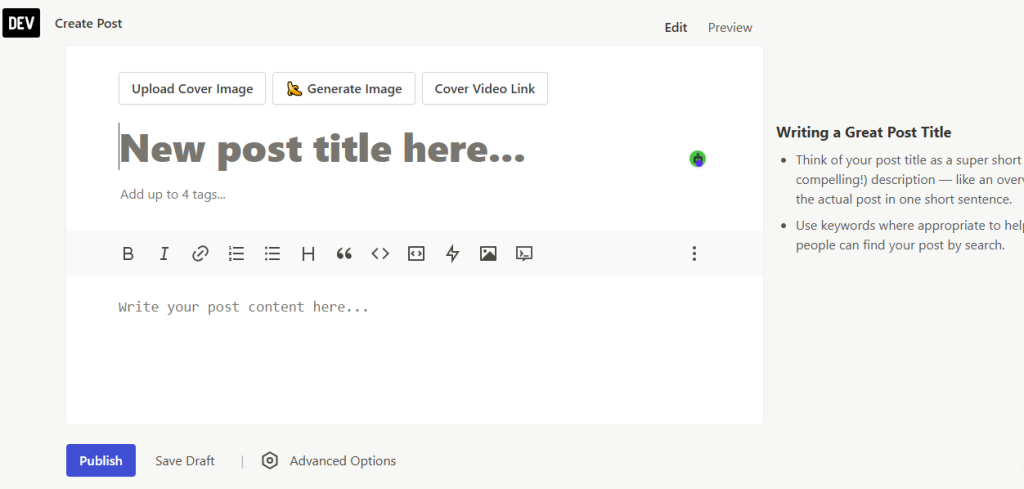
Step 3: write section
- write the content
- add tags
- Add image
- publish the post