Introduction
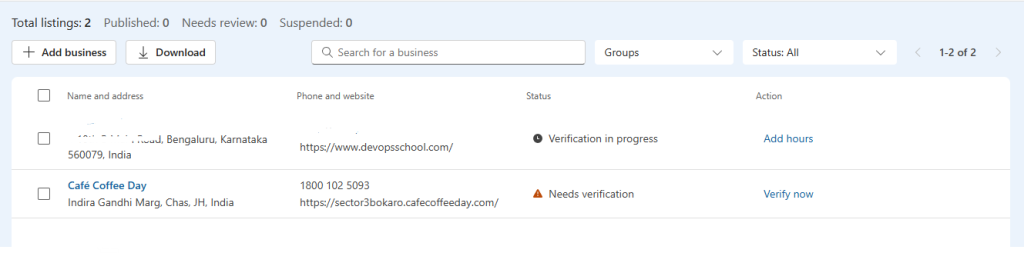
Bing for Business (formerly Bing Places for Business) is Microsoft’s free business listing platform. Through it, businesses can create, claim, and manage their listings so that their business appears in Bing Search, Bing Maps, and the Microsoft ecosystem. Microsoft has migrated this experience to the Bing.com domain, and existing Bing Places users have also been moved to this new portal.
This guide explains how to add a business on Bing for Business.
Steps for posting on Bing Places
Step 1: Visit Bing for Business
- Open your web browser.
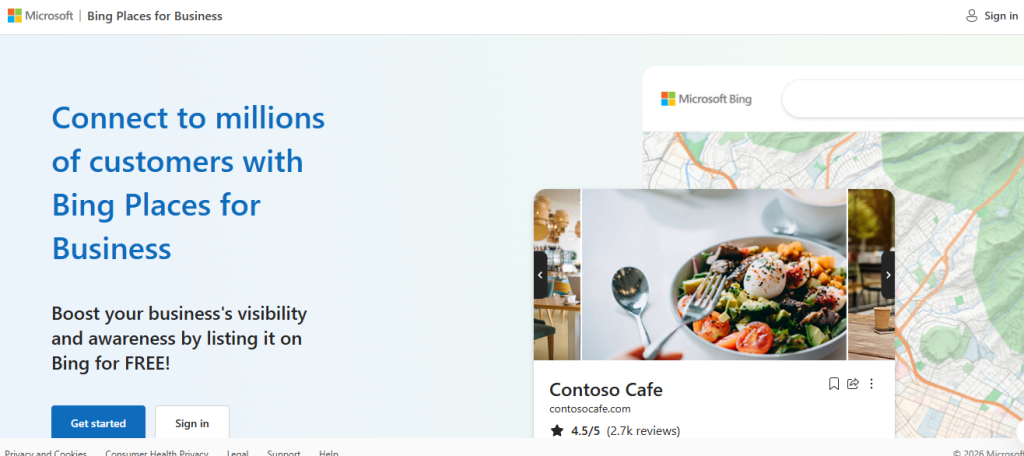
- Visit Bing Places
- Click Get Started or Sign In.
- Sign in using your Microsoft account.
If you don’t have a Microsoft account, create one for free.

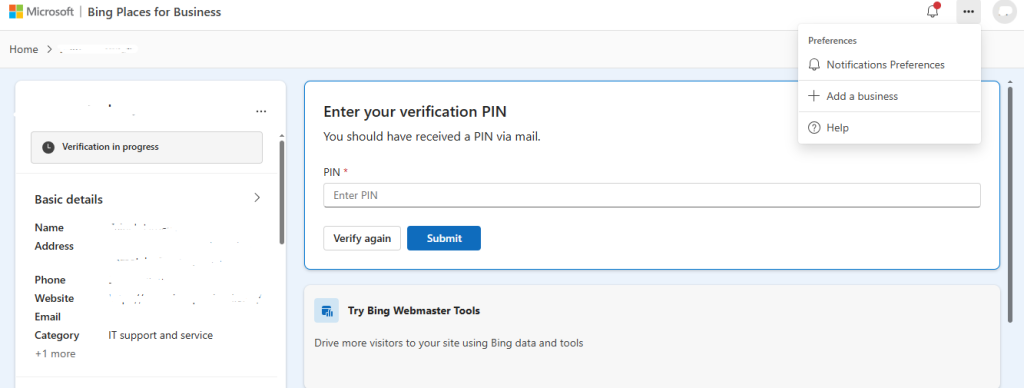
Step 2: Choose “Add a New Business”
If your business isn’t found:
- Click Add a New Business.
- The business registration form will open.
Step 3: Publish Your Listing
After successful verification:
- Your business listing will become active.
- It may take some time before it appears in Bing Search and Bing Maps.
Once published, you can update your listing whenever needed.