Introduction
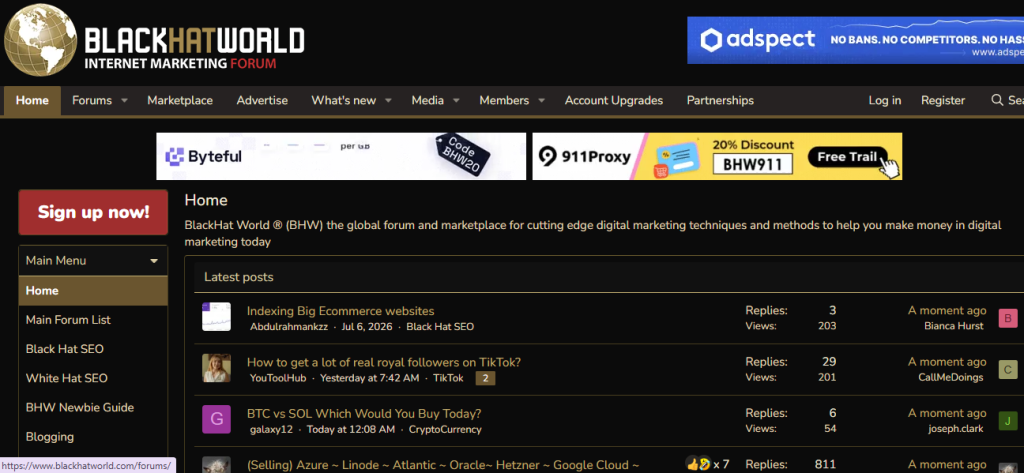
BlackHatWorld (BHW) is an internet marketing discussion forum and marketplace where members discuss topics related to SEO, affiliate marketing, social media marketing, e-commerce, AI tools, PPC, freelancing, and online business.
This guide explains how to create a new thread on BlackHatWorld.
Steps for asking question on BlackHatWorld (BHW)
Step 1: Sign In to BlackHatWorld
- Open your web browser.
- Visit BlackHatWorld
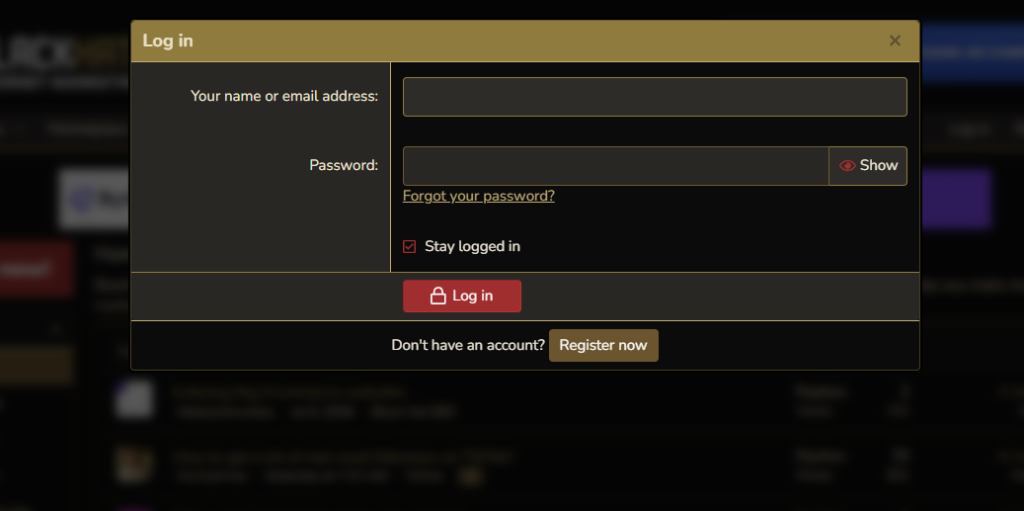
- Click Log In.
- Enter your username and password.
- Sign in to your account.
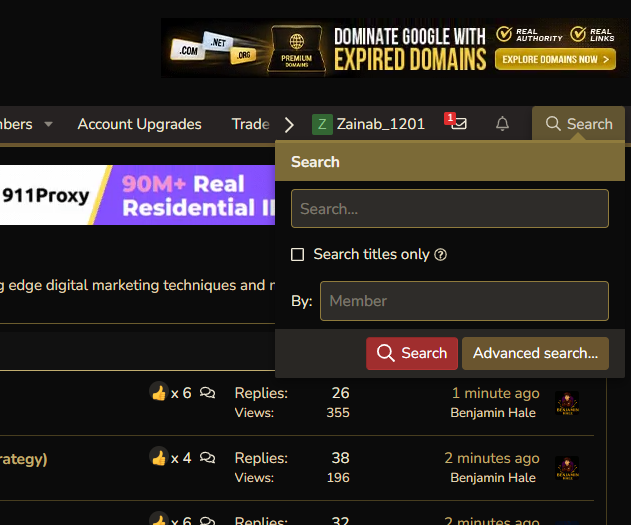
Step 2: Search Before Posting
Before creating a new thread:
Step 3: Click “Post Thread.”
Inside the selected forum:
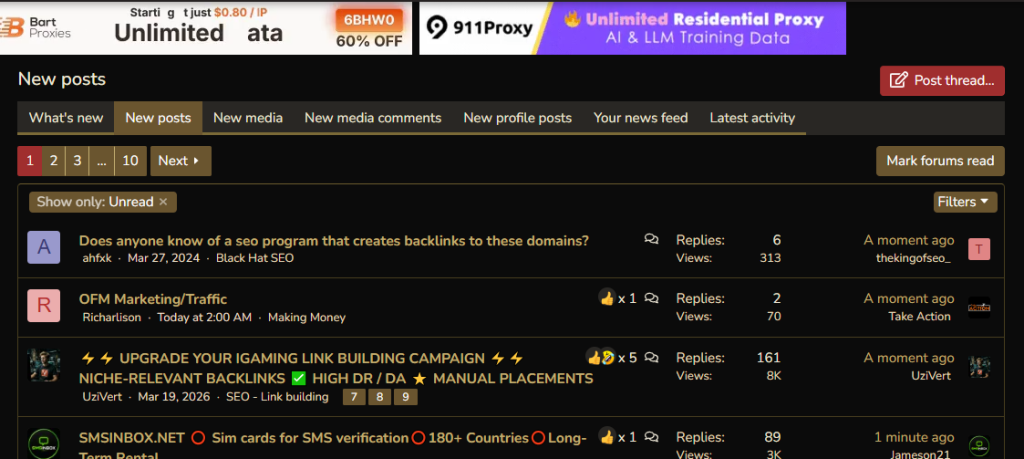
- Click the Post Thread button near the top of the page.
If you don’t see this button, the section may have posting restrictions for your account.
Step 5: Enter a Thread Title
Write a short, descriptive title.
Examples:
- How can I improve my website’s SEO?
- Best AI tools for content writing?
- How to increase affiliate sales?
A clear title helps other members understand your topic quickly.
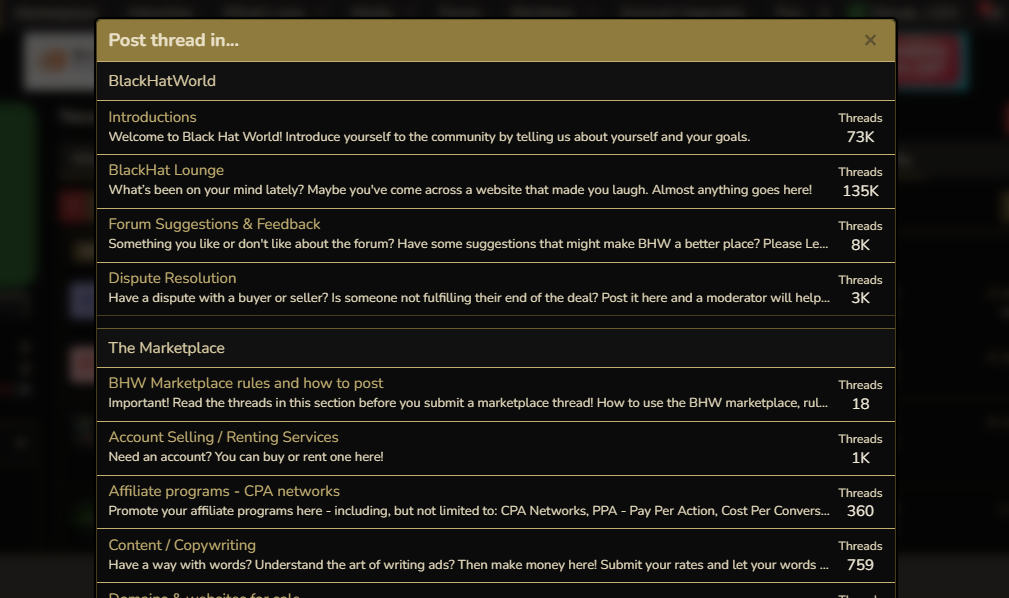
Step 6: Write Your Thread
In the editor:
- Explain your question or discussion topic clearly.
- Include relevant details.
- Mention what you’ve already tried.
- Add screenshots if needed.
- Keep your content easy to read.
Avoid writing one-line or low-effort posts.
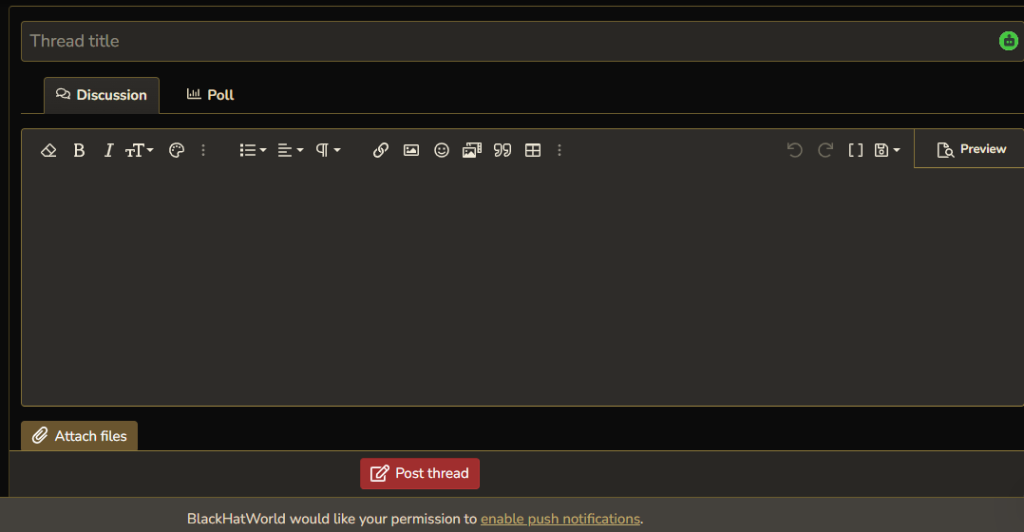
Step 8: Publish Your Thread
Once you’re satisfied:
- Click Post Thread.
Your discussion will appear in the selected forum section, where other members can reply.
