Introduction
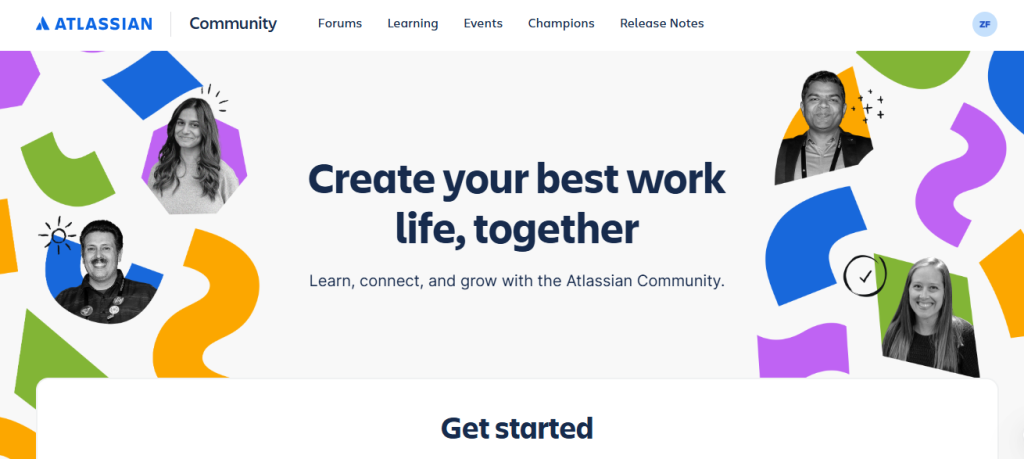
Atlassian Community is the official support and discussion platform for Atlassian products such as Jira, Confluence, Trello, Bitbucket, and Jira Service Management. If you need help with an Atlassian product, you can ask a question and receive answers from community members, Atlassian experts, community leaders, and Atlassian staff.
This guide explains how to ask a question on Atlassian Community.
Step-by-step guide to ask a question
Step 1: Visit Atlassian Community
- Open your web browser.
- Go to Atlassian Community
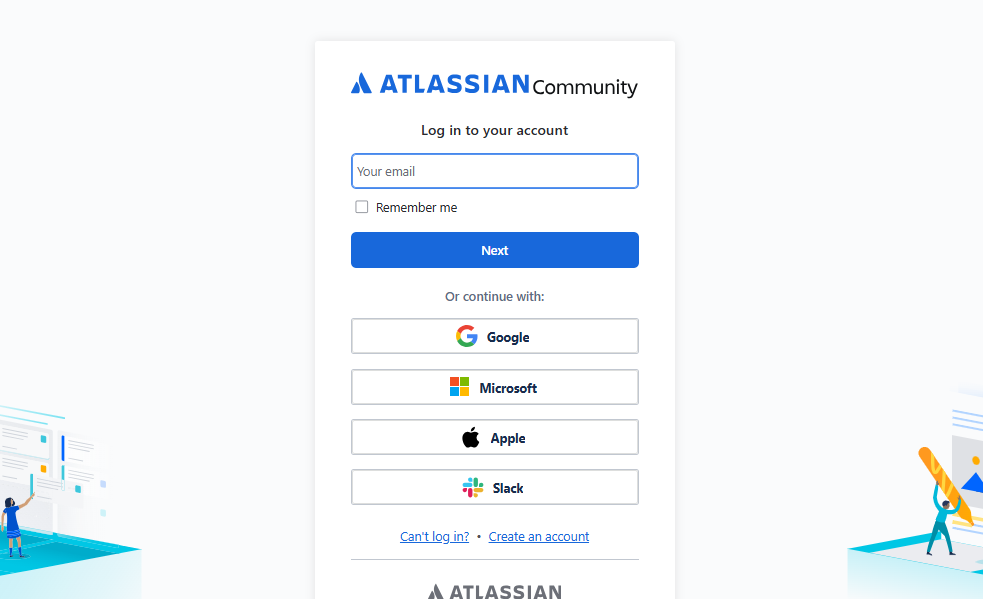
- Click Log In.
- Sign in with your Atlassian account.
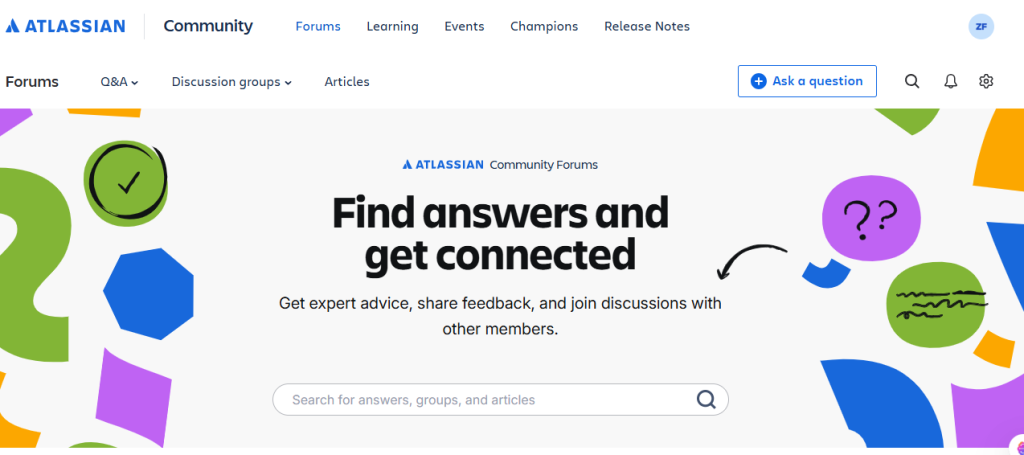
Step 2: Click “Ask the Community.”
Inside the selected product community:
- Click the Ask the Community button.
- The question editor will open.
Step 4: Enter Your Question Title
Write a short, descriptive title.
Examples:
- How do I create an automation rule in Jira?
- Why is my Confluence page not loading?
- How can I restore a deleted Trello board?
A clear title increases the chances of getting helpful answers.
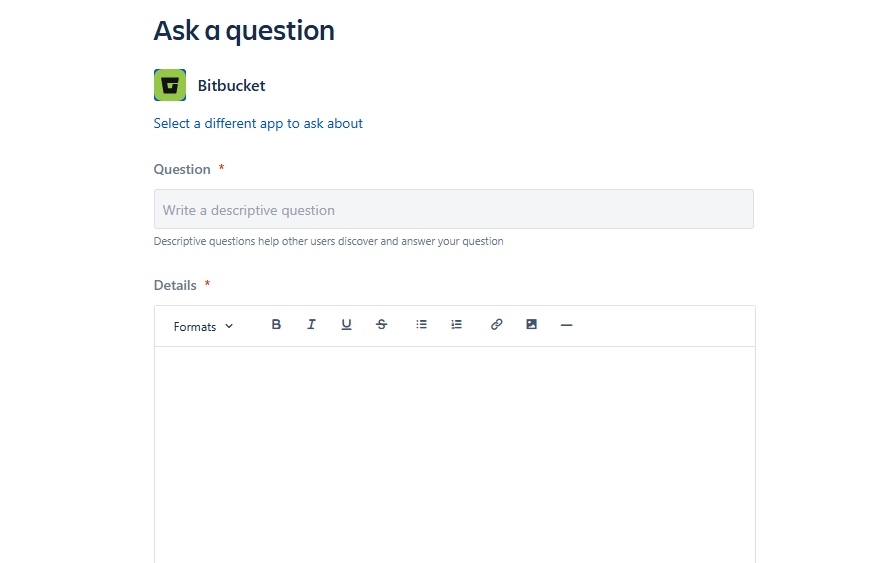
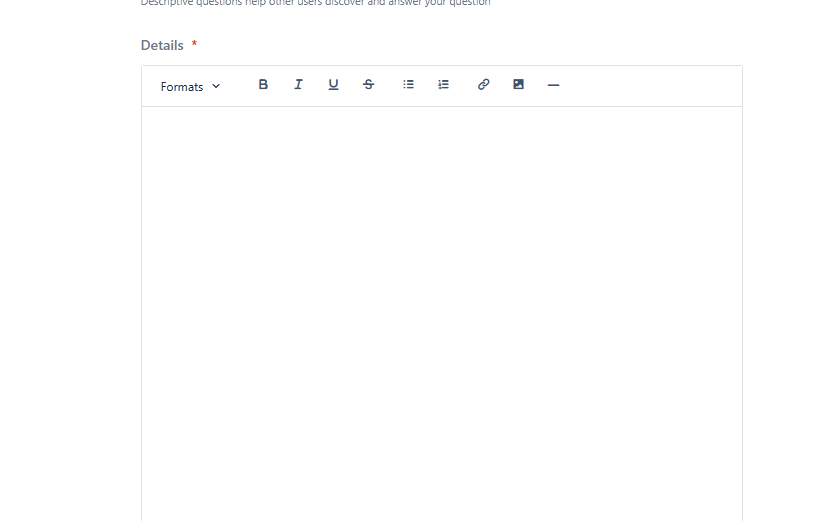
Step 5: Write Your Question
In the description box, explain your issue clearly.
Step 6: Add Tags
Select relevant tags or labels related to your question.
For example:
- Jira Cloud
- Jira Software
- Confluence Cloud
- Trello
- Automation
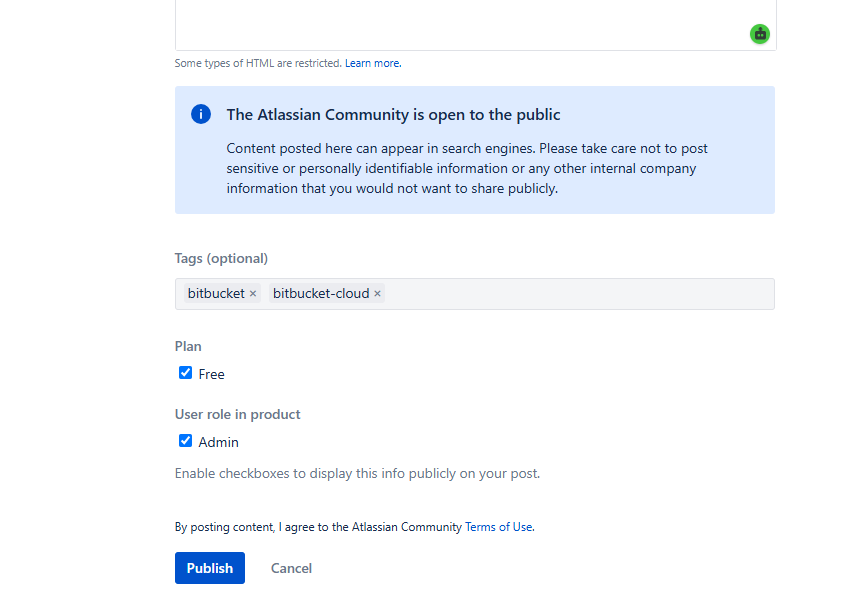
Step 8: Post Your Question
Click the Post, Ask, or Submit button.
Your question will be published in the selected Atlassian Community, where other members and experts can view and answer it.
Step 9: Monitor Responses
After publishing:
- Check for replies regularly.
- Respond to follow-up questions from other users.
- Mark the best answer as Accepted if it solves your problem.
- Thank contributors who helped you.
