Introduction
APSense is a business networking platform where professionals, bloggers, marketers, freelancers, and business owners can connect, share ideas, publish articles, and grow their online presence. It helps users build connections and engage with a professional community.
What Type of Content Can You Post?
- Business and marketing articles
- Educational content
- Personal experiences
- Product and service reviews
- Professional advice and tutorials
- Informative blog posts
Step-by-step guide to post on APSense
Step – 1: Open the Website
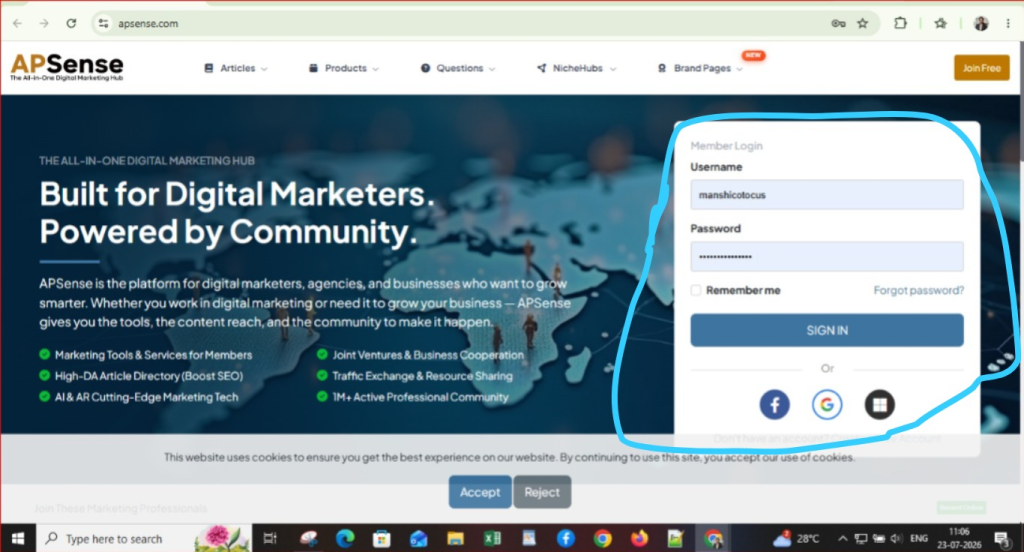
Open the APSense website and log in using your email and password. After logging in, your APSense dashboard will open.
Step – 2: Click on “Articles”
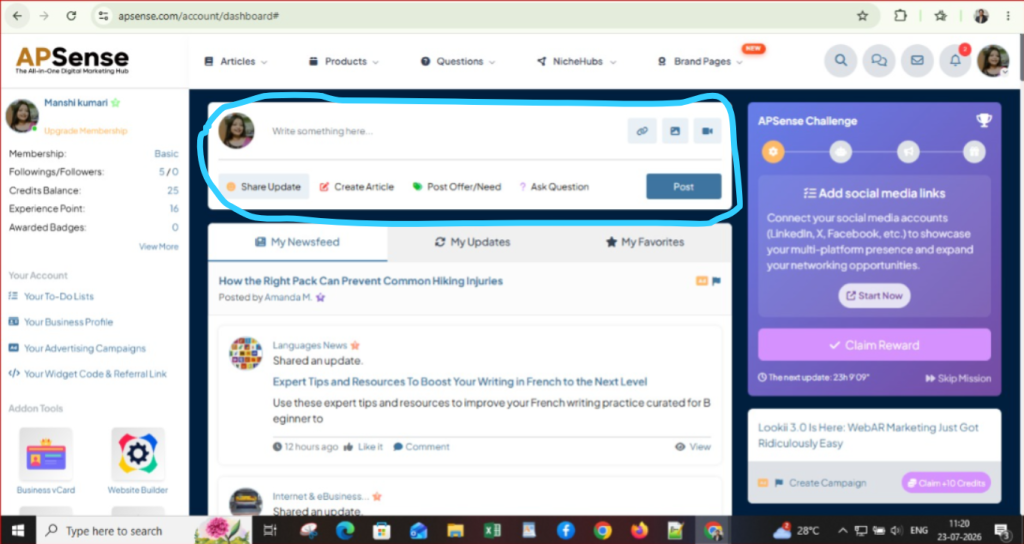
In the top menu, click on the Articles section. This is where you can create, publish, and manage your articles on APSense.
Step – 3: Click on “Write an Article”
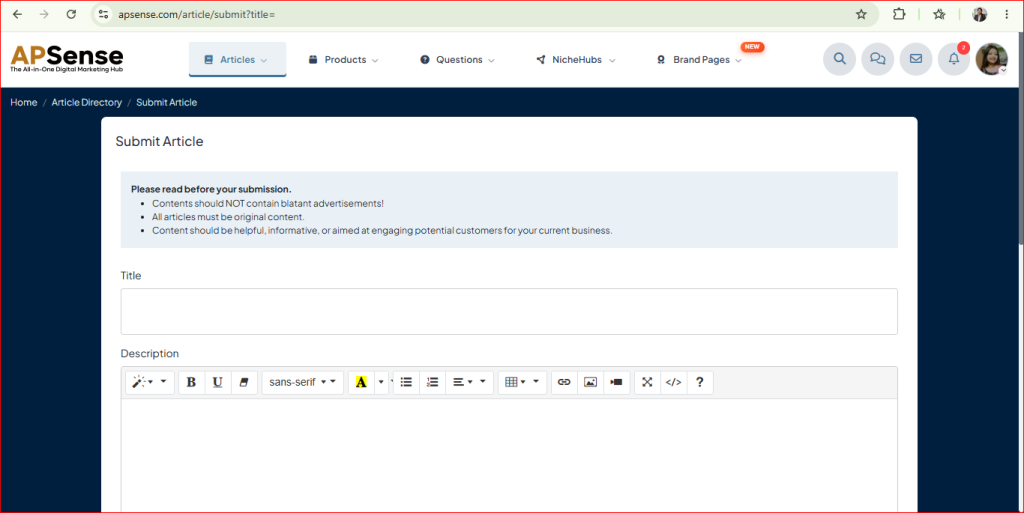
Click Write an Article in the Articles section. The article editor will open, and you can start writing your blog post.
Step – 4: Enter Your Article Title
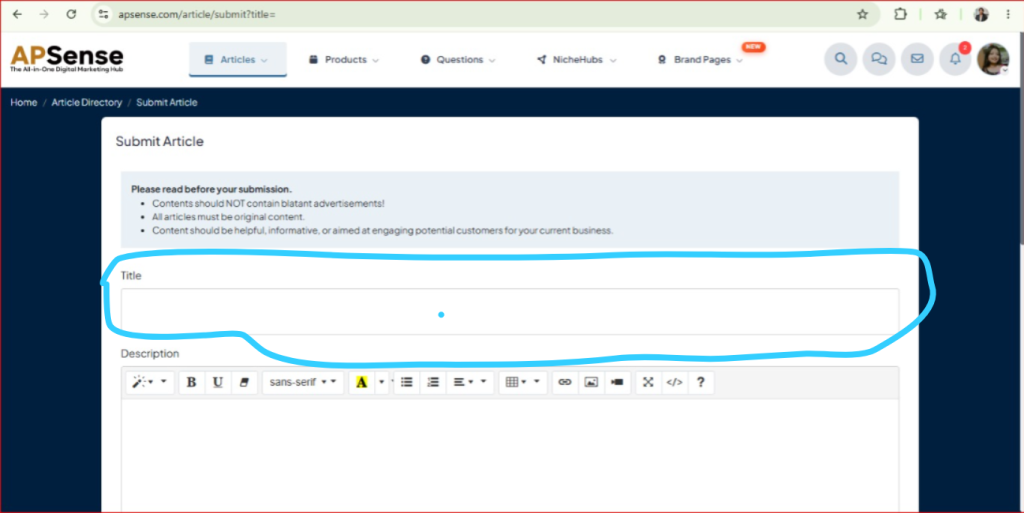
Write a title for your article that clearly explains the topic
Step – 5: Add Your Content
Now write your article in the content editor.
Use simple language, short paragraphs, headings, and useful information to make your content easy to read.
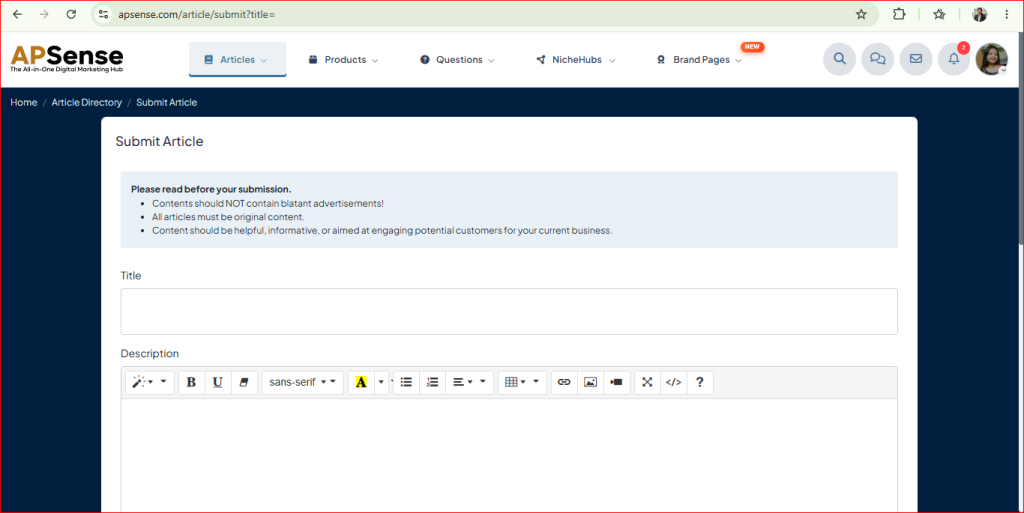
Step 6: Select a Category
Scroll down and select the category that best matches your article. Choosing the right category helps people find your content more easily.
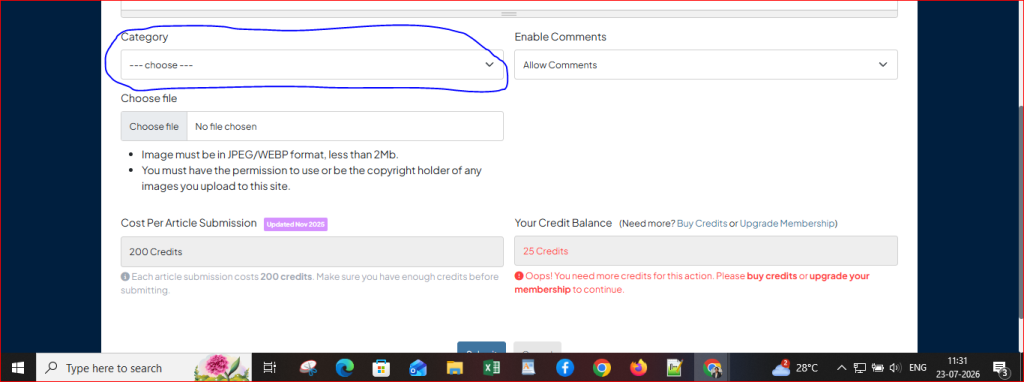
Step 7: Enable or Disable Comments
Under the Enable Comments option, choose if readers can comment on your article. If you want people to share their thoughts and feedback, select Allow Comments.
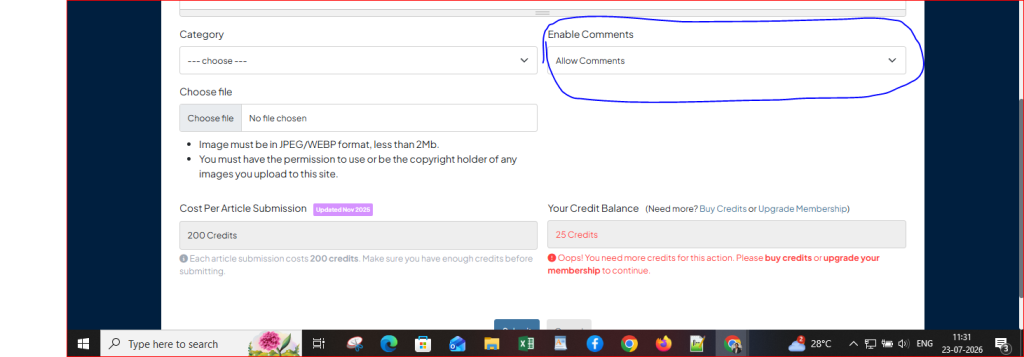
Step 8: Upload a Featured Image
Click the Choose File button and upload an image related to your article.
Note :Before uploading, make sure the image is in JPEG or WEBP format and is smaller than 2 MB.
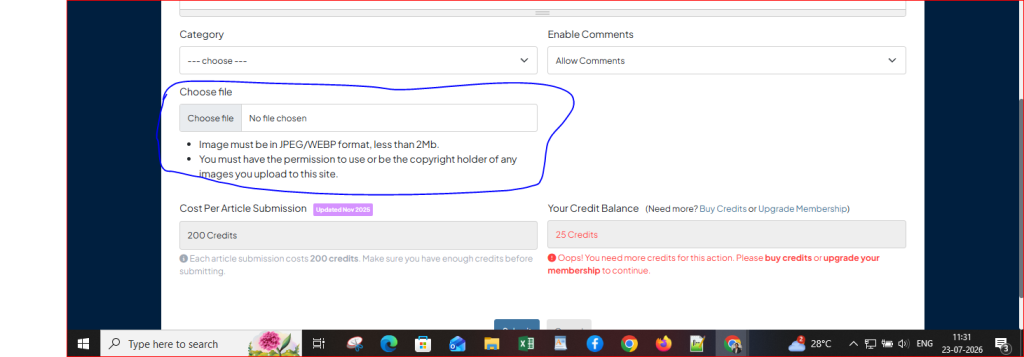
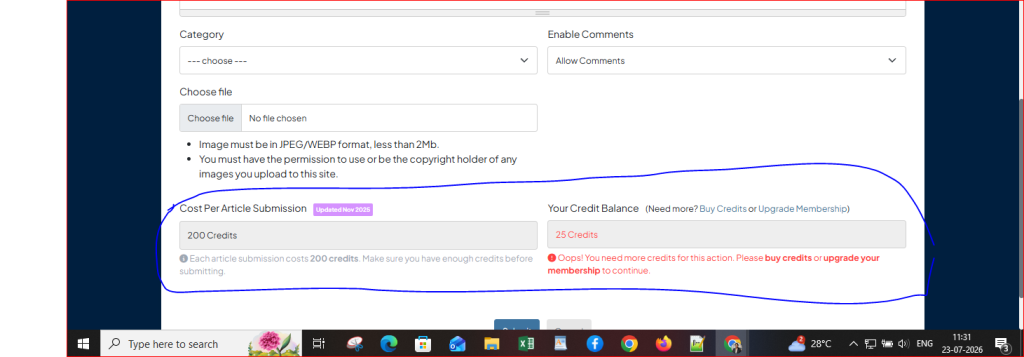
Step 9: Check Credit Requirements
Before publishing, check your APSense credit balance. If you do not have enough credits, earn more credits or upgrade your membership.
Step 10: Submit and Publish Your Article
Click Submit to publish your article. Other APSense members will then be able to read it.
