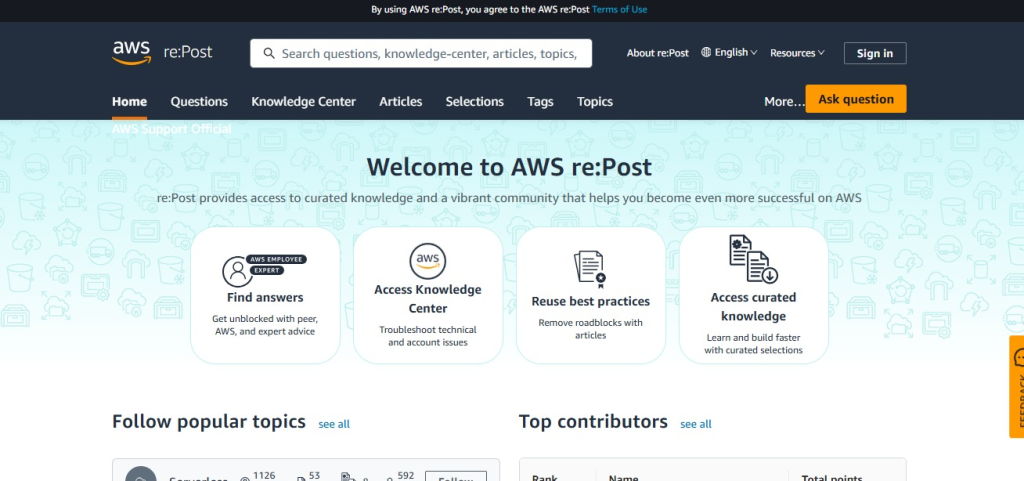
Introduction
AWS re is an AWS community site where people can ask questions, share knowledge, and write useful articles about AWS services. If you know something helpful about AWS, you can write an article and share it with others.
Writing an article on AWS re is a good way to:
- Share your AWS knowledge with others
- Help beginners solve common AWS problems
- Explain AWS topics in simple words
- Build your professional profile
- Connect with the AWS community
Step-by-Step Guide to Write an Article
Step 1: Sign In to Your AWS re:Post Account
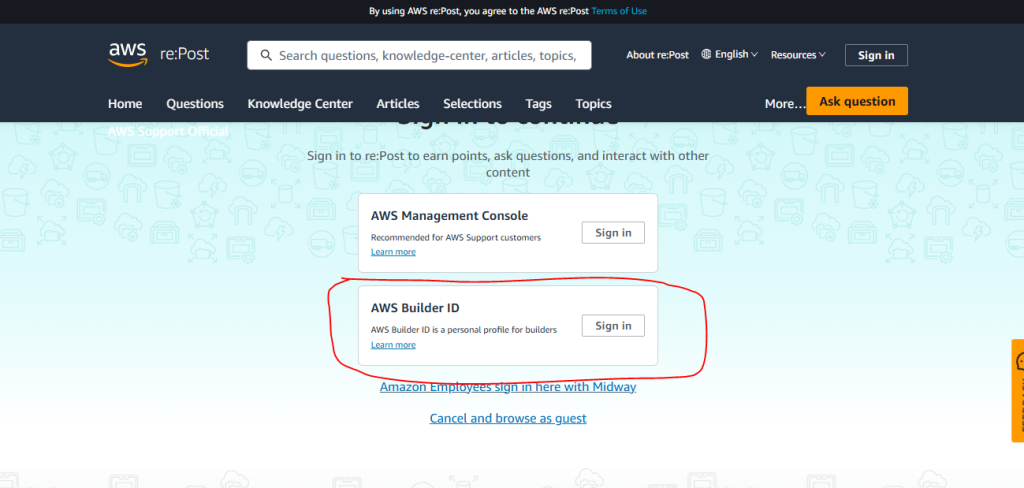
First, open the AWS re website and sign in with your AWS account. If you don’t have an account, create one and complete the registration. After logging in, you will see the homepage.
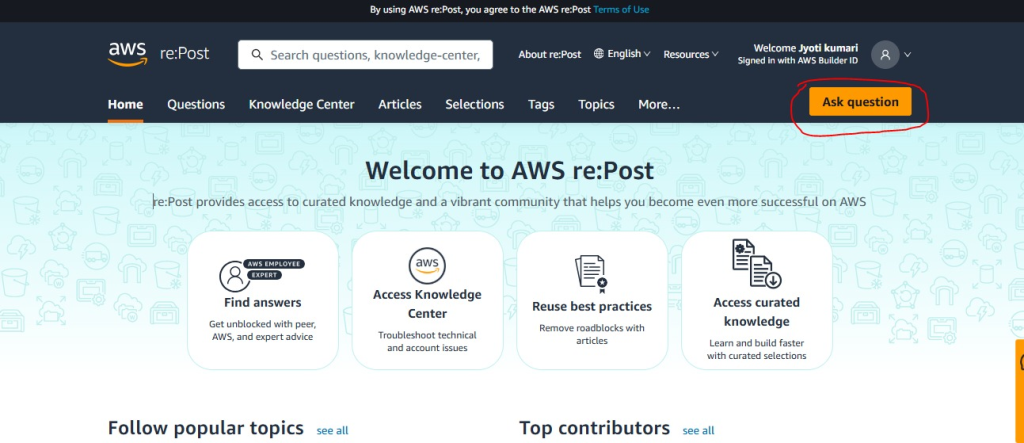
Step 2 click on “Ask a Question“
Click Ask Question on the homepage to start writing your article.
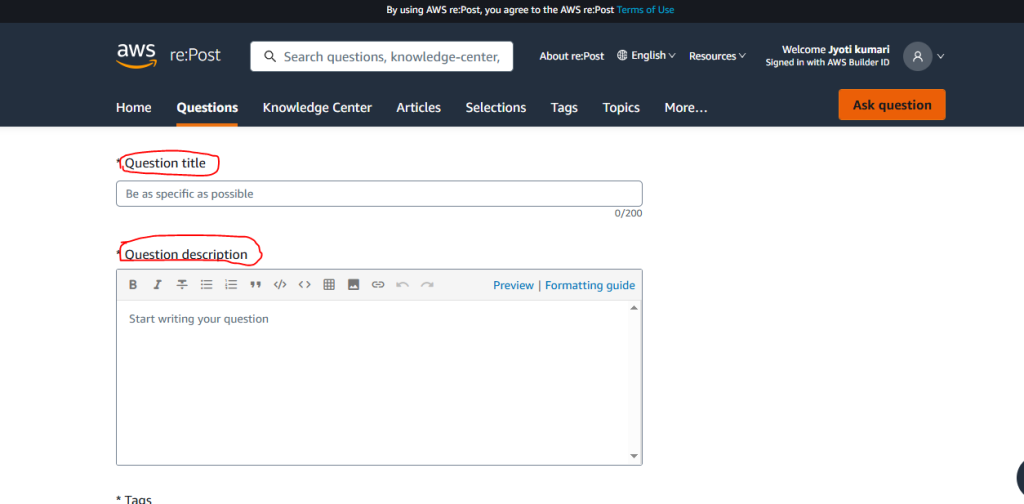
Step 3: Enter Your Article Title
Add a short and clear title that tells readers what your article is about. A good title makes it easy for people to understand the topic before they start reading.
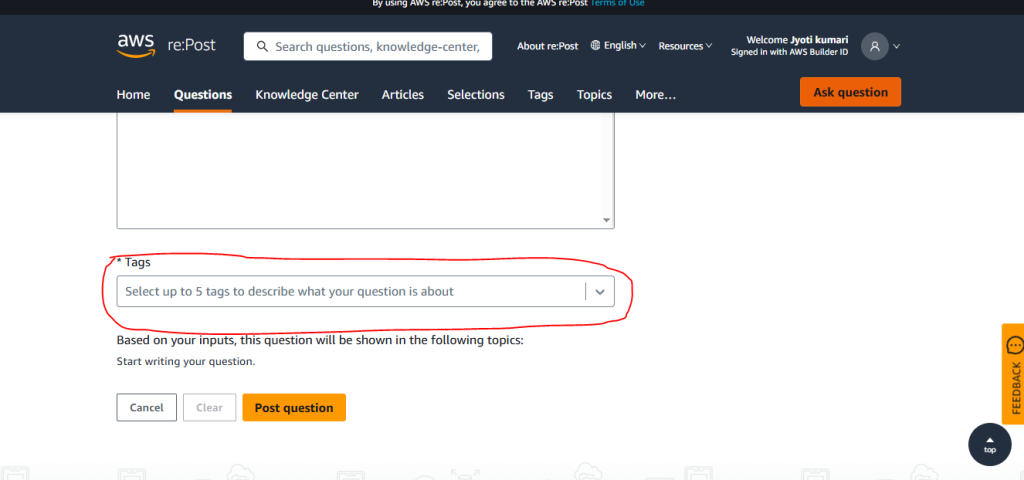
Step 4 : Add Relevant Tags
Choose tags that are related to your article, such as Amazon EC2, Amazon S3, AWS Lambda, IAM, or Amazon RDS. Using the right tags can help more people find your article.
Step 5: Publish Your Article
Once everything looks good, click the Publish button. Your article will be shared with the AWS re community, where others can read and learn from it.
