Introduction
Carrd is an online website builder where anyone can create a simple and professional one-page website without coding. It offers ready-made templates and an easy drag-and-drop editor, making website creation quick and easy.
Step-by-Step Guide to Create a Website on Carrd
Step 1: Open Carrd
Go to Carrd in your web browser.
Step 2: Sign Up or Sign In
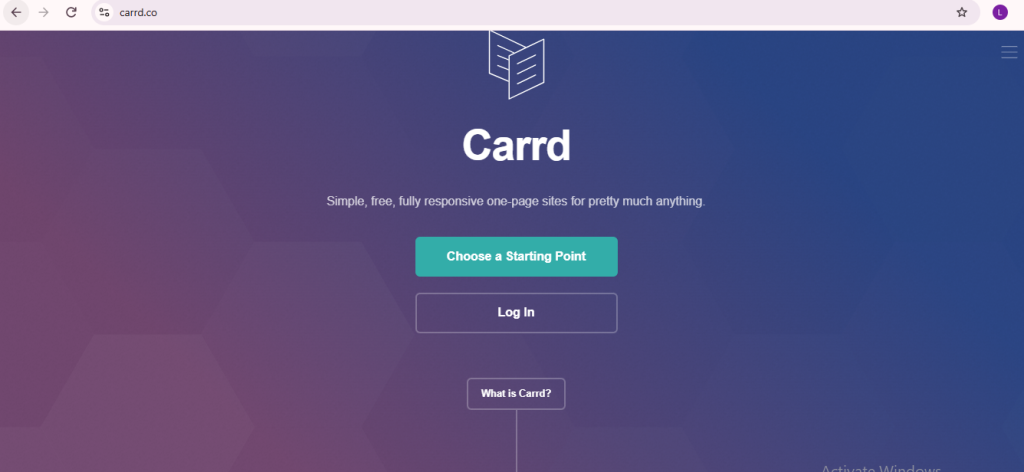
- Click Log In if you already have an account.
- If you dont have account then , click Sign Up and create a free account .
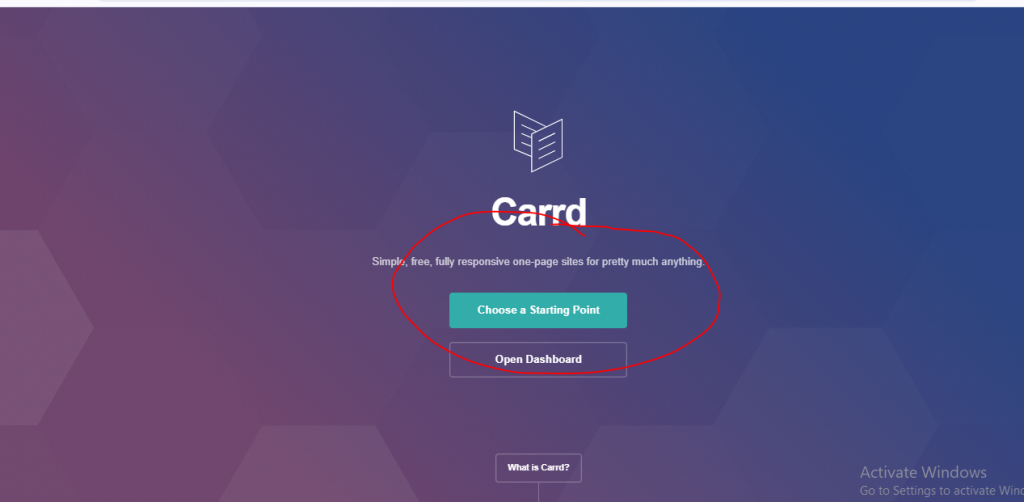
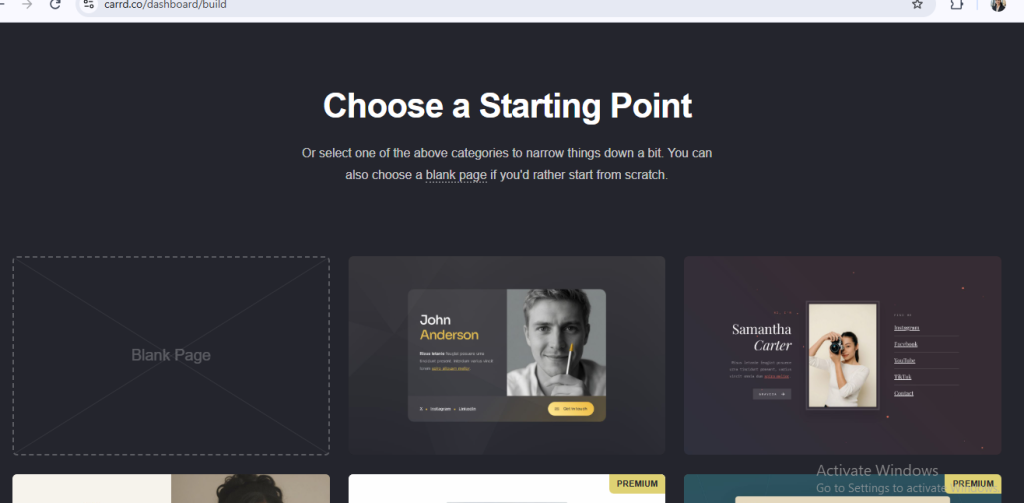
Step 3: Click Choose a Starting Point
After logging in, click Choose a Starting Point
Step 4: choose the page
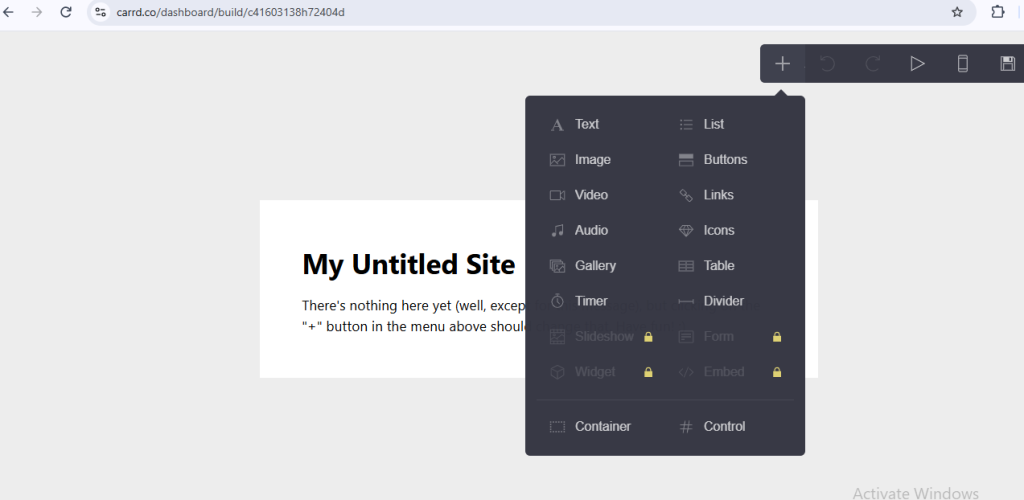
Step 5: click on element button to choose
- Text
- Images
- Buttons
- Icons
- Videos
- Gallery
- Links
- Embed
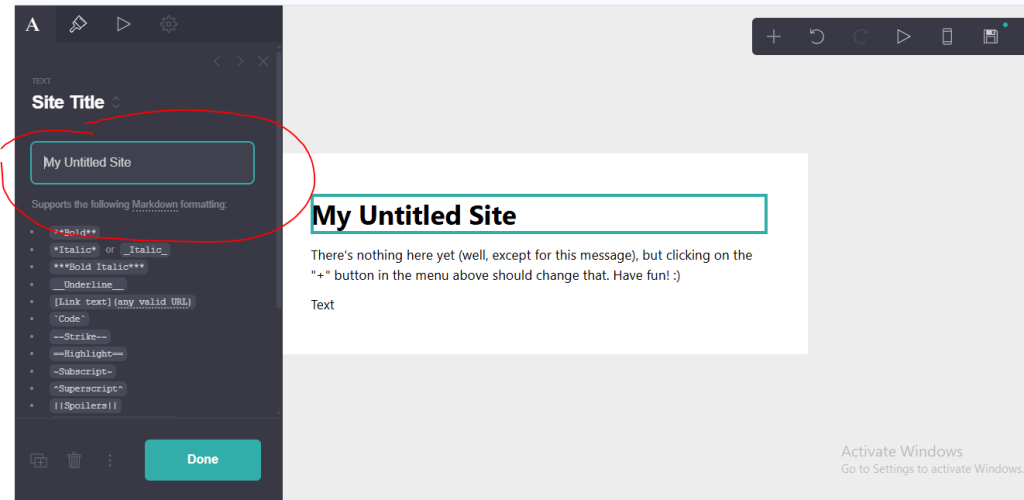
Step 6: write the text
write the tittle and content here using their format .
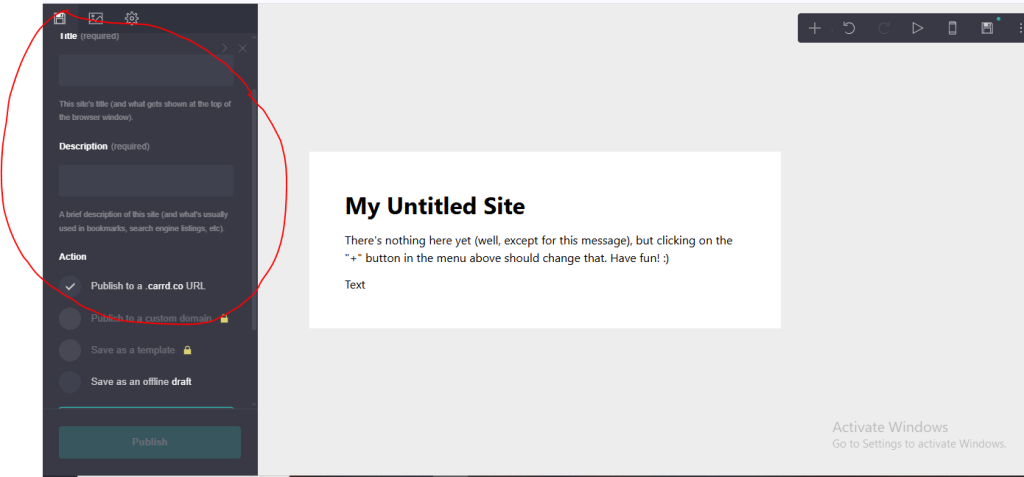
Step 7: click here to publish
before pubish write the tittle and description and Subdomain then click to publish button