Introduction
“Discuss Kubernetes” is the official community discussion forum for Kubernetes, built on the Discourse platform. Here, Kubernetes users, contributors, DevOps engineers, and cloud professionals can ask questions related to Kubernetes, discuss troubleshooting, share best practices, and interact with the community.
This guide explains how to ask your first question on Discuss Kubernetes.
Important steps to ask questions on Discuss Kubernetes
Step 1: Sign In to Discuss Kubernetes
- Open your web browser.
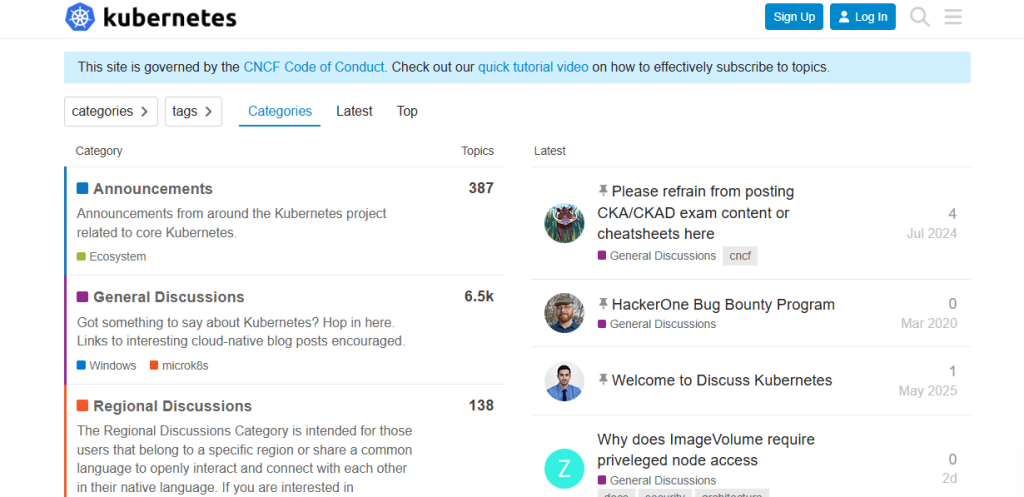
- Visit Discuss Kubernetes.
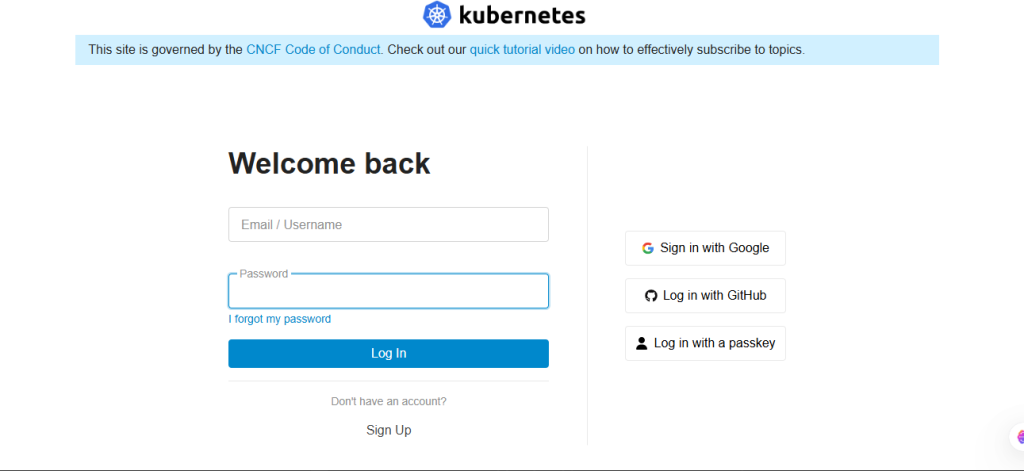
- Click Log In.
- Sign in using your community account.
If you don’t have an account, create one for free.
Step 2: Click “New Topic.”
If you cannot find an existing solution:
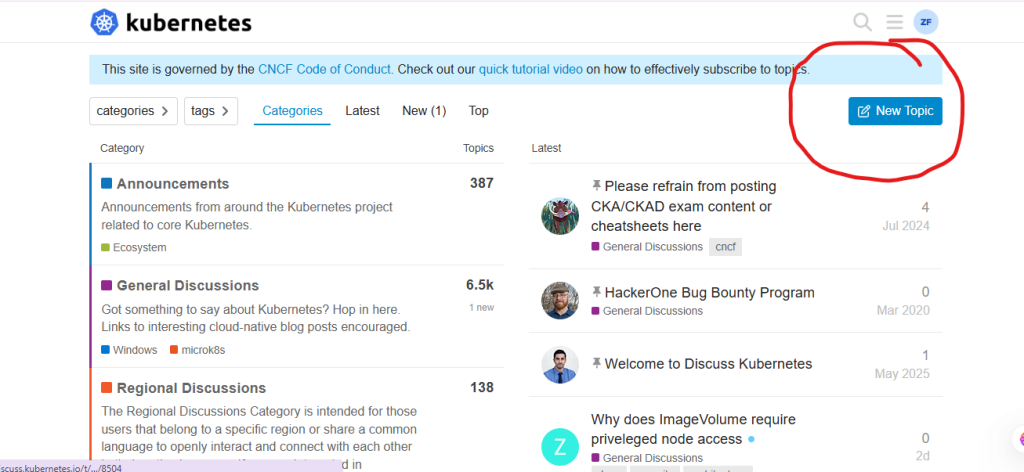
- Click the New Topic button.
- The topic editor will open.
This is where you will create your question.
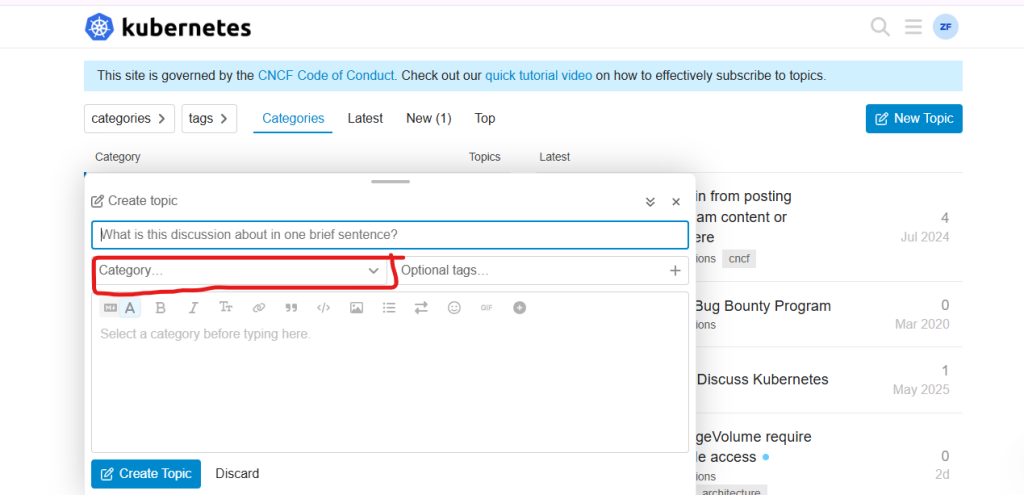
Step 3: Select the Appropriate Category
Choose the category that best matches your question.
Examples include:
- General Discussions
- Kubernetes
- Installation
- Networking
- Community
Selecting the correct category helps your question reach the right audience.
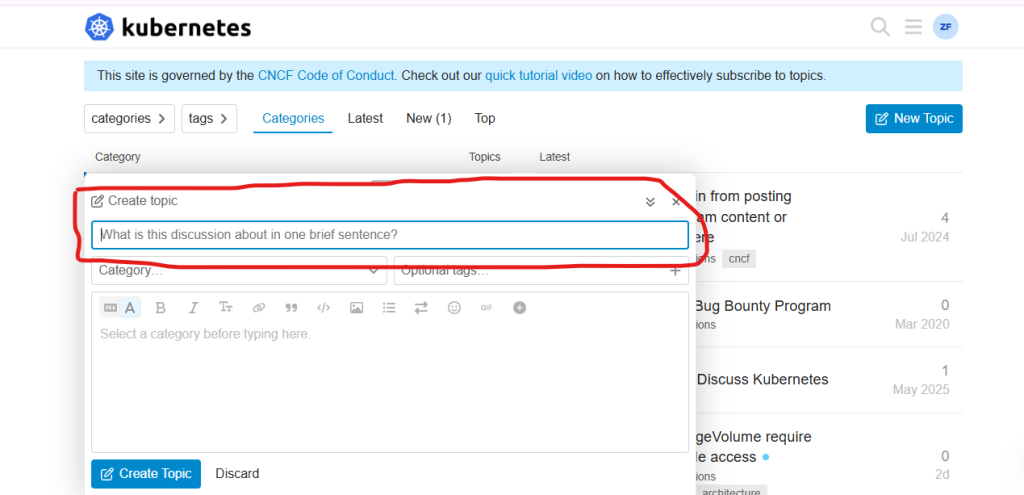
Step 4: Write a Clear Title
Create a concise title that summarizes your issue.
Examples:
- Pods remain in Pending state after deployment
- Unable to access Kubernetes Dashboard
- How to expose a service using Ingress?
- Persistent Volume not mounting correctly
Avoid generic titles such as “Need Help” or “Problem.”
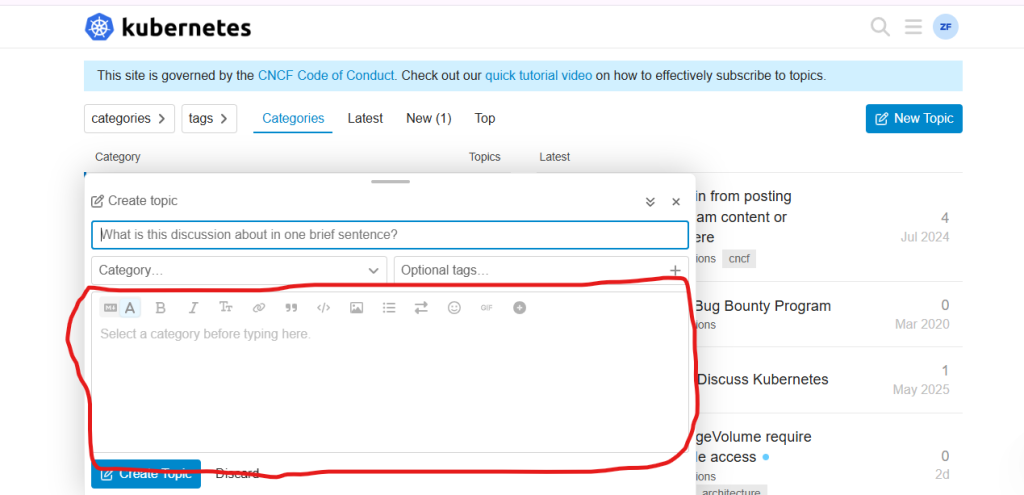
Step 5: Describe Your Question
In the editor, explain your issue clearly.
Include:
- What you are trying to achieve
- Your Kubernetes version
- Your operating system or cloud platform
- The commands you executed
- Troubleshooting steps
Providing detailed information helps community members understand and resolve your issue more efficiently.
Step 6: Publish Your Question
When everything is ready:
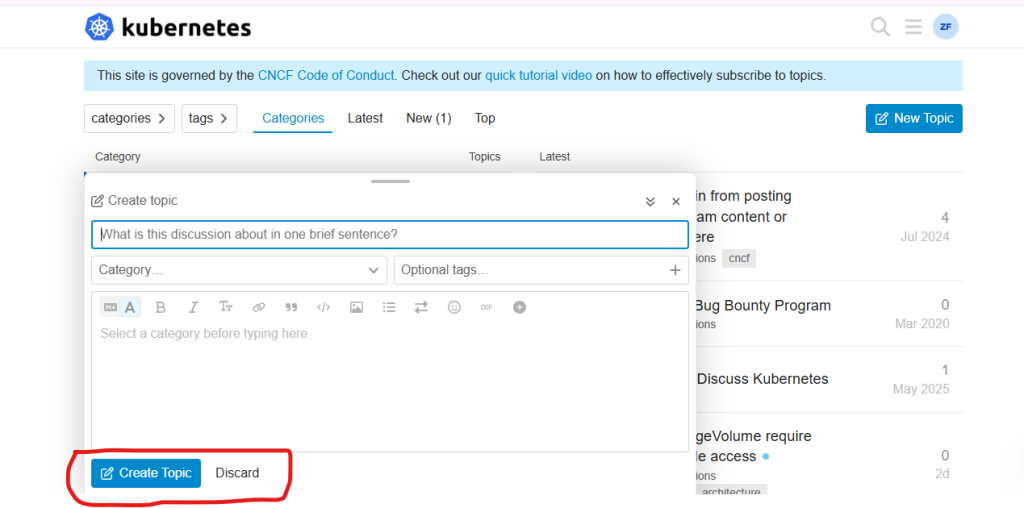
- Click Create Topic.
- Your question will be posted to the selected category.