Introduction
CodePen is an online code editor and developer community where you can write, test, run, and share HTML, CSS, and JavaScript code directly in your web browser without installing any software. It is especially popular for front-end web development and learning.
Step-by-Step Guide to Create a Project on CodePen
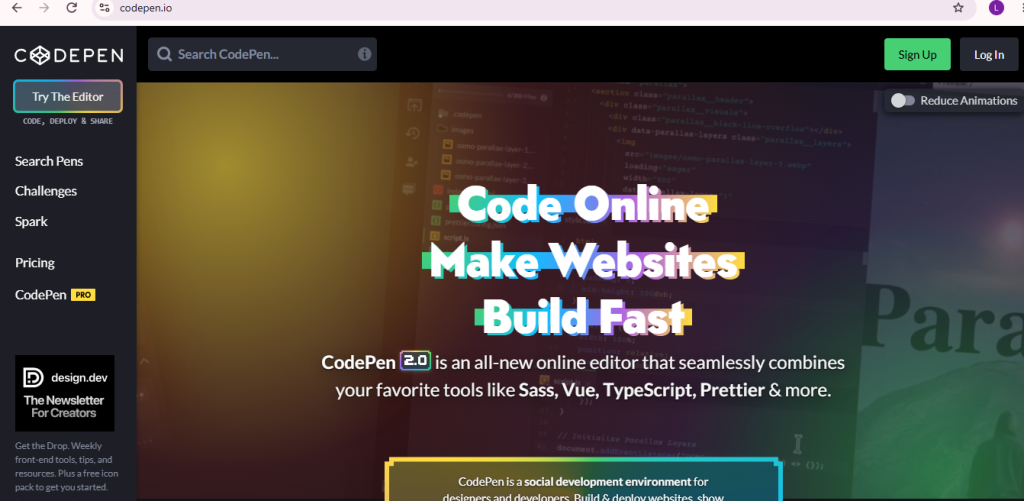
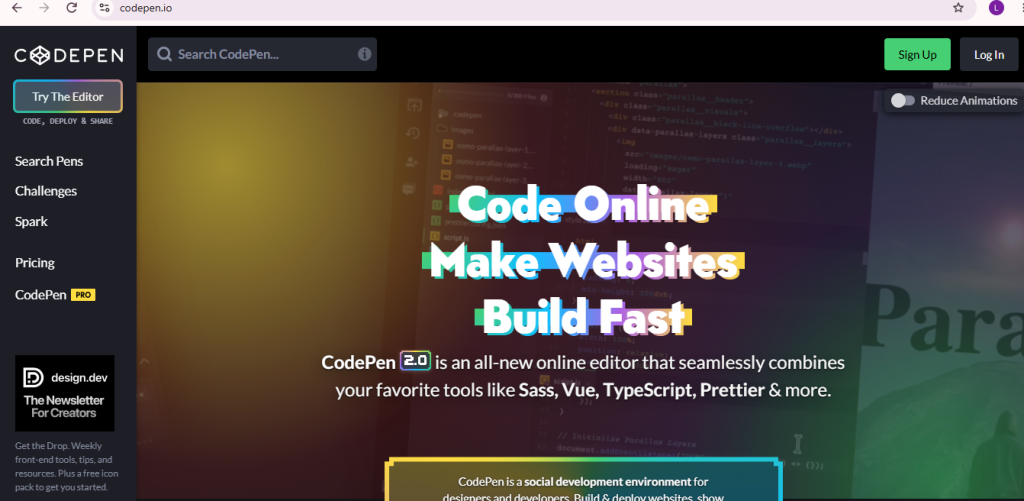
Step 1: Open CodePen
- Go to CodePen
- Sign In to your account
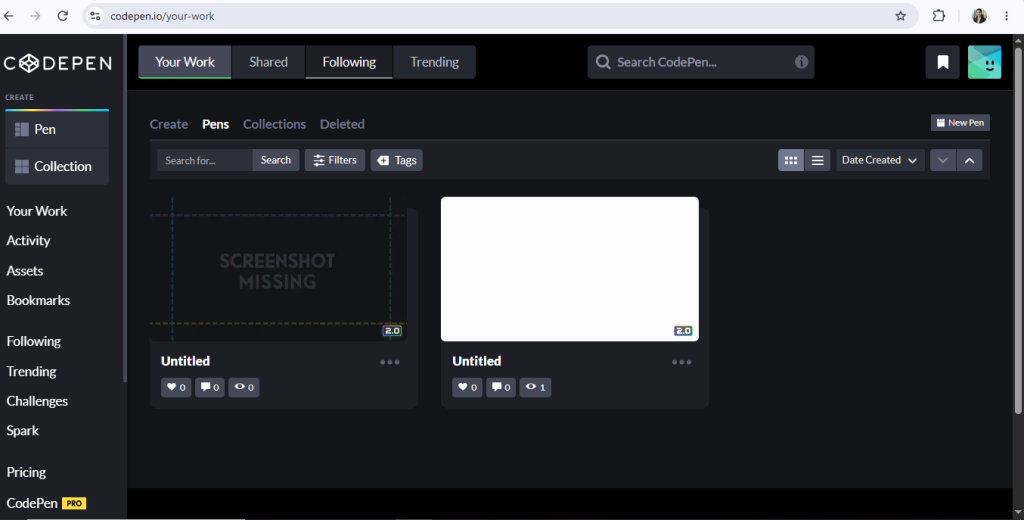
Step 2: Go to Dashboard
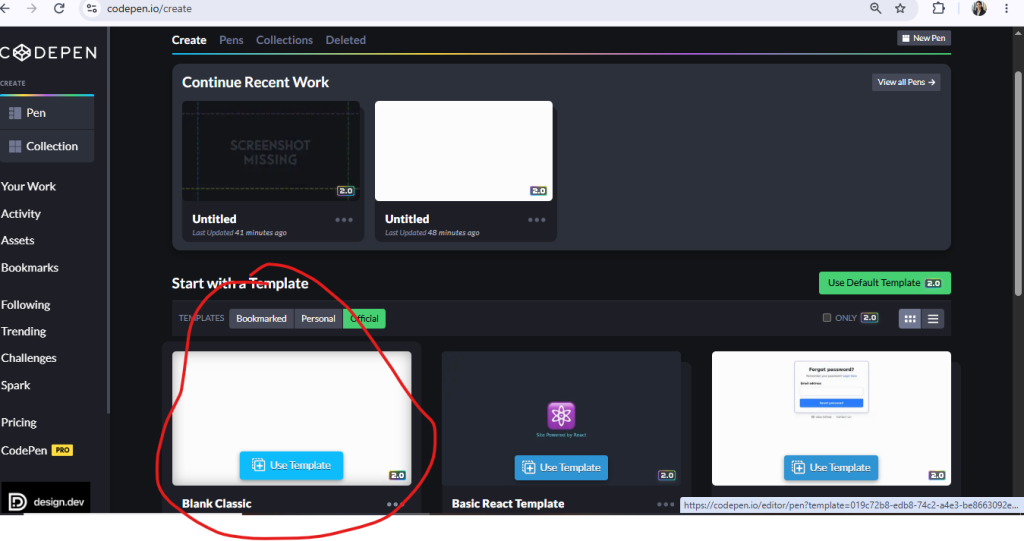
Go to dashboard and click on create button
Step 3: Start with template
click on blank classic to write the code .
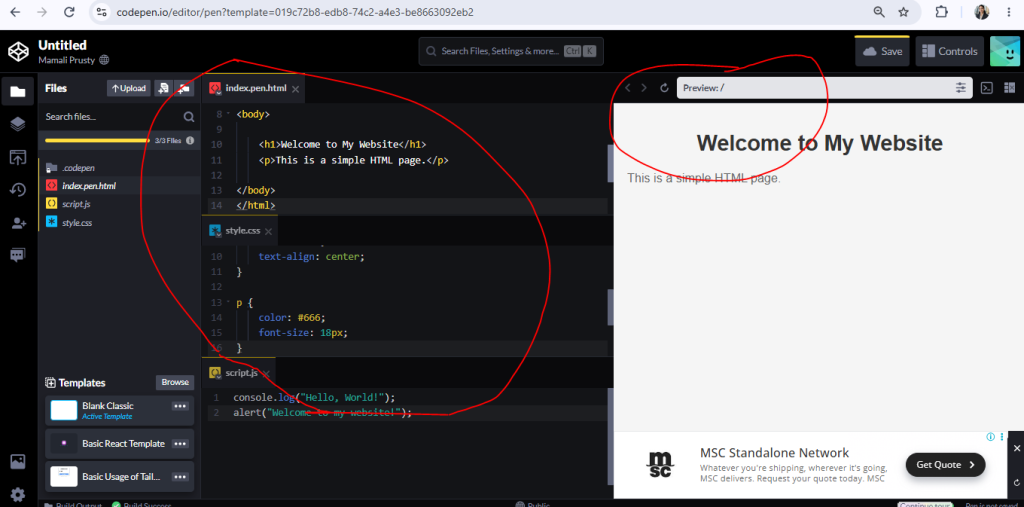
Step 4: write the code
write the code and click on preview to see your page
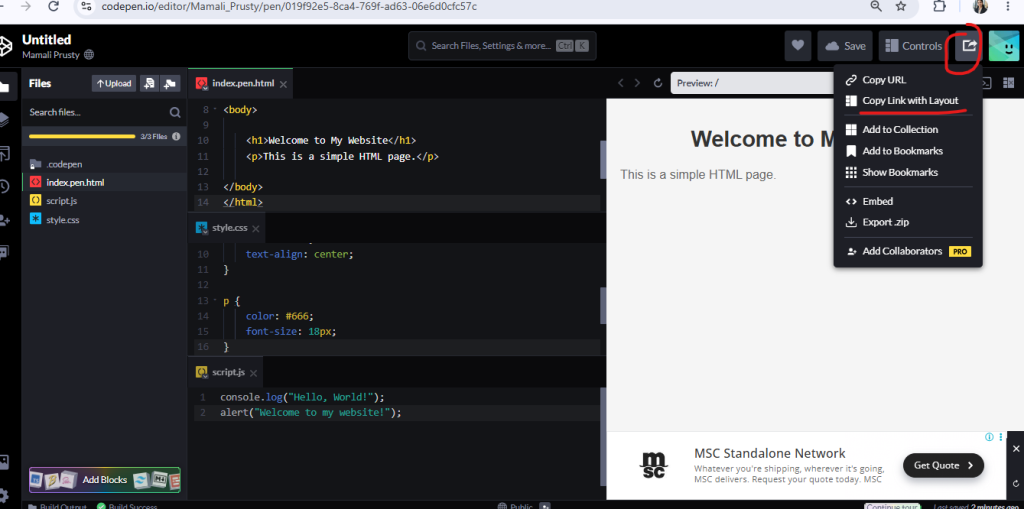
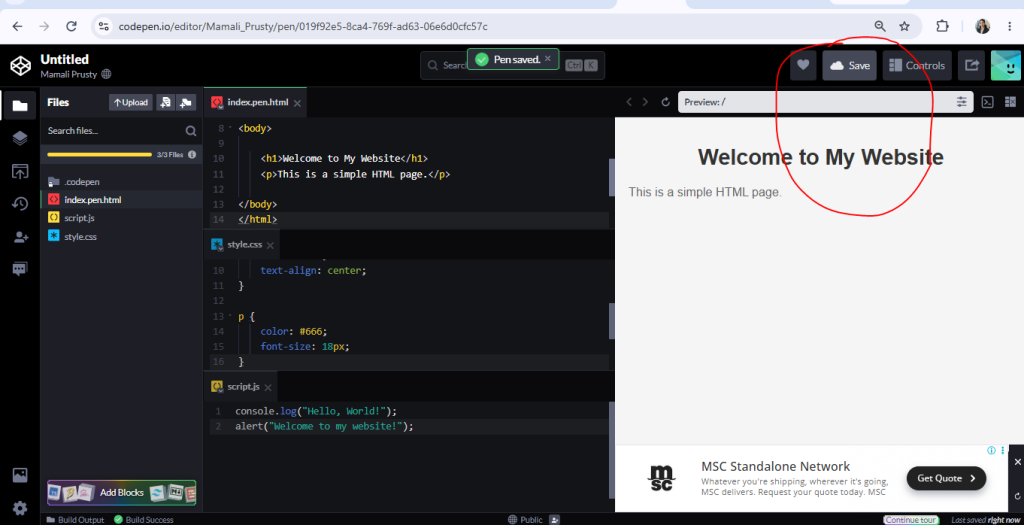
Step 5: click on save button
Step 6: click on share button
click on share button and then tap on the copy the link with layout to see your page .