Introduction
Canva is one of the world’s most popular online graphic design platforms, enabling users to create professional-quality visuals without requiring advanced design skills. Whether you want to design social media posts, presentations, posters, flyers, resumes, logos, or marketing materials, Canva offers thousands of ready-to-use templates and an easy-to-use drag-and-drop editor.
This guide explains how to create your first design on Canva.
Step-by-step guide for creating post on Canva
Step 1: Sign-in to Canva
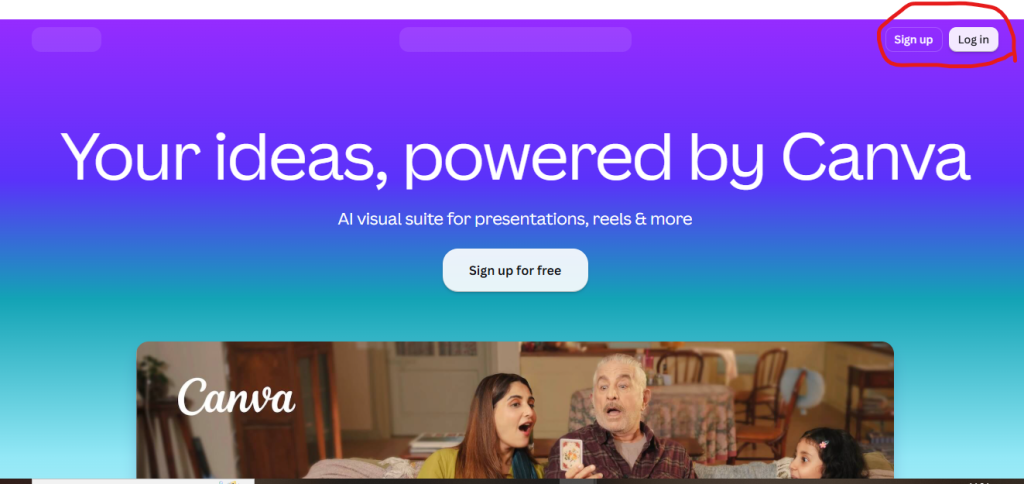
- Visit Canva.
- Log in; if you do not have an account, then sign up.
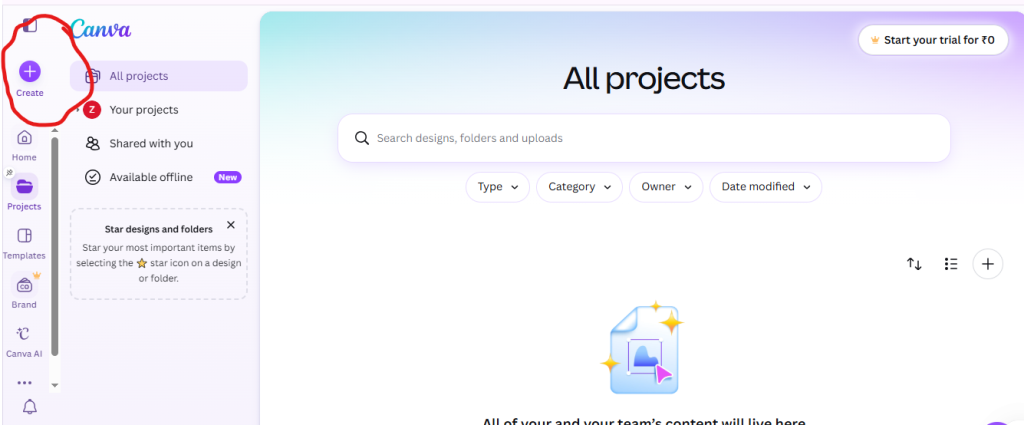
Step 2: click on “create.”
Click on the “Create” button to create the posts.
Step 3: Choose Design.
Choose the designs to create posts
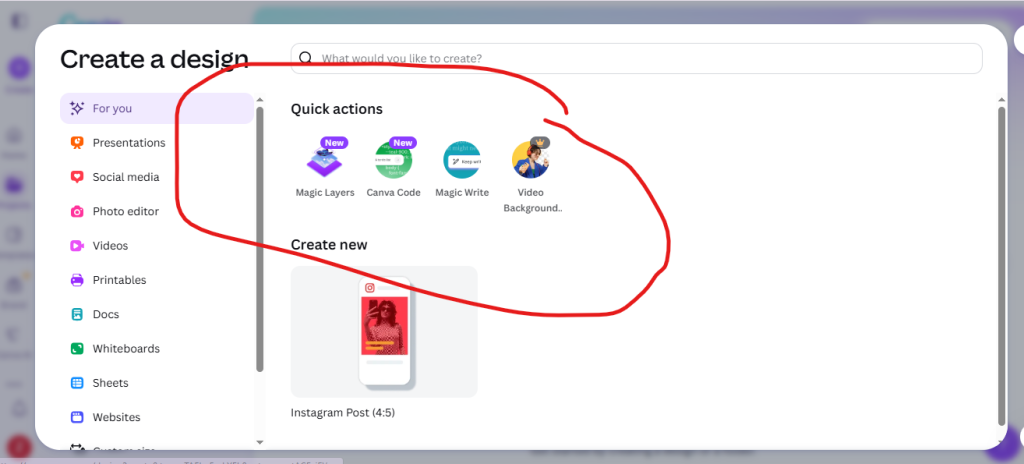
Step 4: For writing
if you want writing.
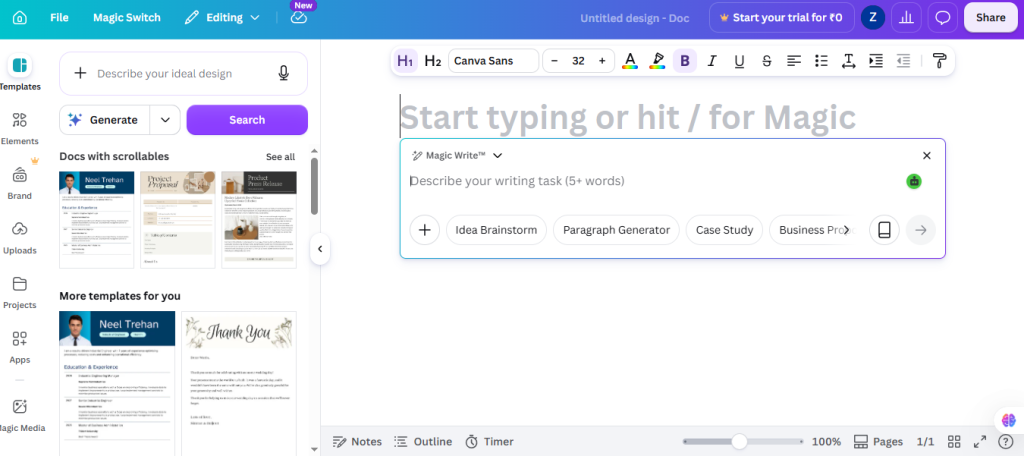
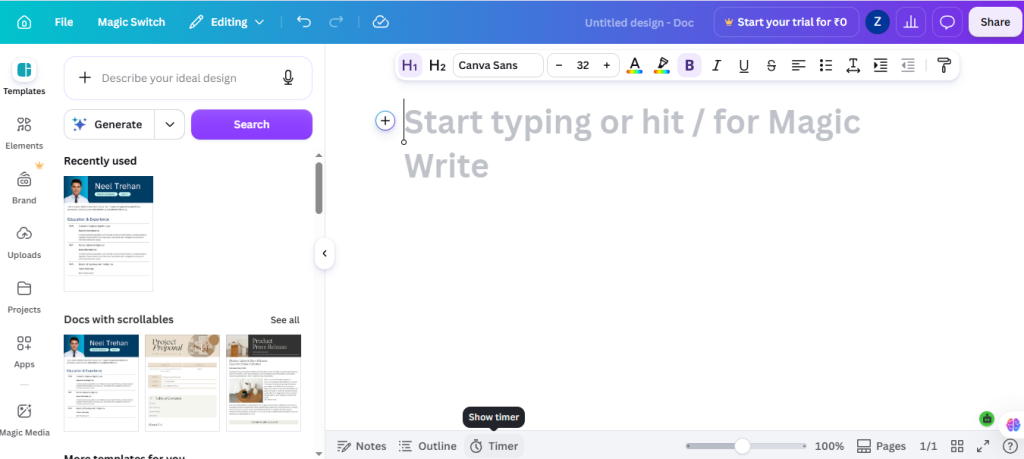
Step 4: Customize Your Design
Edit the template by replacing the sample content with your own.
You can change:
- Text
- Fonts
- Colors
- Images
- Icons
- Shapes
- Backgrounds
- Layout
Simply drag and drop elements onto the canvas.
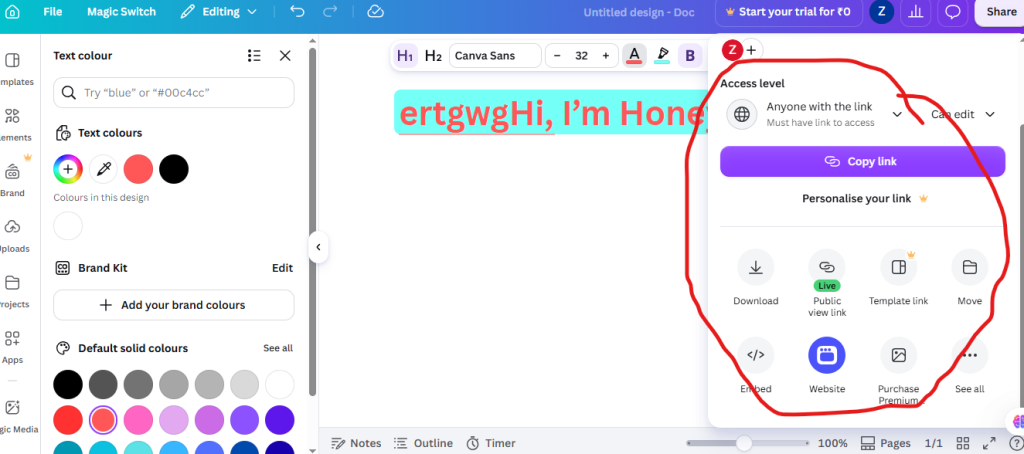
Step 5: publish the post
After completing your post-editing, you may publish your post.
- Click on “share.”
- Choose anyone with the link.
- choose public link