Introduction
Discourse Meta is the official community forum for Discourse, where users and administrators ask questions about the Discourse forum software, submit feature requests, share bug reports, and participate in community discussions.
This guide explains how to ask your first question on Discourse Meta.
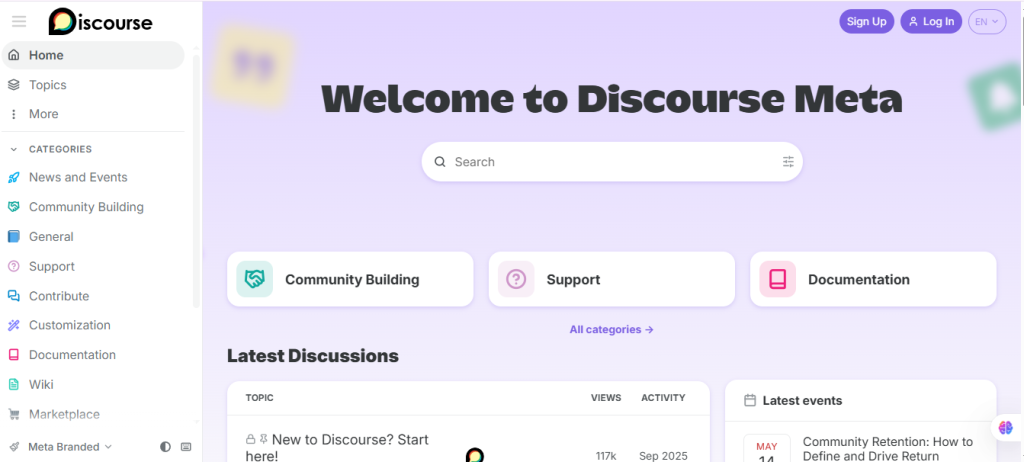
Step 1: Sign In to Discourse Meta
- Open your web browser.
- Visit Discourse Meta.
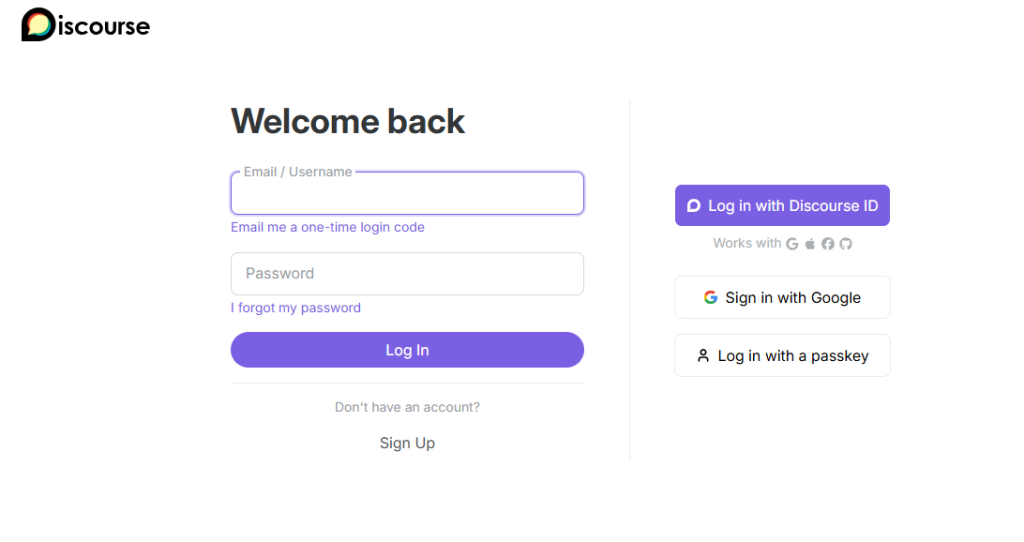
- Click Log In.
- Sign in to your Discourse Meta account.
If you don’t have an account, create one for free.
Step 2: Search Before Posting
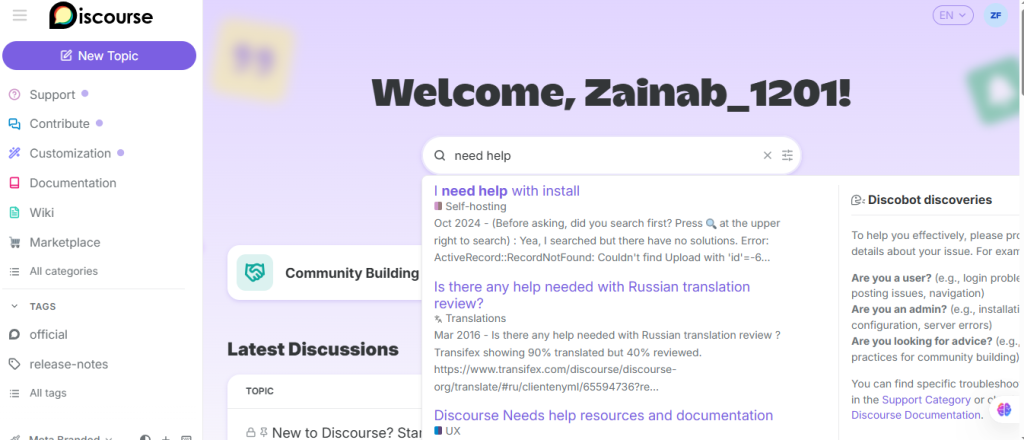
Before creating a new topic:
- Use the search bar at the top of the page.
- Enter keywords related to your issue.
- Review existing discussions.
If you find an existing topic that answers your question, you may not need to create a new one.
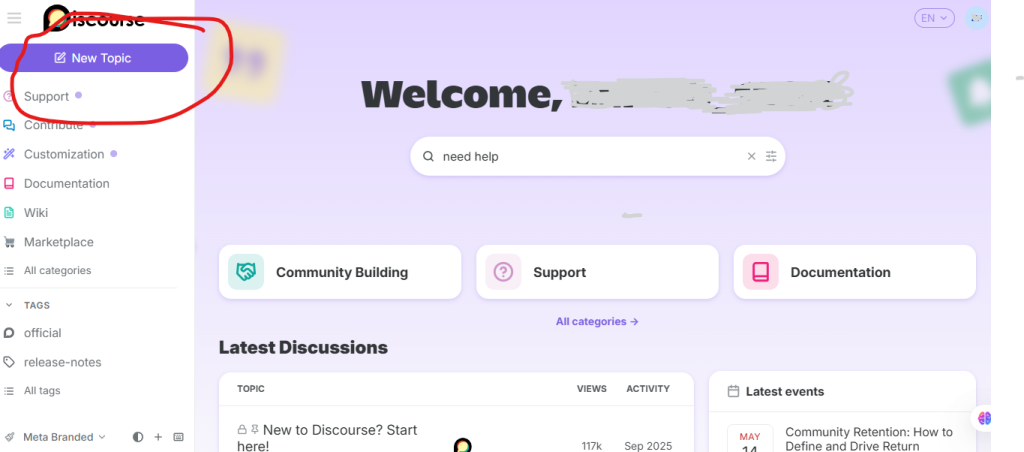
Step 3: Click “New Topic.”
If you don’t find an existing answer:
- Click the New Topic button.
- The topic editor will open.
This is where you’ll create your question.
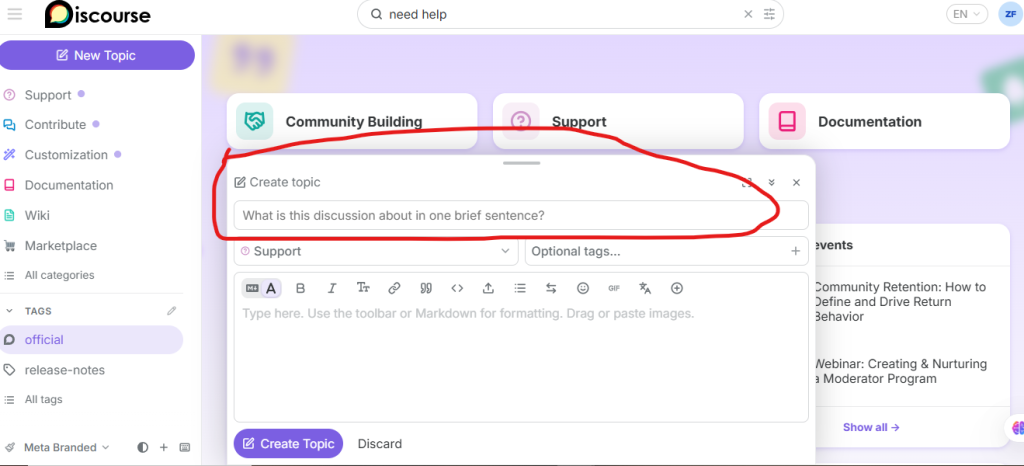
Step 4: Write a Clear Title
Create a short, descriptive title that summarizes your issue.
Examples:
- Unable to install a Discourse plugin
- Email notifications are not being sent
- How to customize the homepage layout?
- API authentication returning 403 error
Avoid vague titles such as “Help” or “Problem.”
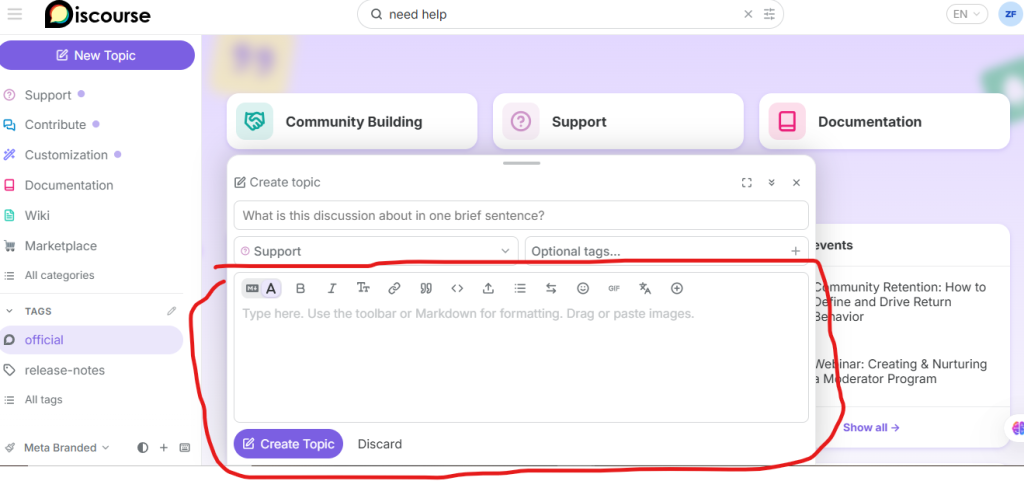
Step 5: Describe Your Question
In the editor, explain your issue clearly.
Include:
- What you are trying to do
- What happened
- What you expected to happen
- Steps you have already tried
- Error messages (if any)
- Your Discourse version (if relevant)
The more details you provide, the easier it is for others to help.
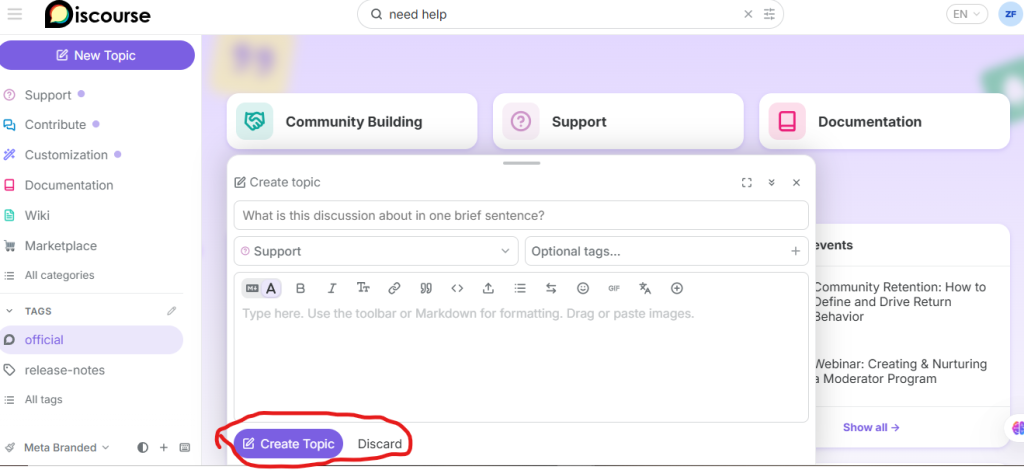
Step 6: Publish Your Question
Once everything is ready:
- Click Create Topic.
- Your question will be published in the selected category.
- Community members and the Discourse team can now view and respond to it.