Important Rules for Posting on Blogger

Introduction

Blogger is free blogging platform where anyone can create a blog, write articles, publish content, and share your ideas with people around the world.

Step-by-Step Guide to Upload and Publish a Blog Post on Blogger

Step 1: Sign in

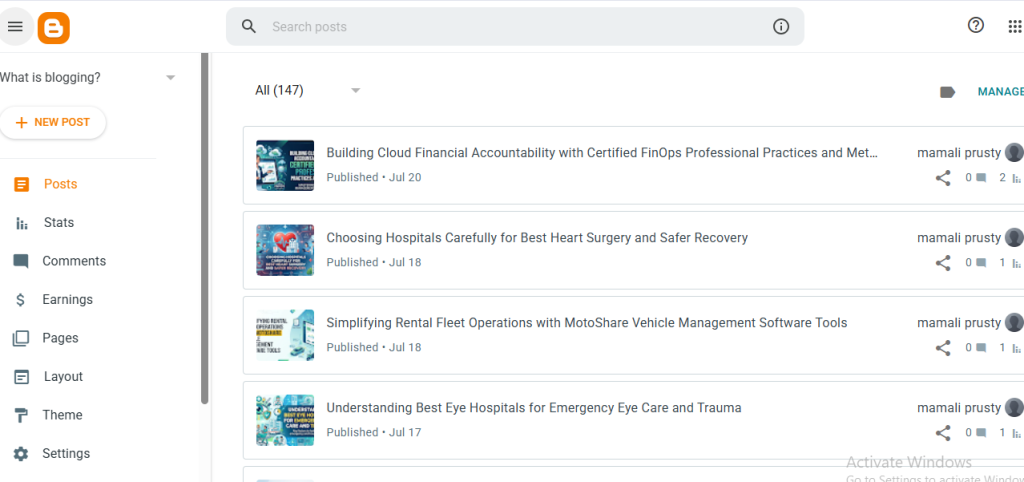
Go to Blogger and sign in with your Google account.

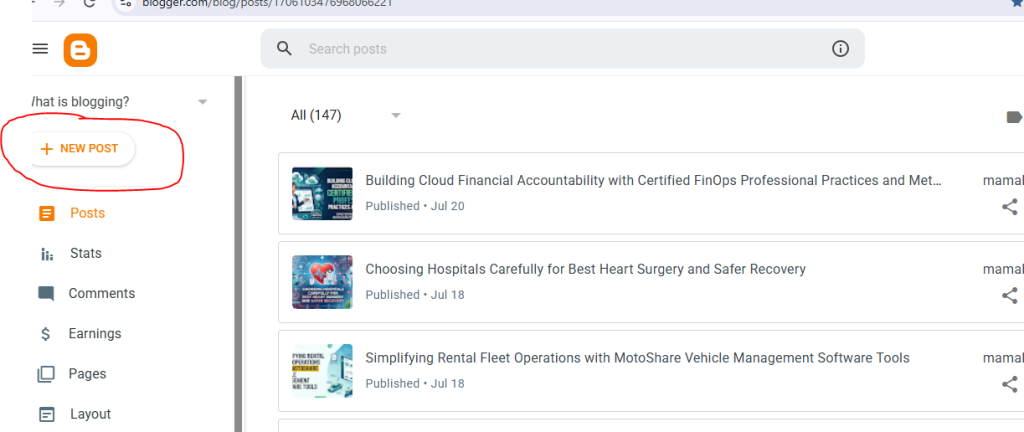
Step 2: click on Create a New Post
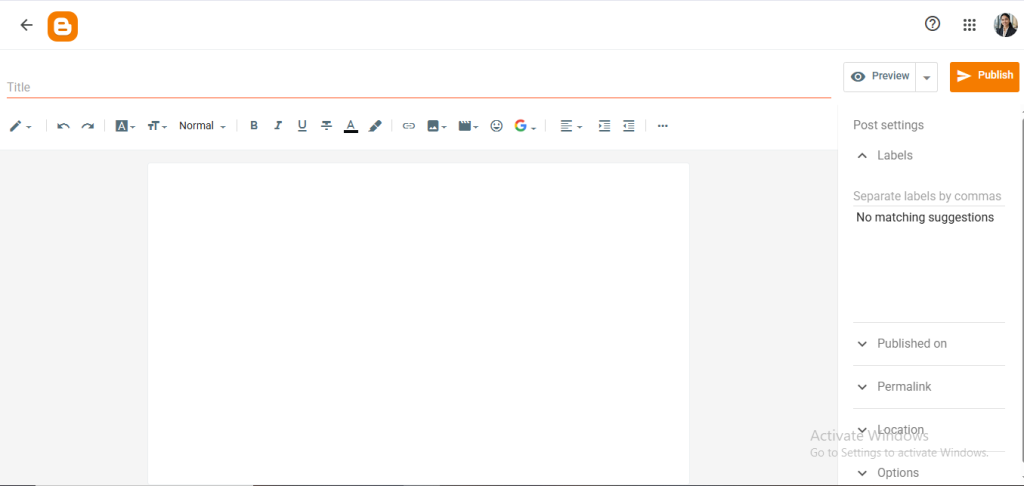
Step 3: write the tittle and content

Inside the content you can include following things

  • insert videos
  • images
  • table
  • link

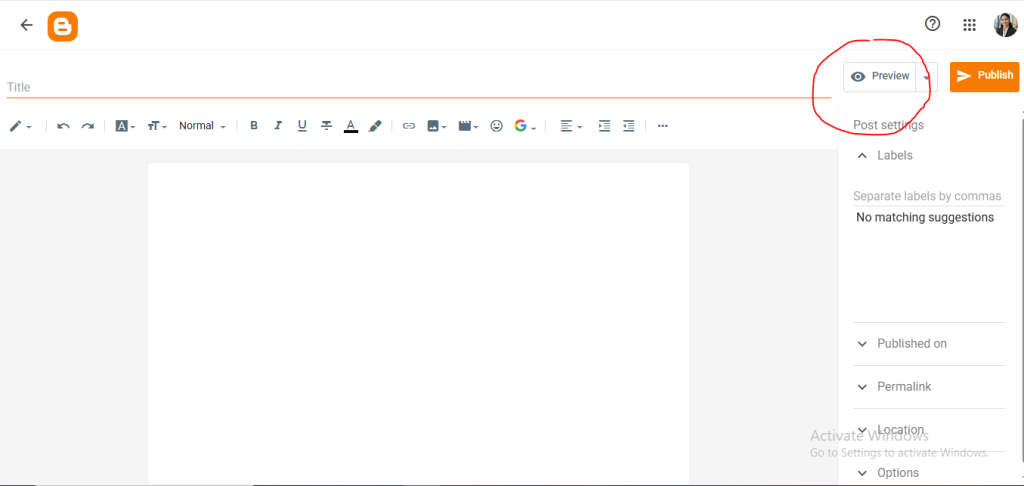
Step 4: Preview Your Post

Click Preview button to see how your blog will look.
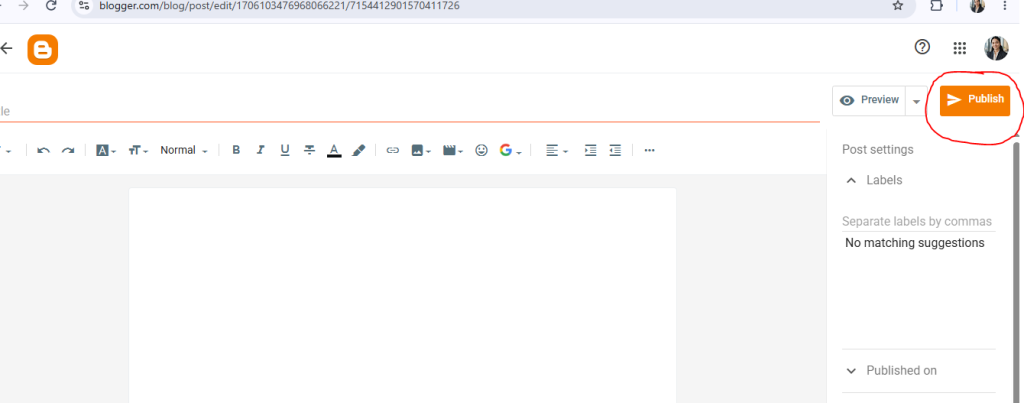
Step 5: Publish Your Blog
Related Posts

How to Create an Account and Publish an Article on Substack

Introduction Substack is a publishing platform where writers, professionals, and creators can publish articles and newsletters for their readers. Users can create a profile, set up a…

Read More

How to Create and Publish an Article on DEV Community

Introduction DEV Community is an online community where developers can share knowledge, experiences, tutorials, and useful ideas with other developers. After creating an account, members can write…

Read More

How to Create and Share a Stack on StackShare

Introduction StackShare is a platform where developers and teams can share the tools and technologies they use for their projects. Instead of publishing a traditional blog post,…

Read More

How to Create and Publish a Presentation on Speaker Deck

Introduction Speaker Deck is a platform for sharing presentations online. Instead of writing a normal blog post, you upload a presentation as a PDF file. Users can…

Read More

How to Create and Post a Question on Stack Overflow

Introduction Stack Overflow is an online community where developers and programmers can ask questions, share solutions, and help others with programming-related problems. Users can ask questions about…

Read More

How to Create and Publish an Article on SooperArticles

Introduction SooperArticles is a platform where authors can write and submit original articles on different topics. Users can create an author account, sign in, write an article…

Read More

Leave a Reply

Your email address will not be published. Required fields are marked *