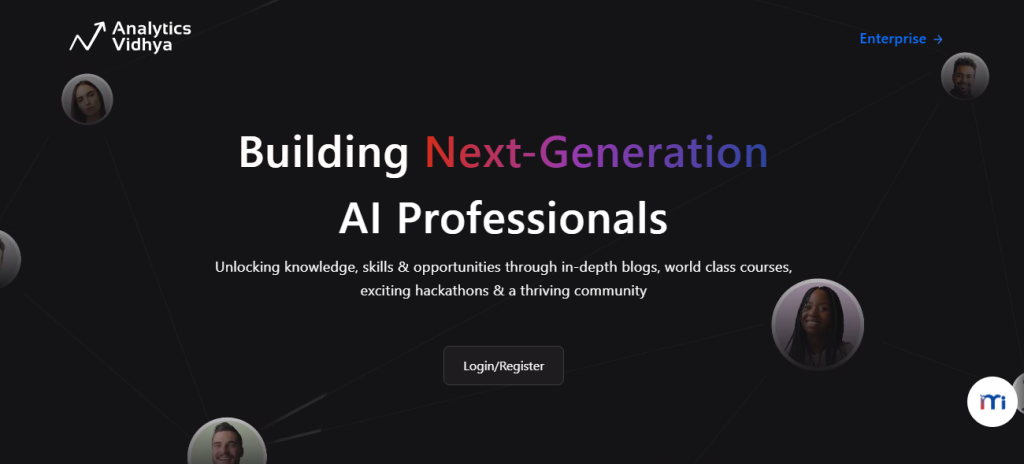
Introduction: What is Analytics Vidhya?
Analytics Vidhya is a learning platform where students and developers from around the world come to upgrade their knowledge. Here, you can learn about AI, machine learning, data science, deep learning, generative AI, Python, data analytics, and related technologies.
Step-by-step guide to create your account on Analytics Vidhya
Step 1: Visit the Analytics Vidhya website.
Open your browser and visit the site Analytics Vidhya.
And click on the “login/register” button.
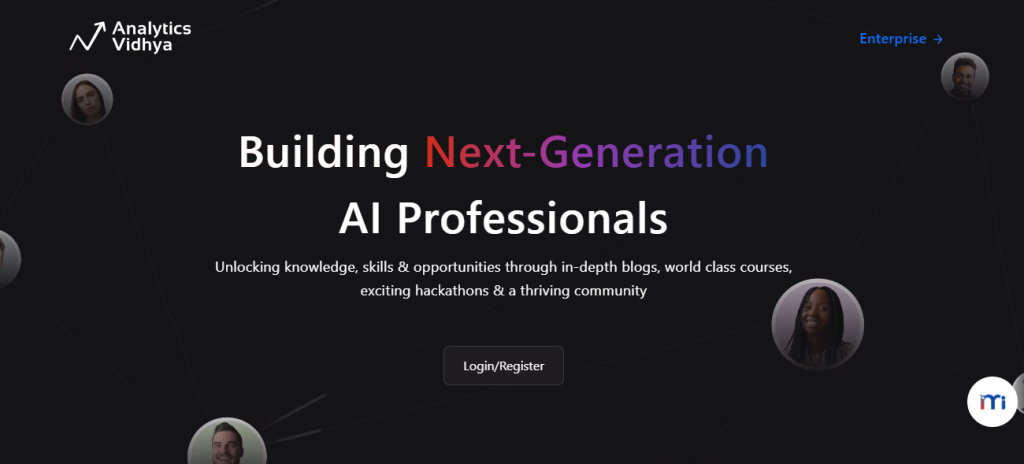
Step 2: Choose Your Registration Method
you find there are two options to create your account on this site.
Option 1: Continue with Google
- Your Analytics Vidhya account will be created automatically.
- Click Continue with Google.
- Select your Google account.
- Grant the required permissions.
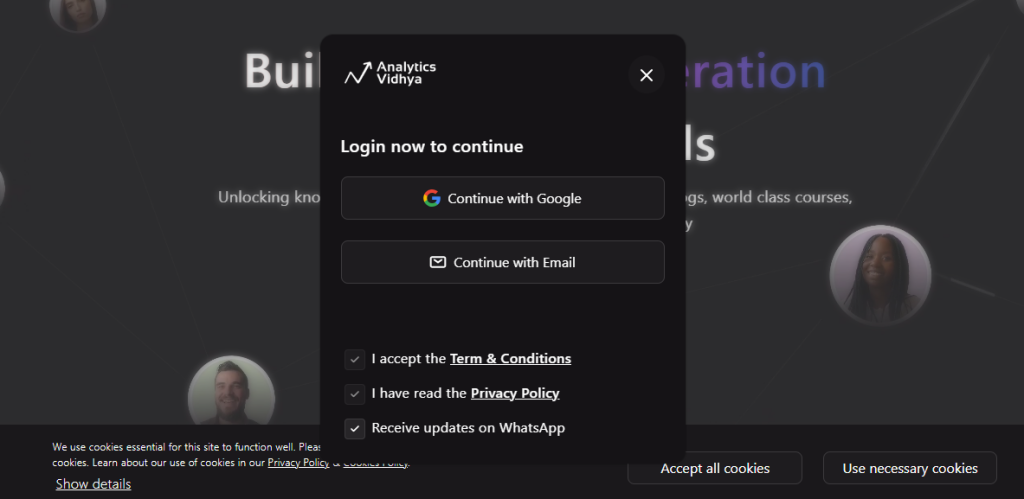
Option 2: Continue with Email
- Enter your email address.
- Accept the Terms and Conditions.
- (Optional) Choose whether to receive WhatsApp updates.
- Click Get OTP.
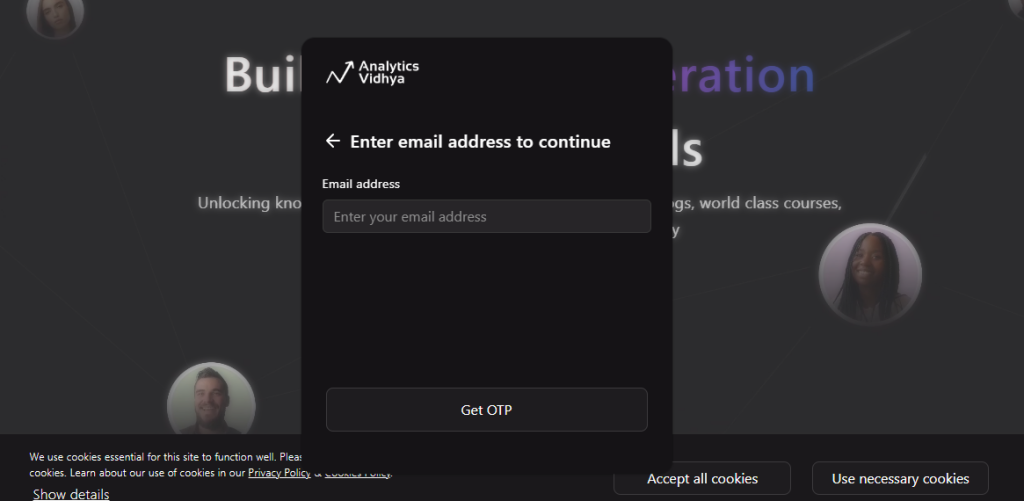
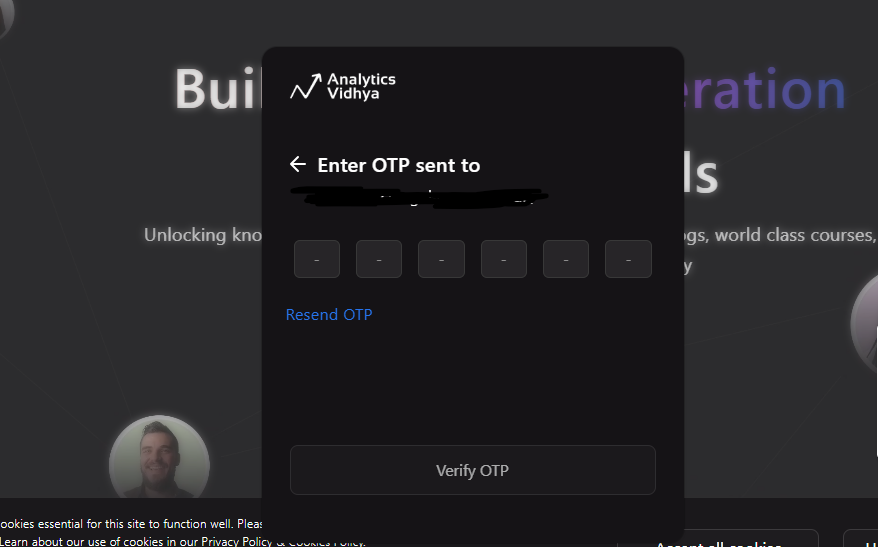
Step 3: Verify Your Email
If you choose email registration:
- Click Verify OTP to complete registration.
- Check your email inbox.
- Copy the One-Time Password (OTP).
- Enter the OTP on the verification page.
Step 4: Explore Your Dashboard
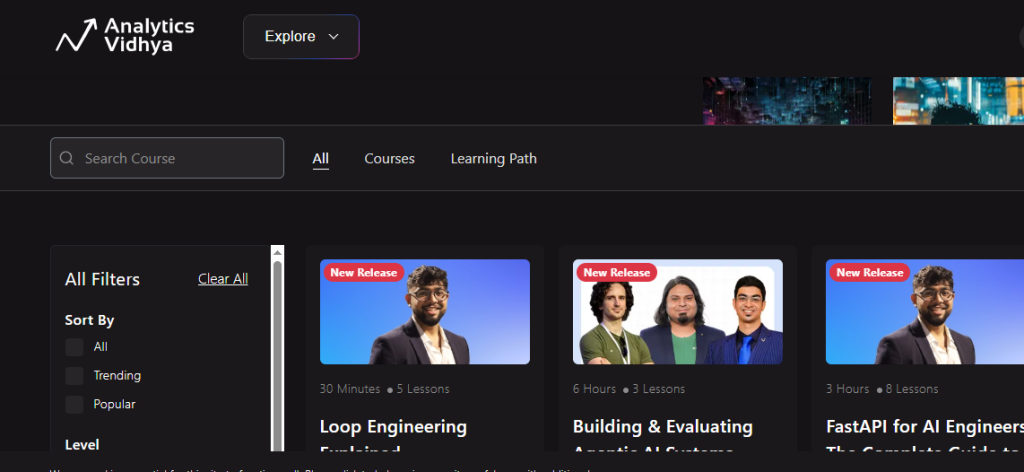
Once logged in, you can access the following:
- AI & Data Science Blogs
- Free Courses
- Learning Paths
- Hackathons
- Expert Sessions
Step-by-step guide to publish on Analytics Vidhya
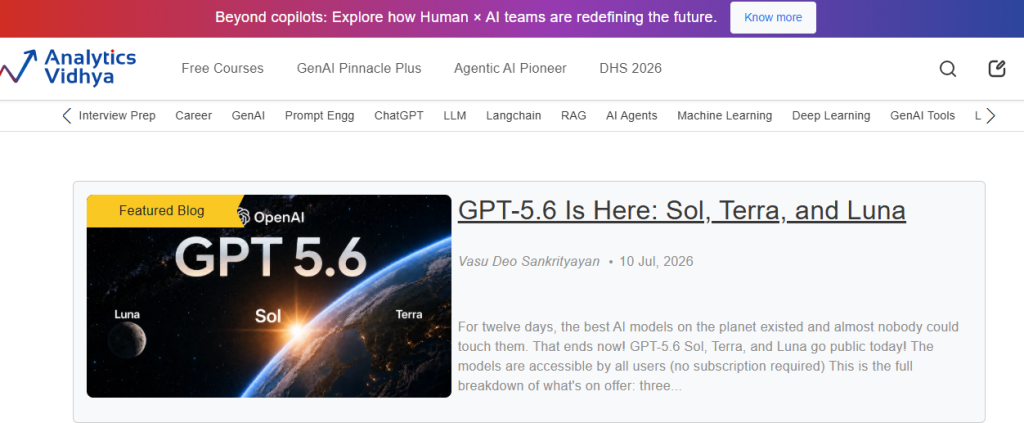
Step 1: Open the “Become an Author” Page
Visit this site’ application page: Analytics Vidhya.
This page contains an application form to become an author.
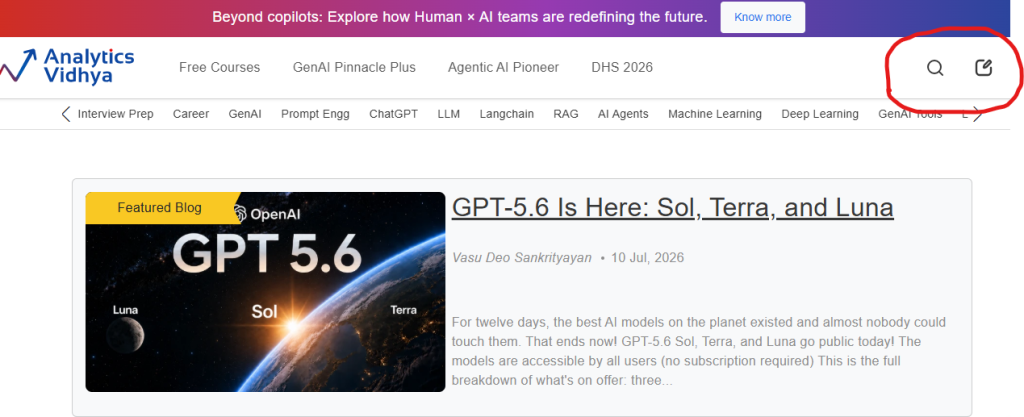
Step 2: Open “Become an Author” application form.
Click on the pen on the symbol, which is present on the right side
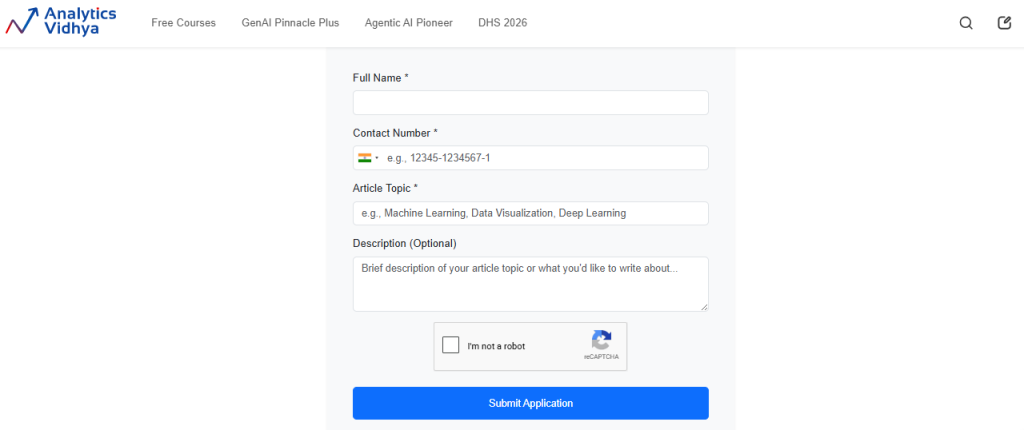
Step 3: Fill Out the Author Application Form
Complete the required fields:
- Full Name
- Contact Number
- Article Topic
- Description (optional)
Choose a clear and relevant topic related to AI, Machine Learning, Data Science, Generative AI, Python, NLP, Computer Vision, or similar domains.
Step 4: Click on “application submitting button.”
After reviewing your details:
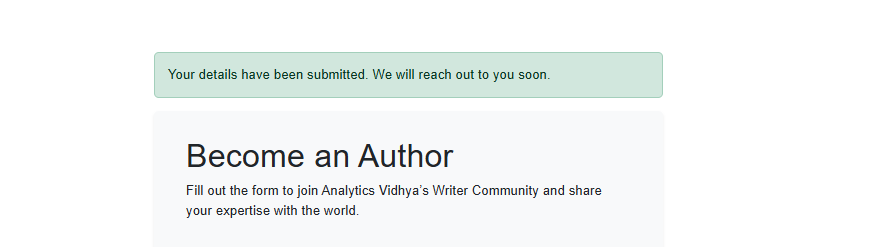
- Click Submit Application.
- Your application will be sent to the Analytics Vidhya editorial team.
- Wait for their response regarding the next steps.
Step 5: Prepeare your article.
After take approval by the team, you can write an article.
- Minimum 1000 words
- Original (non-plagiarized) content
- Clear introduction and conclusion
- Well-structured headings
- Practical examples or code where appropriate
- At least four relevant images with proper attribution
- References for external information
Note: Promotional content, plagiarized material, and purely AI-generated articles intended for publication are not accepted.
