Introduction
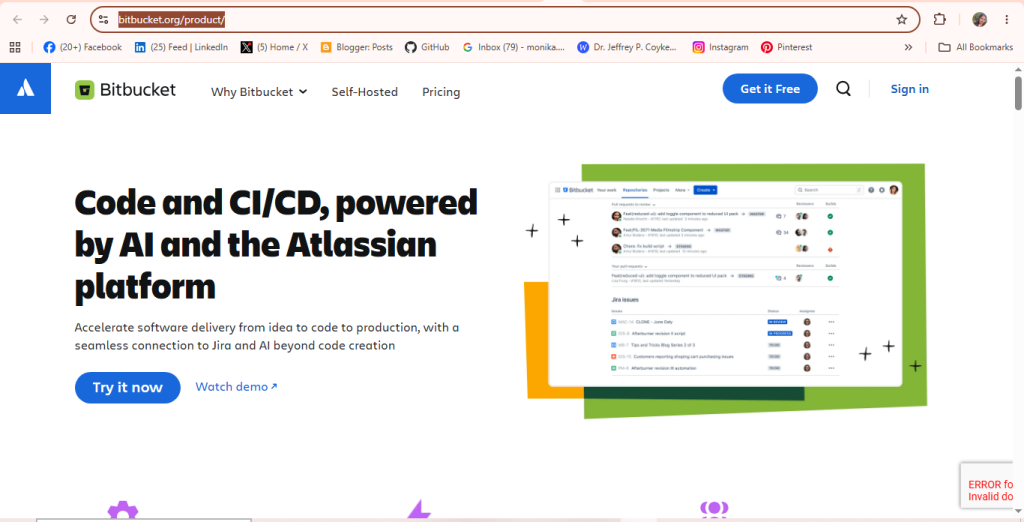
Bitbucket is a Git-based source code repository hosting and collaboration platform built by Atlassian, designed for professional developers and teams to manage code, handle CI/CD, and accelerate software delivery from idea to production.
What is the Purpose of Bitbucket?
- To host and manage code repositories.
- To collaborate on software projects.
- To run CI/CD pipelines.
- To integrate with Jira and Atlassian.
Step-by-Step Process to Get Started with Bitbucket
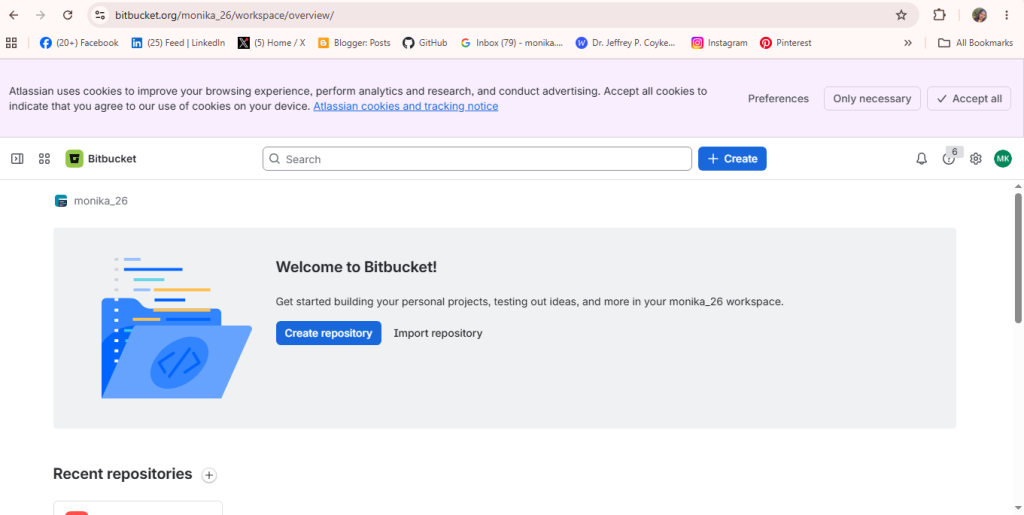
Step 1 – Open Your Workspace
- Sign in to your Bitbucket account.
- Open your workspace dashboard.
- Click Create Repository or Create.
- You will be redirected to the repository creation page.
- Continue by entering your repository details.
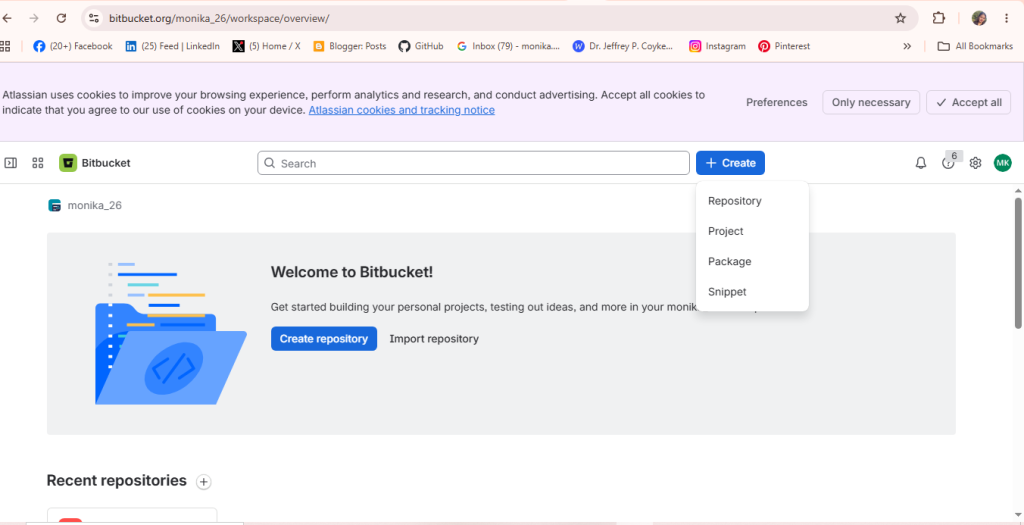
Step 2: Open the Create Menu
Click + Create at the top to open a menu with options to create a Repository, Project, Package, or Snippet.
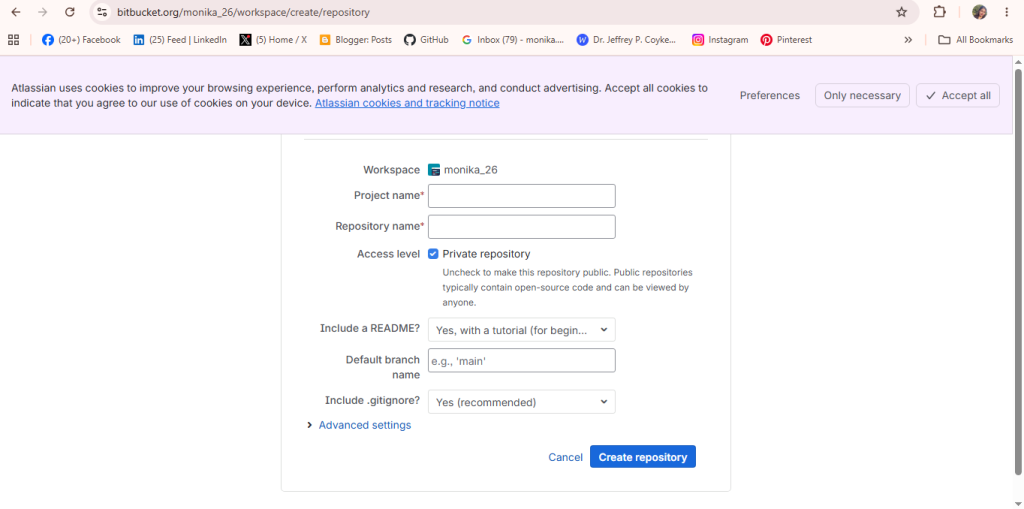
Step 3: Create a New Repository
Choose a workspace and enter the repository details, including:
- Repository Name
- Project
- Repository Visibility (Public or Private)
- Repository Type (Git)
- Create a README file (optional but recommended)
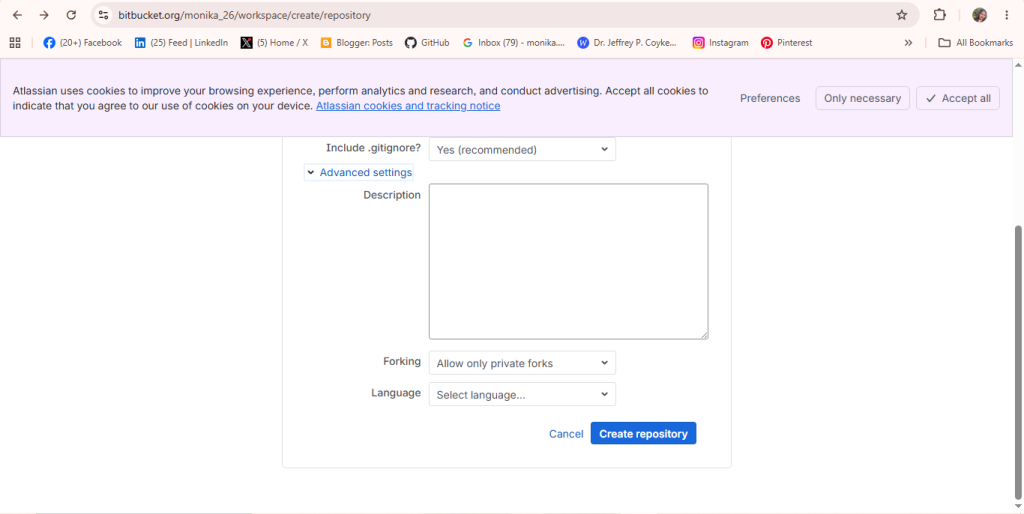
Step 4: Click Create Repository
Click the Create Repository button to create your new repository.
After creating the repository, you can upload your project files, manage your code, track changes, and collaborate with your team in one place.
