Introduction
The Docker Community Forums serve as the official discussion platform for Docker, where developers, DevOps engineers, system administrators, and Docker users can ask questions, discuss technical issues, share best practices, and seek assistance related to the Docker ecosystem.
This guide explains how to ask your first question on the Docker Community Forums.
steps to ask questions on Docker Community Forums
Step 1: Sign In to Docker Community Forums
- Open your web browser.
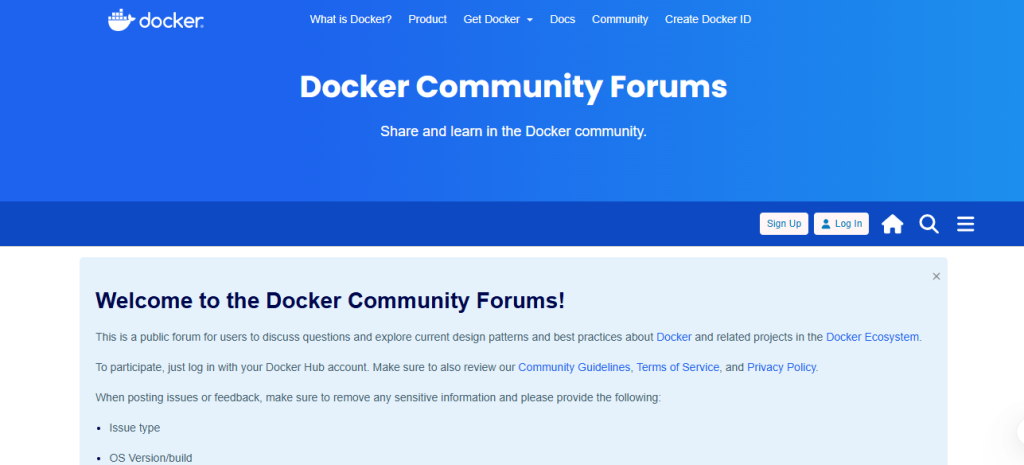
- Visit Docker Community Forums.
- Click Sign In.
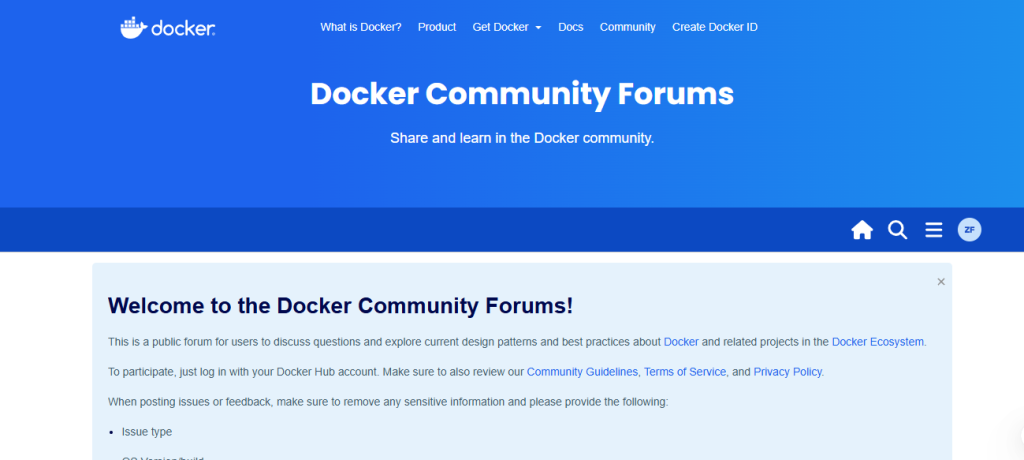
- Log in using your Docker account credentials.
If you don’t have a Docker account, create one for free.
Step 2: Click “New Topic.”
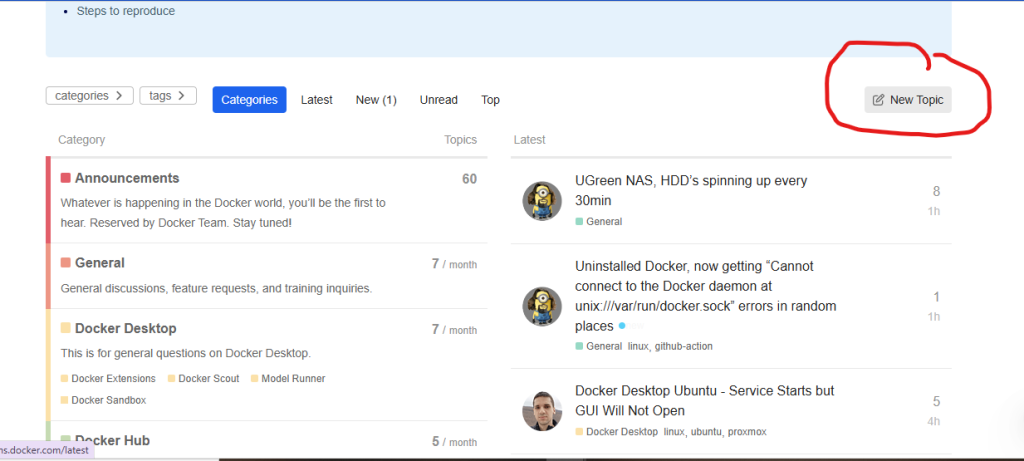
If your question hasn’t been answered:
- Click the New Topic button.
- The topic editor will open.
This is where you’ll create your forum post.
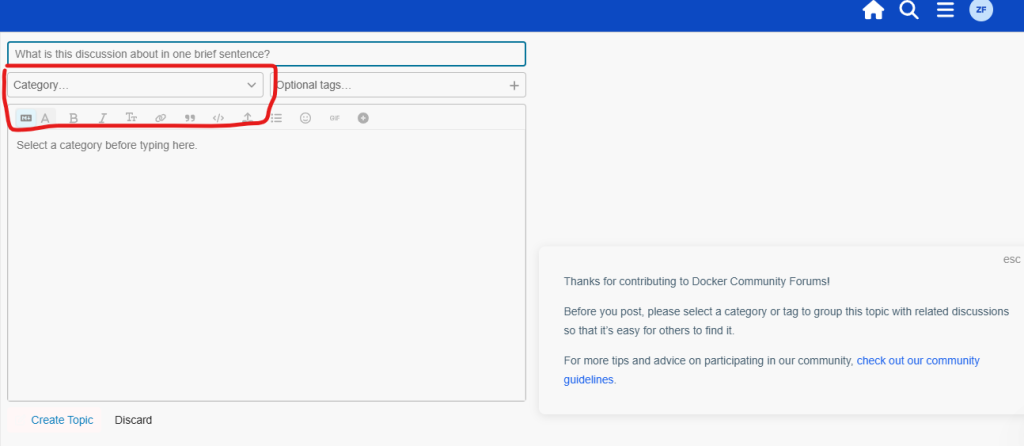
Step 3: Choose the Appropriate Category
Select the category that best matches your question.
Examples include:
- Docker Desktop
- Docker Engine
- Docker Hub
- Docker Compose
- Docker Extensions
- General Discussions
Choosing the correct category helps the right community members find your question.
Step 4: Write a Clear Title
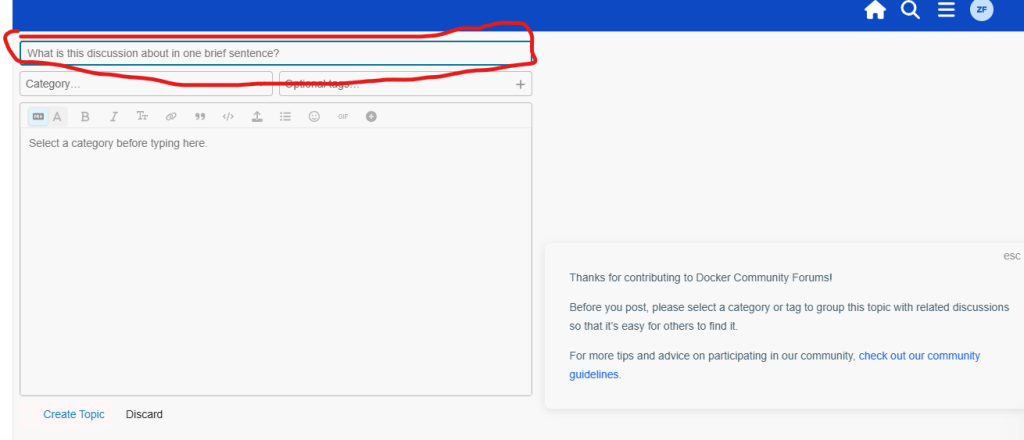
Create a short and descriptive title.
Examples:
- Docker Compose container won’t start
- Unable to pull image from Docker Hub
- Docker Desktop fails to launch on Windows
- Container cannot connect to MySQL database
Avoid generic titles like “Help” or “Problem.”
Step 5: Describe Your Problem
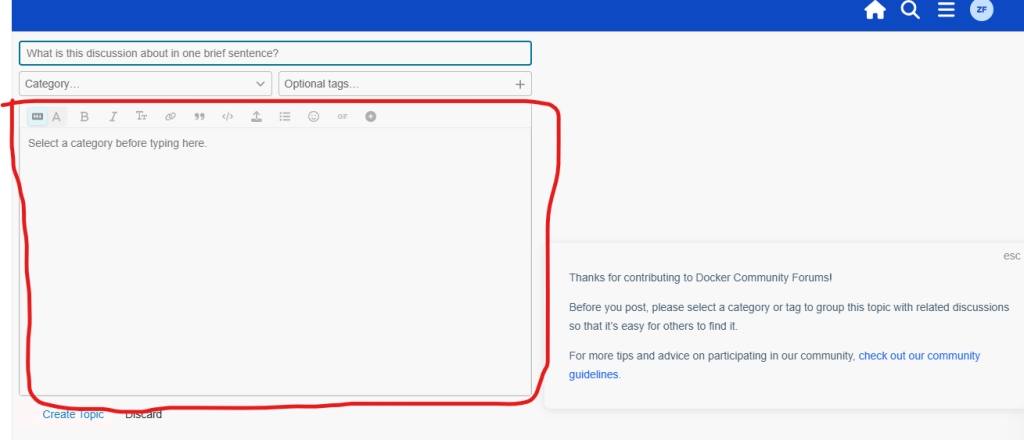
In the editor, explain your issue in detail.
Include:
- What you are trying to accomplish
- What happened
- What you expected to happen
- Error messages
- Docker version
- Operating system
- Steps you have already tried
Providing detailed information makes it easier for community members to help you
Step 6: Publish Your Question
When you’re satisfied:
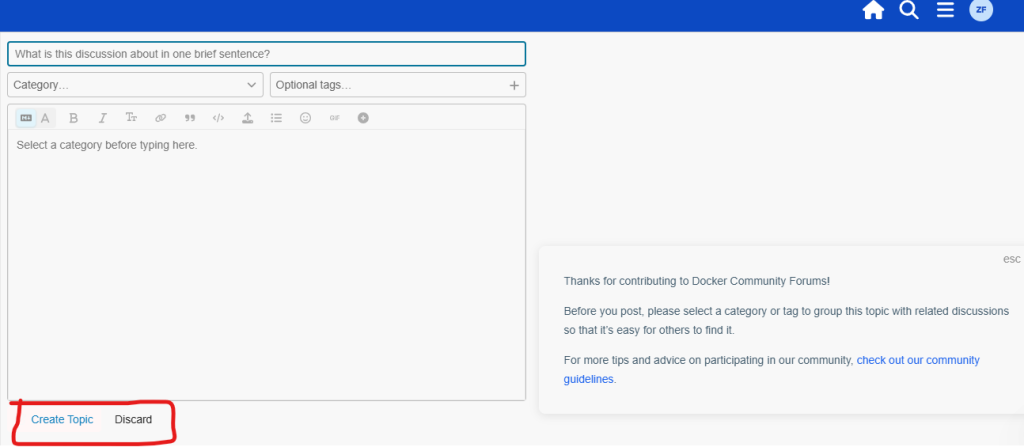
- Click Create Topic.
- Your question will be published in the selected category.
- Community members can now read and respond to your post.