Introduction
AlternativeTo is an online platform that helps users discover alternatives to software, apps, websites, and online services. Instead of searching the internet for replacement tools, you can use AlternativeTo to compare different options based on features, platforms, user reviews, and community recommendations. It is useful for students, developers, businesses, and anyone looking for better software solutions.
What is the Purpose of AlternativeTo?
- To find alternatives to software and apps
- To compare different tools and services
- To discover free and open-source software
- To read user reviews and recommendations
- To explore apps for different platforms
- To help users choose the right software
- To share software suggestions with the community
- To discover new productivity and business tools
Step-by-Step Process to Use AlternativeTo
Step 1: Sign Up or Sign In
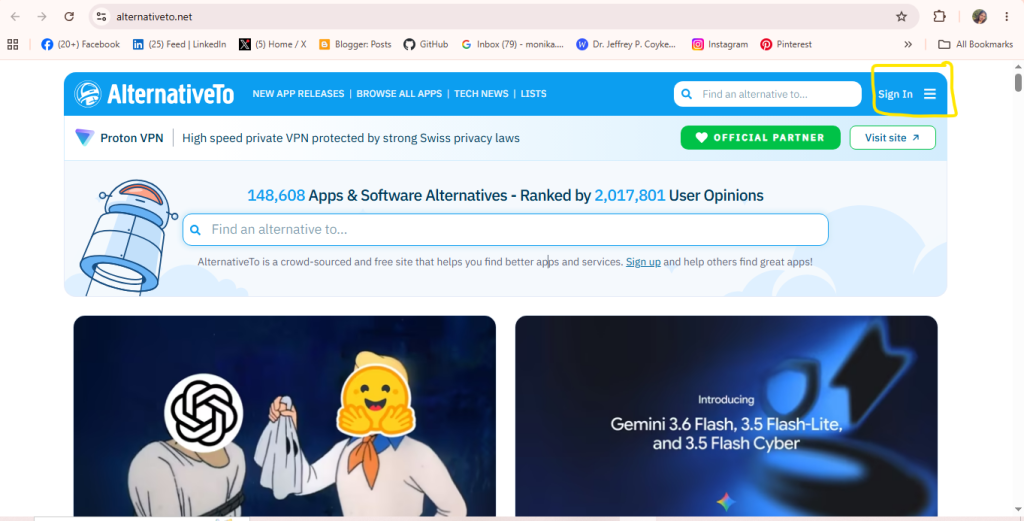
- Look at the top right corner and click on the “Sign In” button, or click the “Sign up” link found in the center text below the search bar to create a new account.
Step 2: Select “Suggest new application”
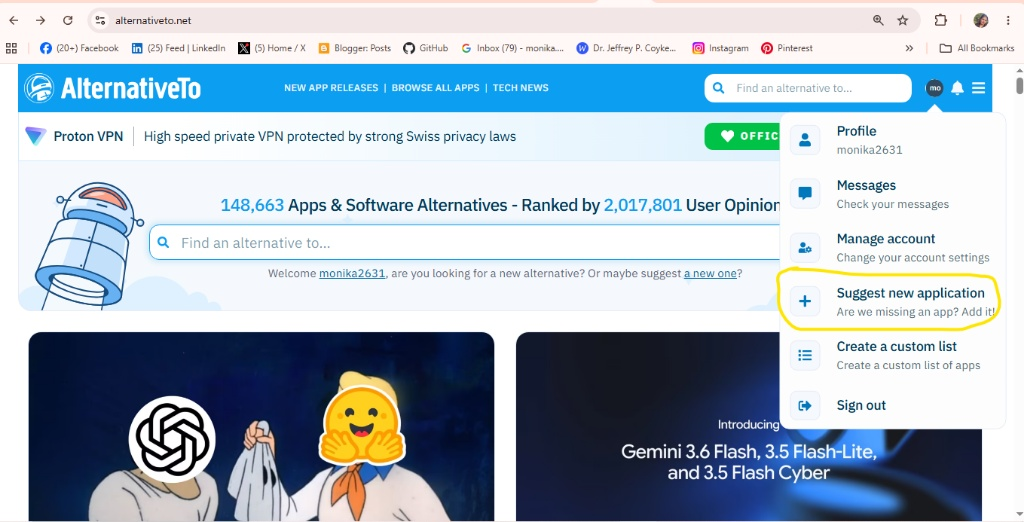
- From the drop-down menu options, look for the highlighted “Suggest new application” option and click on it.
Step 3 – Enter the Application Details
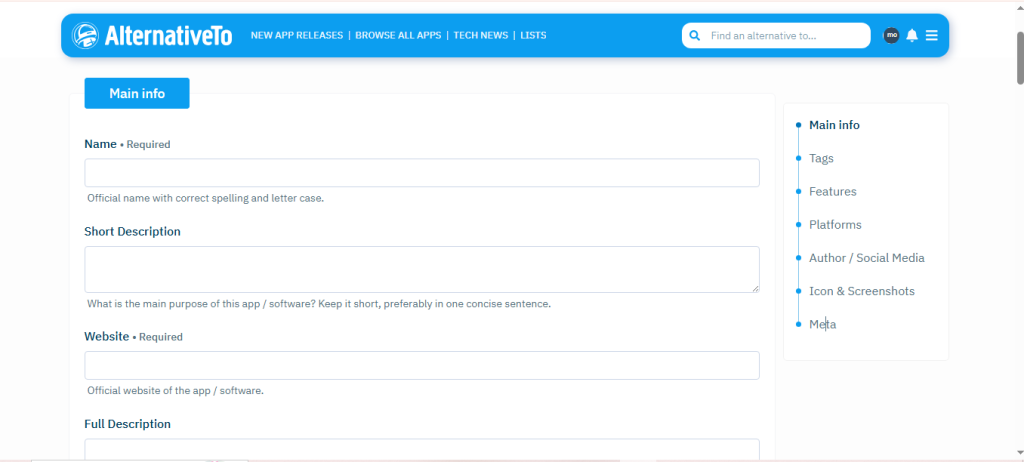
- Main info
- Tags
- Features
- Platforms
- Author / Social Media
- Icon & Screenshots
- Meta
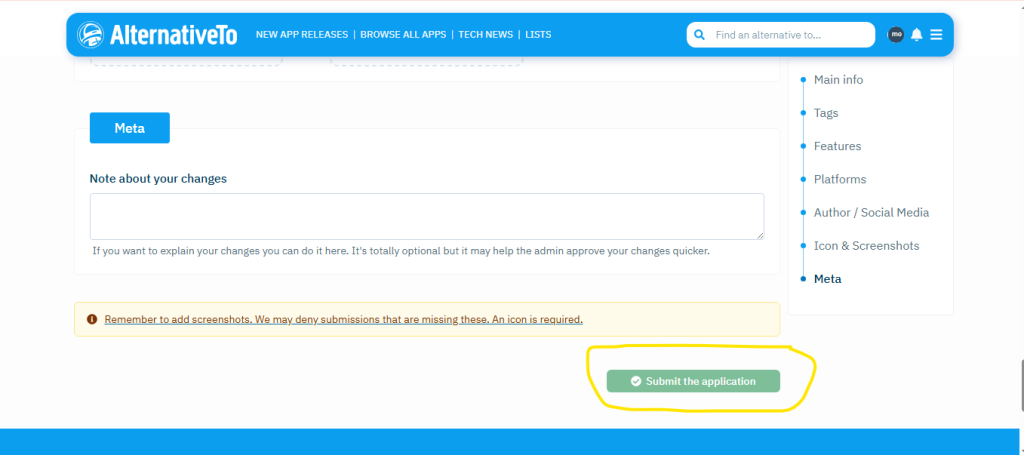
Step 4: Click on “Submit” to finally submit your application.