Introduction
AlternativeTo is a platform where users can find and compare different software alternatives. Developers and software owners can add their apps to help more people discover their tools. If you want to submit your software on AlternativeTo, this simple guide will help you follow the steps easily.
What Can You Submit?
You can submit:
- Software applications
- Web applications
- Mobile apps
- Desktop software
- Open-source projects
- SaaS products
- Productivity tools
Step-by-Step Guide to Submit Your Software on AlternativeTo
Step 1: Open AlternativeTo
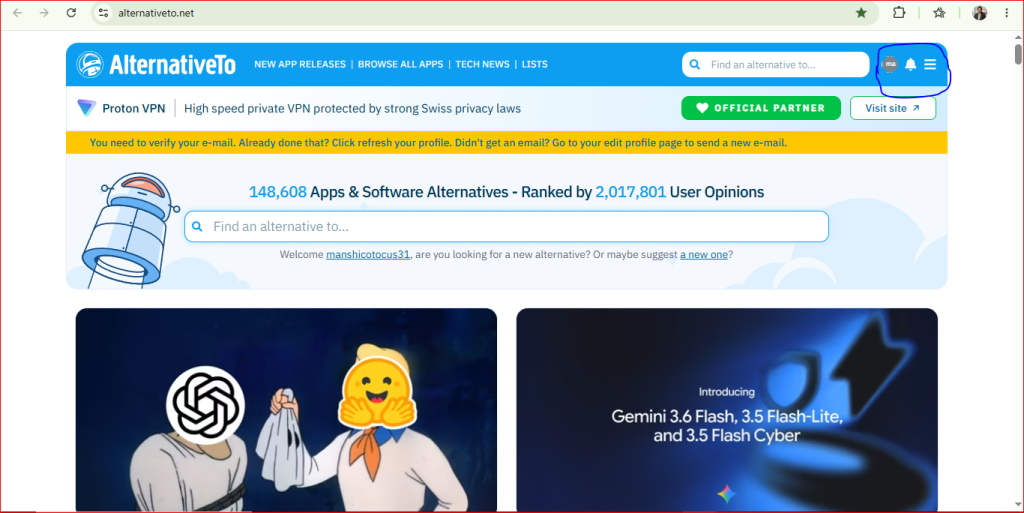
Open the AlternativeTo website and log in if you already have an account. If you are new, you can sign up using your email address or log in with your Google account.
Step 2: Click on Your Profile Icon
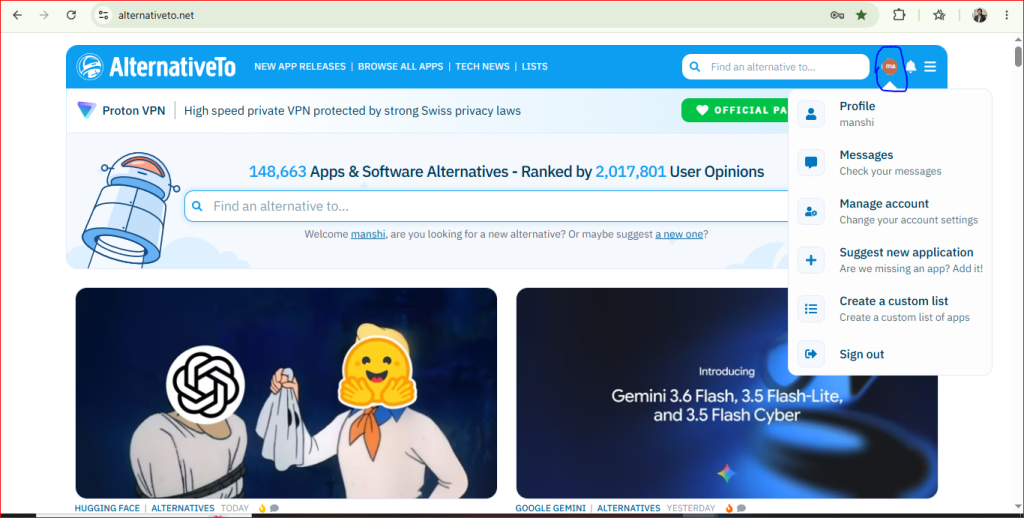
After logging in, you’ll see your profile icon in the top-right corner. Click on it to open the menu.
Note : A menu will open with options such as Profile, Messages, Manage Account, and Suggest New Application.
Step 3: Click on Suggest New Application
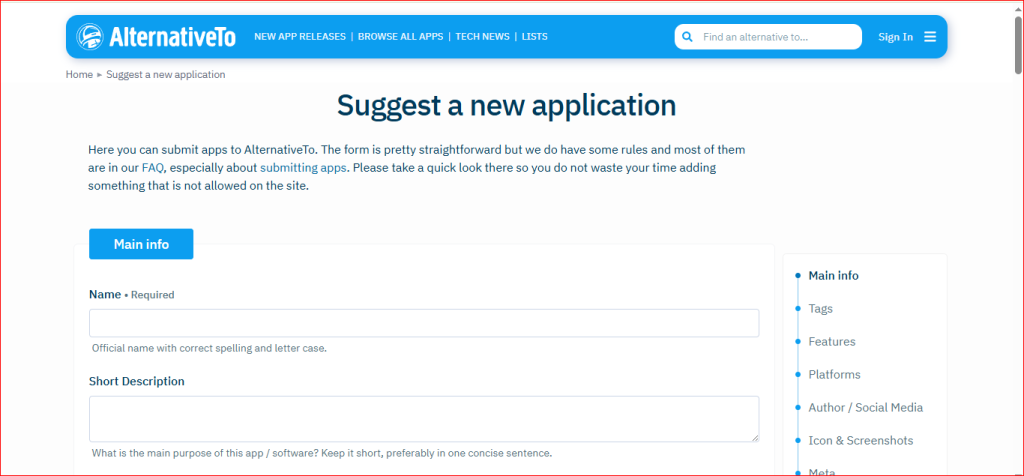
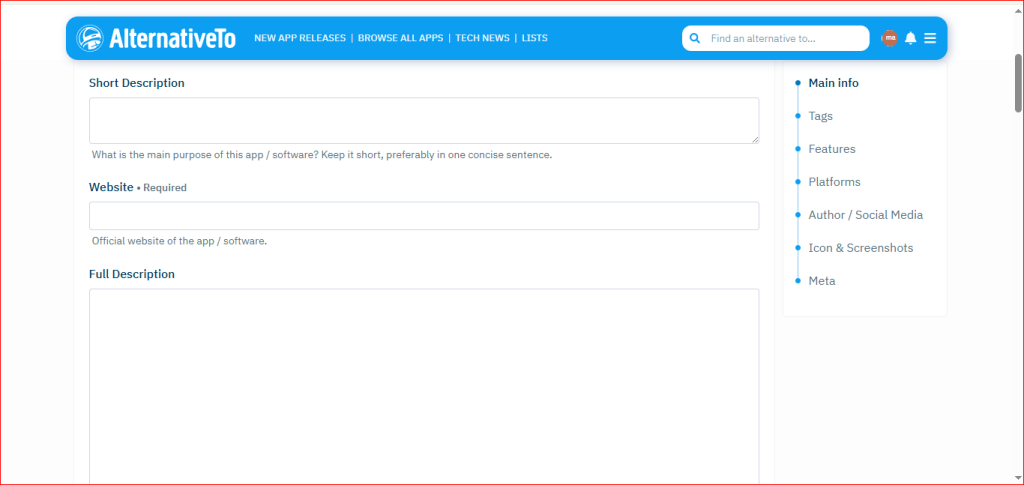
When you click on Suggest New Application, a page like this will open.
Step 4: Enter the Application Name
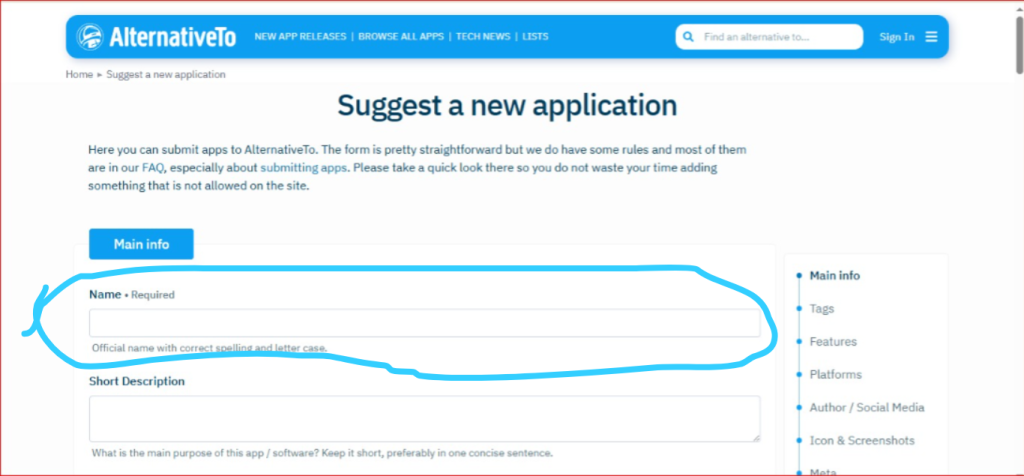
Enter your application’s official name in the Application Name field.
Step 5: Fill in the Application Details
- Name
- Short Description
- Full Description
- Supported Languages
- Pricing
- Is Open Source?
Tags
Features
Platforms
Author / Social Media
- Company / Author
- X (Twitter) Username
- Facebook URL
Icon & Screenshots
- Application Icon
- Screenshots
Meta
- Meta – Add any extra information if needed, then review everything before submitting.
Step 6: Click Submit
Finally, click the Publish button to publish your application.
